36
REC_G-Sensor_SEN: Default as “Level 3”
Speed Unit: Default as “Km/h”
(c) Record: Set up record items of the device
Resolution: 1920x1080P@ 30 fps (Default),
1280x720P@60/30 fps
G-Sensor: Default as “the third level”
Record Quality: Good (Default) , Normal, Best
(d) Camera: Setting snapshoot items
CAP_Resolution: 3M, 5M (Default), 8M
Cap_ Mode: Manual, Auto by G-Sensor detecting
Cap_Period: Off, 30 sec, 1 min, 5 min, 30 min
CAP_G-Sensor: Default as “Level 3”
(e) Micro SD card setting: Restore, Store, And Cancel
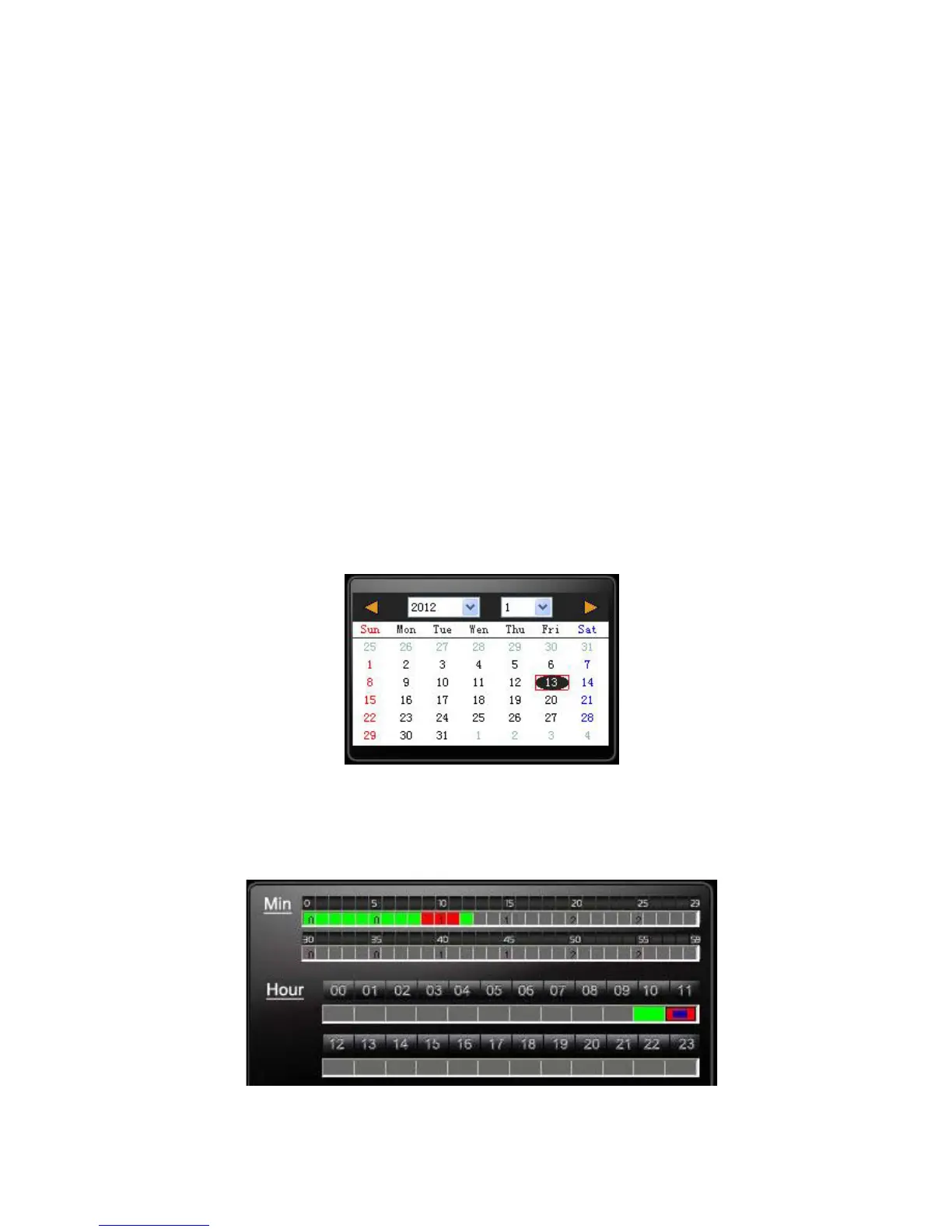
Playback date selection
1. Selecting by date
Launch the Player, click the "open" to select the file or path of
storage. Then on date table with Gray-brown color means
having recording footage.
2.Selecting by Hours/Minutes (24-hours)



 To Next Page