EasyManua.ls Logo

VADDIO RoboSHOT 12 HD-SDI - User Manual

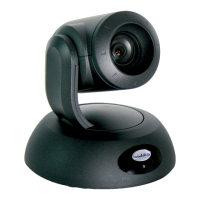
VADDIO RoboSHOT 12 HD-SDI
73 pages
Print Icon
To Next Page IconTo Next Page
Loading...
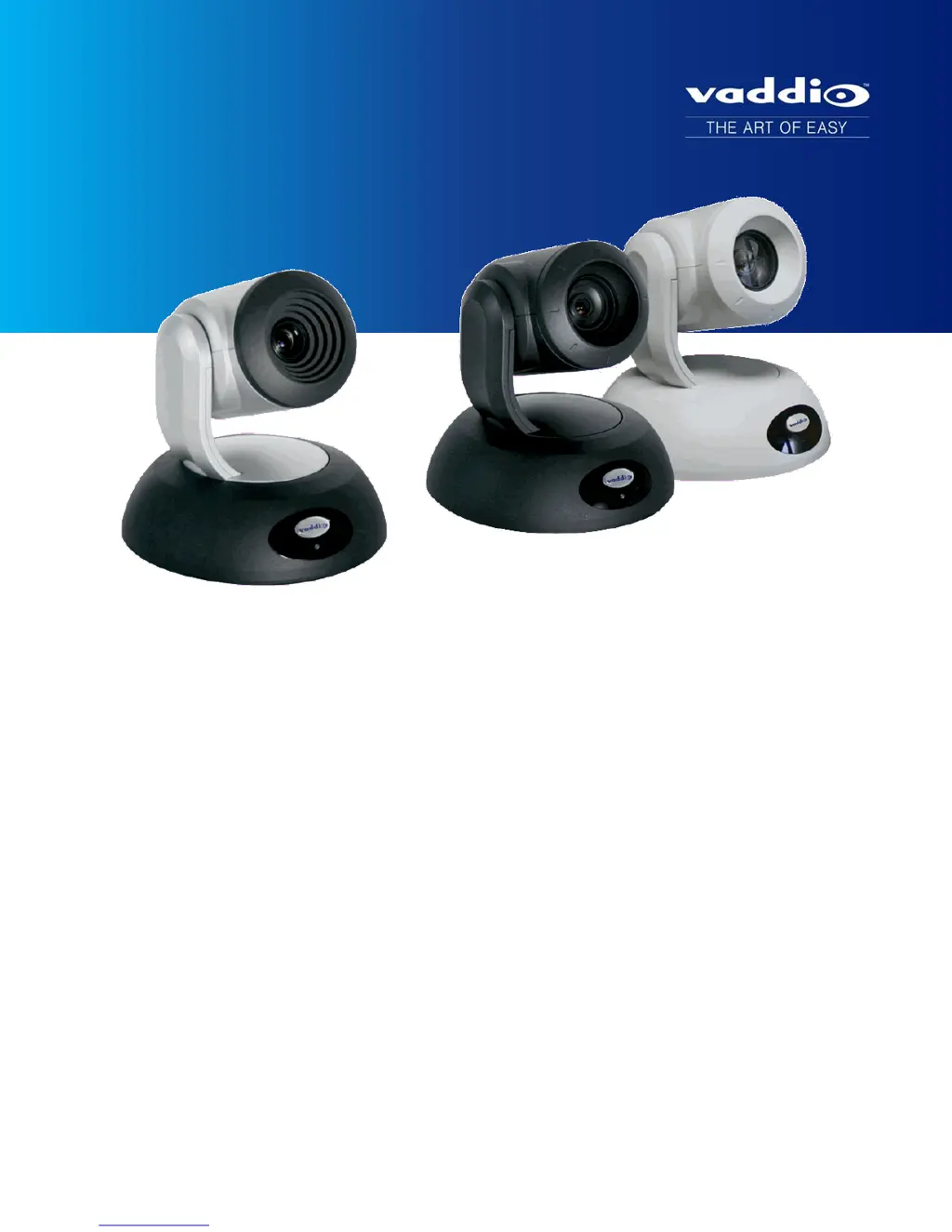
Integrator's Complete Guide for
RoboSHOT HD-SDI PTZ Cameras
Document 342-1076 Rev. A

Table of Contents

Questions and Answers

  • L
    Lisa MurphyAug 2, 2025
    How to fix VADDIO RoboSHOT 12 HD-SDI Security Camera losing settings after power cycle?
    • B
      Brian BrownAug 2, 2025
      If your VADDIO Security Camera loses all its settings when power is cycled, it could be because all the DIP switches are in the ON (down) position. Set the DIP switches to their proper positions; the default is all OFF (up).
  • A
    Andrew FritzAug 7, 2025
    What to do if VADDIO RoboSHOT 12 HD-SDI light is off?
    • J
      Jacqueline GardnerAug 7, 2025
      If the light on the front of your VADDIO Security Camera is off, here are some things to check: * If you're using a OneLINK extension system, ensure the EZIM is plugged into both the camera and the main OneLINK interface, and that the OneLINK power supply is properly connected. * Try using known good cables to rule out any cable issues. * If using a OneLINK system, test the camera directly with its included 12V power pack (not the OneLINK power pack, as this can cause damage) to isolate the problem. If it works without OneLINK, the OneLINK system may be faulty. * Verify the wall outlet is active by testing it with another device. If none of these steps work, the camera or its power supply may be defective.
  • D
    David GoodwinAug 12, 2025
    Why VADDIO Security Camera is not streaming H.264 video?
    • W
      William LewisAug 13, 2025
      If you're experiencing no H.264 video stream from your VADDIO Security Camera, it might be because streaming is not enabled. You can enable streaming on the Streaming page in the web interface.
  • A
    amber16Aug 17, 2025
    What to do if VADDIO Security Camera responds to the remote but web interface is not available?
    • D
      Dana MonroeAug 17, 2025
      If your VADDIO Security Camera responds to the remote but the web interface is unavailable, the camera may not be using the IP address you are browsing to. Press the Data Screen button on the remote to see camera information.
  • A
    Anthony MooreAug 22, 2025
    What to do if VADDIO RoboSHOT 12 HD-SDI is not responding to the remote and the light is yellow?
    • S
      Sandra HoltAug 22, 2025
      If the VADDIO Security Camera is not responding to the remote and the light is yellow, a firmware update might be in progress. Wait a few minutes and try again when the light turns blue.
  • L
    lori58Aug 27, 2025
    What to do if VADDIO RoboSHOT 12 HD-SDI web UI is available but camera doesn't respond to commands via RS-232 connection?
    • R
      Rebecca RodriguezAug 27, 2025
      If the VADDIO Security Camera's web UI is available but the camera does not respond to commands via RS-232 connection, the camera's RS-232 settings might not match the settings on the controlling device. Check the settings at both ends. The camera's current settings are available on the Camera Settings page in the web UI. Correct the settings where it's more convenient to do so.

VADDIO RoboSHOT 12 HD-SDI Specifications

General IconGeneral
Megapixel2.38 MP
PTZ controlYes
Sensor typeCMOS
Sync systemInternal
Aspect ratio16:9
Focus adjustmentAuto
Optical sensor size1/2.8 \
Aperture range (F-F)1.8 - 3.4
Minimum illumination1 lx
Optical zoom (normal mode)10 x
Effective sensor resolution2.14 MP
Signal-to-Noise Ratio (SNR)50 dB
Optical zoom (super-wide mode)12 x
Maximum working distance (tele)800 mm
Minimum working distance (wide)10 mm
Focal length range (normal mode)3.8 - 38 mm
Focal length range (super-wide mode)3.91 - 47 mm
Tele end viewing angle (normal mode)7.6 °
Wide end viewing angle (normal mode)67.3 °
Tele end viewing angle (super-wide mode)6.6 °
Wide end viewing angle (super-wide mode)73 °
Maximum frame rate60 fps
Supported video modes720p, 1080i, 1080p
Maximum video resolution1920 x 1080 pixels
Pan range-160 - 160 °
Product colorBlack, Silver
Tilt angle range-30 - 90 °
Tilt speed (max)120 °/sec
Tilt speed (min)0.35 °/sec
Ethernet LAN (RJ-45) ports2
Input current3 A
DC input voltage12 V
Operating temperature (T-T)0 - 40 °C
Operating relative humidity (H-H)20 - 80 %
Cables includedAC
Ethernet LAN data rates1000 Mbit/s
Weight and Dimensions IconWeight and Dimensions
Depth171.6 mm
Width179.2 mm
Height176.3 mm
Weight2200 g

Related product manuals