EasyManua.ls Logo

VADDIO RoboSHOT 12 HDBT - User Manual

VADDIO RoboSHOT 12 HDBT
2 pages
Print Icon
To Next Page IconTo Next Page
Loading...
What’s in the box
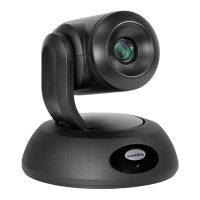
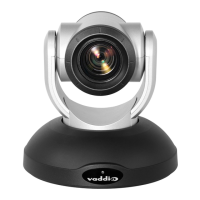
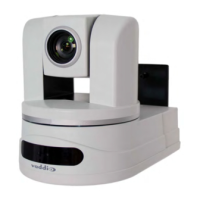
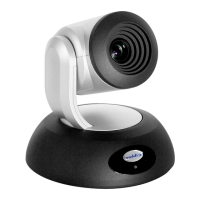
RoboSHOT 12E HDBT and
RoboSHOT 30E HDBT
High-Performance PTZ Cameras
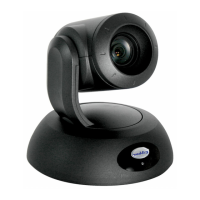
999-99600-000/000W RoboSHOT 12E HDBT – North America
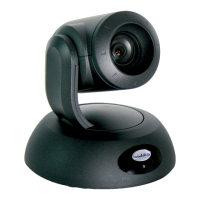
999-99600-001/001W RoboSHOT 12E HDBT – Europe, UK, Asia
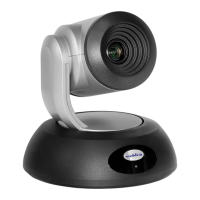
999-99600-009/009W RoboSHOT 12E HDBT – Australia, New Zealand, China
999-99630-000/000W RoboSHOT 30E HDBT – North America
999-99630-001/001W RoboSHOT 30E HDBT – Europe, UK, Asia
999-99630-009/009W RoboSHOT 30E HDBT – Australia, New Zealand, China
See the Installation Guide or Complete Manual for RoboSHOT 12/12E HDBT and RoboSHOT 30/30E HDBT for complete packing lists and additional connection diagrams.
-000 -009-001
-000 -009-001
999-99600-000/001/009
999-99630-000/001/009
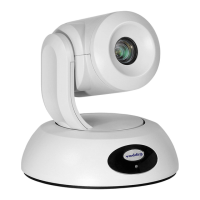
999-99600-000W/001W/009W
999-99630-000W/001W/009W

Other manuals for VADDIO RoboSHOT 12 HDBT

Questions and Answers

  • O
    Olivia MillerAug 6, 2025
    How to troubleshoot a VADDIO RoboSHOT 12 HDBT Security Camera when there is no light?
    • N
      nicholaswashingtonAug 6, 2025
      If the front light on your VADDIO Security Camera is off, here's what to check: * If you're using a OneLINK module, ensure it's properly connected to both the camera and a working wall outlet. * If using a PoE injector, make sure it's a PoE+ type, as PoE might not provide enough power. * Try using known good cables to rule out cable issues. * Verify the wall outlet is active by testing it with another device. If using a OneLINK module, and the camera doesn't work with the module but works with its 12VDC power supply, the OneLINK module may be faulty. Contact your reseller or Vaddio Technical Support. If none of these steps resolve the issue, the camera or its power supply may be faulty, and you should contact your reseller or Vaddio Technical Support.
  • T
    Tyler SmithAug 11, 2025
    What to do if VADDIO Security Camera does not respond to remote?
    • K
      Karen PatelAug 11, 2025
      If your VADDIO Security Camera isn't responding to the remote, but the web interface is accessible, it might be due to the remote's IR channel. Try pressing the 'Camera Select 1' button on the remote. If that doesn't work, try the other Camera Select buttons. Also, ensure that IR is enabled (DIP switch 3 up). Finally, check the batteries in the remote and replace them if necessary.
  • B
    btateAug 15, 2025
    Why VADDIO RoboSHOT 12 HDBT Security Camera light is purple and camera not initializing?
    • M
      Michael DavisAug 15, 2025
      If your VADDIO Security Camera's light is purple and it never finishes initializing, the issue is likely insufficient power. If you're using a PoE injector, switch to a PoE+ power injector, as standard PoE might not deliver enough power.
  • W
    williamfosterAug 19, 2025
    What to do if VADDIO RoboSHOT 12 HDBT Security Camera responds to remote but web interface is unavailable?
    • E
      Evan ChristianSep 12, 2025
      If your VADDIO Security Camera responds to the remote, but the web interface isn't accessible, the camera may not be using the IP address you're browsing to. Press the Data Screen button on the remote to display camera information. Alternatively, the web interface might have stopped responding, in which case you should reboot the camera.
  • K
    Kendra MitchellAug 23, 2025
    Why VADDIO Security Camera doesn't respond to RS-232 commands?
    • A
      Amanda SimsAug 23, 2025
      If the web UI for your VADDIO Security Camera is available, but the camera doesn't respond to commands via RS-232, first ensure that the RS-232 cable is properly connected and functioning correctly by trying a known good cable. Next, verify that the camera's RS-232 settings match those of the controlling device. You can view the camera's current settings on the System page in the web UI and adjust the settings where convenient.
  • Z
    zmatthewsAug 28, 2025
    What to do if VADDIO RoboSHOT 12 HDBT Security Camera is not responding to the remote and the light is yellow?
    • S
      Stephen JacksonAug 28, 2025
      If your VADDIO Security Camera is not responding to the remote and the light is yellow, a firmware update may be in progress. Wait a few minutes and try again when the light turns blue.
  • T
    Tony RichardsSep 1, 2025
    Why does my VADDIO Security Camera lose settings after power cycle?
    • C
      Cynthia HutchinsonSep 1, 2025
      If your VADDIO Security Camera loses all its settings when power is cycled, it's likely because all the DIP switches are in the ON (down) position. Set the DIP switches to their proper positions. The default is all OFF (up).

Summary

RoboSHOT 12 E;30 E HDBT Camera Overview

Whats in the box

Lists the included items for RoboSHOT 12E and 30E HDBT cameras.

System Connectivity Diagram

Connection Type Legend

Defines symbols for Power, PoE+, Video, and IP Network connections.

VADDIO RoboSHOT 12 HDBT Specifications

General IconGeneral
BrandVADDIO
ModelRoboSHOT 12 HDBT
CategorySecurity Camera
LanguageEnglish

Related product manuals