EasyManua.ls Logo

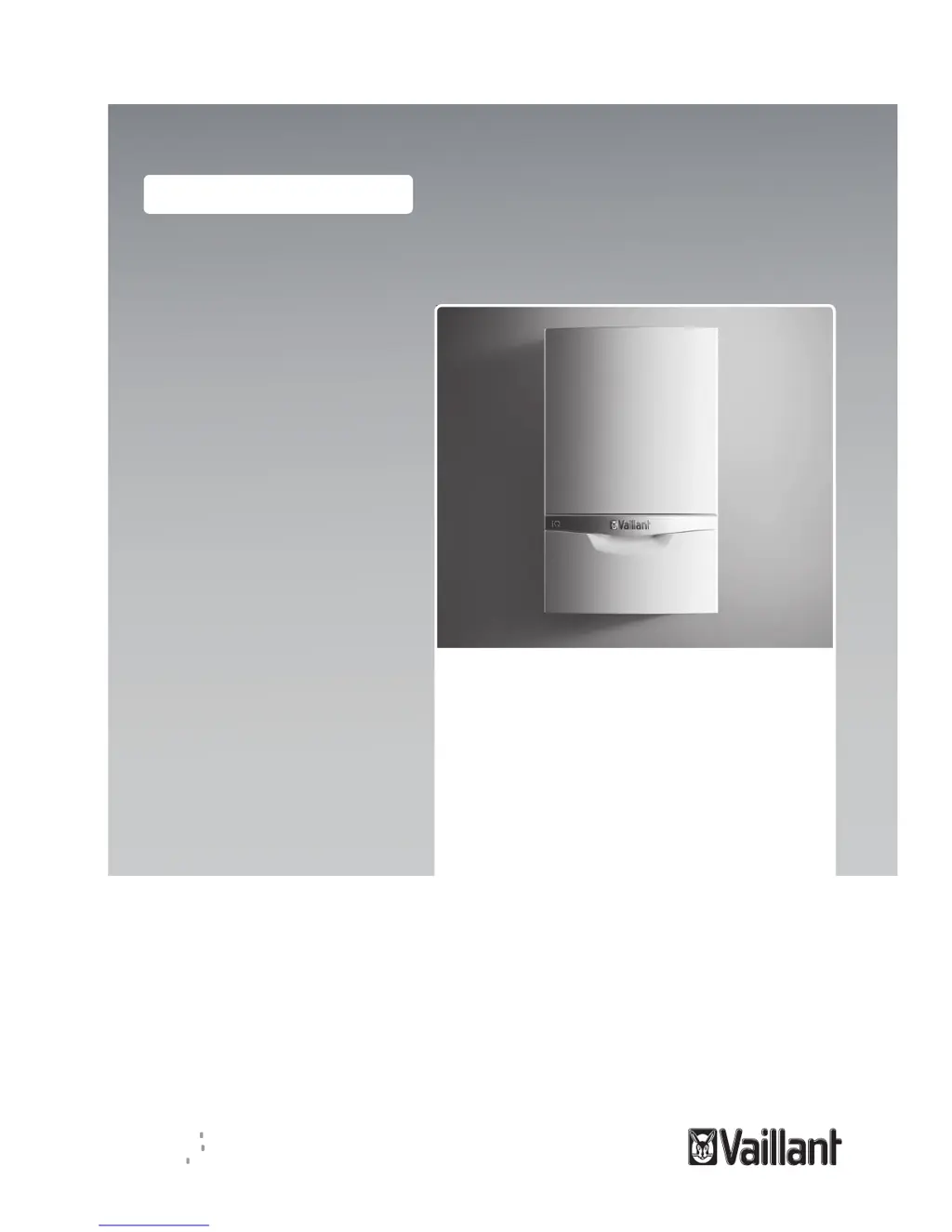
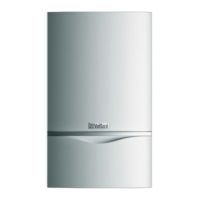
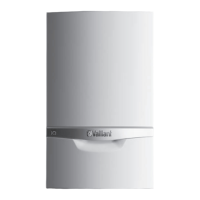
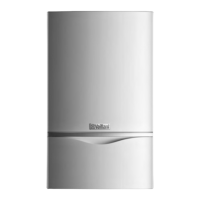
Vaillant ecoTEC exclusive 627 - User Manual

Vaillant ecoTEC exclusive 627
16 pages
Print Icon
To Next Page IconTo Next Page
Loading...
Operating instructions
ecoTEC exclusive
627 (VU 256/57 (H-GB))
835 (VUW 356/57 (H-GB))
843 (VUW 436/57 (H-GB))
GB, IE
Publisher/manufacturer
Vaillant GmbH
Berghauser Str. 40 D-42859 Remscheid
Tel. +492191180 Fax +492191182810
info@vaillant.de www.vaillant.de

Other manuals for Vaillant ecoTEC exclusive 627

Questions and Answers

  • A
    Aaron GarciaAug 13, 2025
    How to fix a Vaillant Boiler that won't start, resulting in no hot water and cold heating?
    • C
      Christy JonesAug 13, 2025
      To fix a Vaillant Boiler that isn't starting, resulting in no hot water and cold heating, consider these steps: * Ensure the gas isolator cocks are open. * Check that the cold water stop valve is open. * Verify the power supply by checking the fuse. * Confirm the boiler is switched on. * Adjust the heating flow and hot water temperatures. * If the system pressure is low (F.22), fill the installation. * If there is air, have the system purged. * For fault F.28 after failed ignitions, press the reset button and if it persists after three attempts, consult a professional.
  • A
    Ashley GarnerAug 18, 2025
    Why is my Vaillant ecoTEC exclusive 627 Boiler not igniting and showing fault code F.28?
    • B
      Brittany SuttonAug 19, 2025
      If your Vaillant Boiler is not igniting and displays fault code F.28 after three unsuccessful attempts, press the reset button for one second to initiate another attempt to ignite the flame. If the ignition fault persists after three reset attempts, it is recommended to consult a competent person.
  • M
    michelle00Aug 23, 2025
    Vaillant ecoTEC exclusive 627 Boiler not starting: how to troubleshoot no hot water and cold heating?
    • K
      Kimberly KiddAug 23, 2025
      If your Vaillant Boiler isn't starting, and you're experiencing no hot water and cold heating, here's how to troubleshoot: First, check that both the on-site gas isolator cock and the product's gas isolator cock are open. Also, make sure the cold water stop valve is open. Verify the building's power supply by checking the fuse. Ensure the product is switched on. Check that the heating flow and hot water temperatures aren't set too low. If the system pressure is insufficient (F.22), fill the heating installation. If there's air in the system, have it purged. Finally, if fault F.28 appears after three failed ignition attempts, press the reset button and consult a professional if the issue persists after three resets.
  • C
    crawfordlauraAug 28, 2025
    What causes a Vaillant Boiler to fail to start, resulting in no hot water and heating remaining cold?
    • M
      Matthew BartlettAug 28, 2025
      A Vaillant Boiler might fail to start, resulting in no hot water and cold heating, due to several potential causes. These include: 1. Closed gas isolator cocks (on-site and/or on the product). 2. A closed cold water stop valve. 3. A disconnected power supply in the building. 4. The product being switched off. 5. Heating and/or hot water temperatures set too low. 6. Insufficient system pressure (low water pressure, indicated by fault message F.22). 7. Air in the heating installation. 8. The product entering fault mode after three unsuccessful ignition attempts (fault message F.28).
  • B
    bartlettnathanNov 2, 2025
    What to do if my Vaillant ecoTEC exclusive 627 Boiler doesn't start, with no hot water and cold heating?
    • M
      Ms. Judith LoganNov 2, 2025
      If your Vaillant Boiler isn't starting, resulting in no hot water and cold heating, several factors could be at play. First, ensure that both the gas isolator cock installed on-site and the gas isolator cock on the product are open. Next, verify that the cold water stop valve is open. Check the fuse in the building to ensure the power supply is connected. Also, confirm that the product is switched on. Make sure that the heating flow temperature and hot water temperature are not set too low. If the system pressure is insufficient (indicated by fault message F.22), fill the heating installation. If the issue persists, there might be air in the heating installation, which requires purging by a professional. Finally, if the product displays fault message F.28 after three unsuccessful ignition ...
  • R
    Robert BentleyNov 7, 2025
    Why is my Vaillant ecoTEC exclusive 627 not providing hot water and the heating remains cold?
    • J
      Jeffrey GilmoreNov 7, 2025
      If your Vaillant Boiler isn't providing hot water and the heating remains cold, it could be due to several reasons. Check if the gas isolator cock installed on-site and/or the gas isolator cock on the product is closed and open them. Ensure the cold water stop valve is open. Verify that the power supply in the building is connected by checking the fuse. Confirm that the product is switched on. Also, check if the heating flow temperature and hot water temperature are not set too low. Insufficient system pressure, indicated by fault message F.22, can also cause this issue, so fill the heating installation. Air in the heating installation may also be the cause. In this case, have your competent person purge the heating installation. If the product displays fault message F.28 after three unsuc...

Summary

Safety Precautions

Action-Related Warnings

Classification of warnings by severity and signal words used in the document.

Intended Use of the Product

Defines the product's primary functions and limitations for heating and hot water generation.

General Safety Information and Risks

Covers crucial safety precautions for installation, operation, gas leaks, and product modifications.

Documentation Guidelines

Observing Applicable Documents

Emphasizes the need to follow all system component operating instructions.

Document Storage Recommendations

Advises to keep manuals and documents safe for future reference.

Validity of Instructions

Specifies the product models and versions to which these instructions apply.

Product Description and Controls

Product Design Overview

Details the physical layout, components, and external features of the product.

Control Elements Identification

Identifies and describes the product's control buttons and interface elements.

Operator Control Panel Explained

Explains the function of each element on the control panel display and its indicators.

Displayed Symbols and Meanings

Lists and explains the meaning of various symbols shown on the product's display.

Identification Plate Information

Details the information found on the product's identification plate, including type and serial number.

Serial Number Location

Explains the location and how to display the product's unique serial number.

CE Label and Compliance

Describes the CE label and its meaning regarding compliance with applicable directives.

Energy Saving Trust Endorsed Products

Information about products recognized for energy efficiency by the Energy Saving Trust.

Product Operation Procedures

Operating Concept and Interaction

Explains the basic principles of product operation and user interaction with controls.

Basic Display and Status

Describes the default screen, how it shows product status, and error messages.

Menu Navigation and Structure

Illustrates the structure, elements, and navigation within the product's menu system.

Understanding Operating Levels

Differentiates between the operator level and the protected competent person level.

Cabinet-Type Casing Installation

Guidance on enclosing the product in a cabinet, emphasizing professional installation.

Opening Isolator Devices

Steps for opening isolation valves in the heating installation before starting.

Product Start-Up Procedure

Instructions for safely starting the product after installation, ensuring casing is closed.

Switching the Product On

Detailed steps to power on the product and view the basic display.

Setting the Operating Language

Procedure for selecting and confirming the desired language for the interface.

Setting Domestic Hot Water Temperature

Instructions for adjusting DHW temperature, including vital safety warnings about Legionella.

Comfort Mode Activation

How to activate or deactivate Comfort mode for instant hot water supply.

Setting Heating Flow Temperature

Guidance on adjusting the water temperature for the heating circuit.

Green iQ Mode Activation

How to enable the energy-saving Green iQ operating mode for maximum condensing benefits.

Heating Installation Filling Pressure

Procedures for checking and maintaining proper system water pressure.

Fault Detection and Maintenance

Detecting and Rectifying Faults

Guidance on proceeding with faults, referring to troubleshooting tables and contacting professionals.

Calling Up Status Codes (Live Monitor)

Instructions on how to access and view the product's live status codes.

Product Care and Maintenance

Information on essential maintenance tasks and proper cleaning of the product casing.

Reading Maintenance Messages

How to interpret maintenance messages indicated by symbols on the display.

Condensate Drain Pipework Check

Instructions for regularly checking the condensate drain pipework for blockages.

Decommissioning, Disposal, and Guarantee

Product Decommissioning Procedures

Steps for temporarily decommissioning the product and permanently decommissioning it.

Recycling and Disposal Guidelines

Instructions on how to dispose of the product responsibly, including battery disposal.

Product Guarantee Information

Details on the two-year guarantee, registration, and initial steps for fault resolution.

Customer Service and Servicing

Recommendations for regular servicing and contact information for customer support.

Appendix: Settings and Troubleshooting

Operator Level Overview

Details on setting levels, water pressure, live monitor status, and basic settings.

Troubleshooting Guide

Lists common faults, their causes, and the recommended measures to resolve them.

Status Codes Overview

Comprehensive list of status codes for heating, DHW, comfort modes, and other displays.

Vaillant ecoTEC exclusive 627 Specifications

General IconGeneral
BrandVaillant
ModelecoTEC exclusive 627
CategoryBoiler
LanguageEnglish

Related product manuals