2 Product description
18 Operating and installation instructions 0020287935_00
2 Product description
2.1 What do the following
temperatures mean?
Desired temp. is the temperature to which
you want to heat up the living rooms.
Set-back temp. is the level below which
the temperature in the living rooms does
not fall when outside of the time periods.
2.2 What is a zone?
A building can be divided into multiple
areas, which are known as zones. A dif-
ferent requirement can be placed on the
heating installation in each zone.
Examples for dividing into zones:
– Underfloor heating (zone 1) and panel
radiator heating (zone 2) are available in
one building.
– A building is made up of several self-
contained residential units. Each resid-
ential unit has its own zone.
2.3 What is meant by "time
period"?
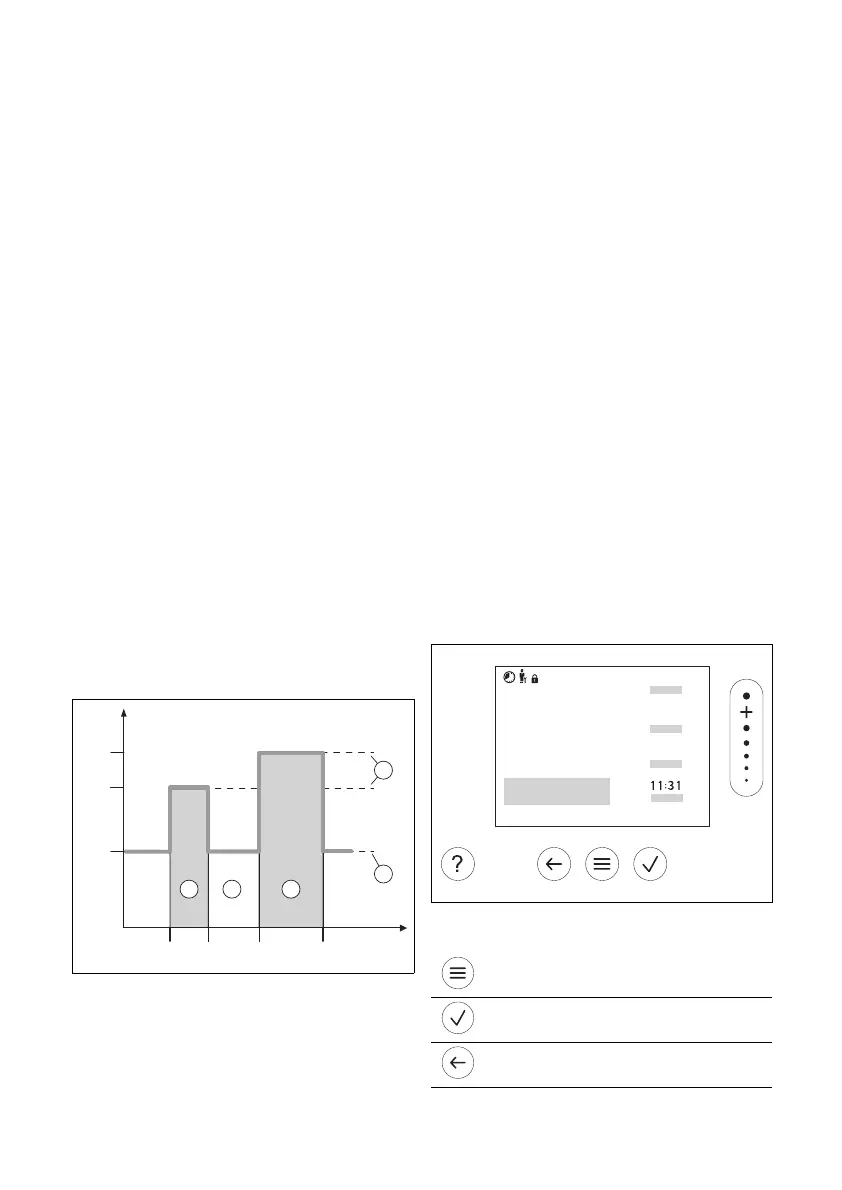
Example of heating mode in the mode:
Time-controlled
24 °C
18:0016:30
22:30
16 °C
21 °C
20:00
A
B
5
1
2
3
4
A Time
B Temperature
1 Desired temper-
ature
2 Set-back tem-
perature
3 Time period 2
4 Outside of the
time periods
5 Time period 1
You can divide a day up into several time
periods (3) and (5). Each time period can
comprise an individual start time and end
time. The time periods must not overlap.
You can assign a different desired temper-
ature (1) to each time period.
Example:
16:30 to 18:00; 21 °C
20:00 to 22:30; 24 °C
The remote control regulates the living
rooms to the desired temperature within
the time periods. In the times outside of
the time periods (4), the remote control
regulates the living rooms to the lower set-
back temperature (2) that is set.
2.4 Preventing malfunctions
▶ Do not cover the remote control with
furniture, curtains or other objects.
▶ Ensure that all thermostatic radiator
valves in the room where the remote
control is installed are fully open.
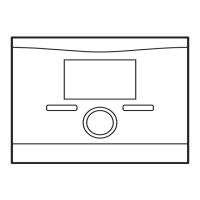
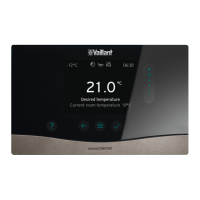
2.5 Display, control elements and
symbols
2.5.1 Control elements
– Calling up the menu
– Back to the main menu
– Confirming a selection/change
– Saving set values
– One level back
– Cancelling input


 To Next Page