Operating and display functions 5
7
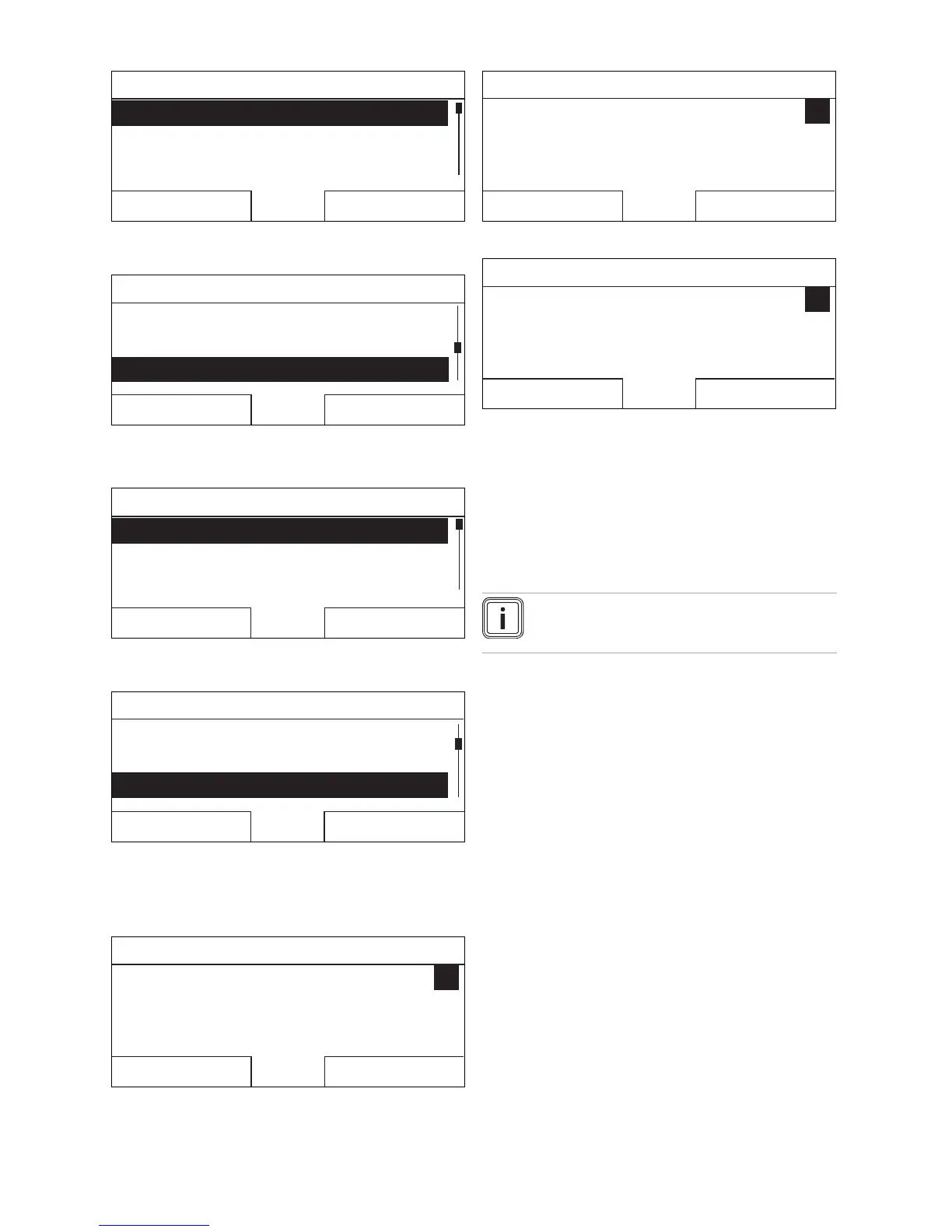
Menu
Information
Desired temperatures
Timer programmes
Back
Select
3. Turn the rotary knob until the Basic settings list entry
is highlighted.
Menu
Planning days away from homePlanning days away from home
Days at home scheduling
Basic settingsBasic settings
Back
Select
4. Press the right-hand selection button, Select.
◁ The controller switches to selection level 2.
Basic settings
Language
Date/time
Display
Back
Select
5. Turn the rotary knob until the Display list entry is high-
lighted.
Basic settings
LanguageLanguage
Date/timeDate/time
Displa
y
Back
Select
6. Press the right-hand selection button, Select.
◁ The controller switches to the Display setting level.
The adjustable value for the Display contrast is
highlighted.
Display
Display contrast
Button lock
9
Back Change
7. Press the right-hand selection button, Change.
◁ The highlighted value flashes.
Display
Display contrast
Button lock
9
Cancel
OK
8. Turn the rotary knob to change the value.
Display
Display contrast
Button lock
12
Cancel
OK
9. Press the right-hand selection button, OK, to confirm
the change.
◁ The controller has saved the changed value.
10. Press the left-hand selection button Back several times
to go back to the basic display.
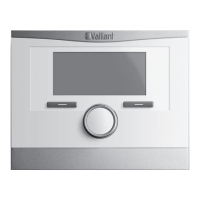
5 Operating and display functions
Note
The functions described in this section are not
available for all system configurations.
Overview table of the operating modes and operat-
ing levels
Operating modes (→ Page 18)
Overview of operating levels (→ Page 18)
The path details given at the start of each function descrip-
tion indicate how you reach this function in the menu struc-
ture.
The description of the functions for ZONE1 also applies for
all available zones.
5.1 Information
5.1.1 Reading the system status
Menu → Information → System status
– Under System status, there is a list containing inform-
ation that provides an overview of the current system
status, and current settings that you can change there.
0020200782_00 VRC 700 Operating instructions






 To Next Page