16 Operating manual VRT 340f
Setting the required room temperature
directly
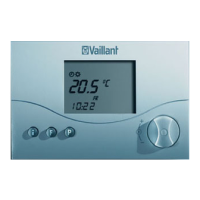
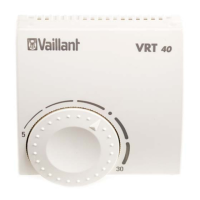
• Turn the dial (with the display in
normal mode).
The set temperature display disappears,
the sun symbol is displayed in the
operating mode level and the set room
temperature is displayed in the multi-
function level (e.g. TEMP 20 °C).
• You can set the required room
temperature directly (after about 1
second) to the desired value by turning
the dial.
The display switches back to normal
mode after five seconds.
Setting the set-back temperature
"ECO“
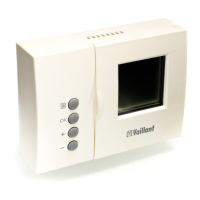
• Press the dial several times until ECO
appears in the multifunction display
along with a set value.
The set-back temperature is displayed
and starts flashing.
• Turn the dial until the required set-
back temperature is displayed (e.g.
ECO 15,0 °C).
The display switches back to normal
mode after five seconds.
4.5 Activating special functions
You can access the special functions
using the F button. You can activate the
following functions:
4 Operation



 To Next Page