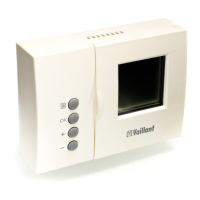
18 Operating manual VRT 340f
Display Required steps
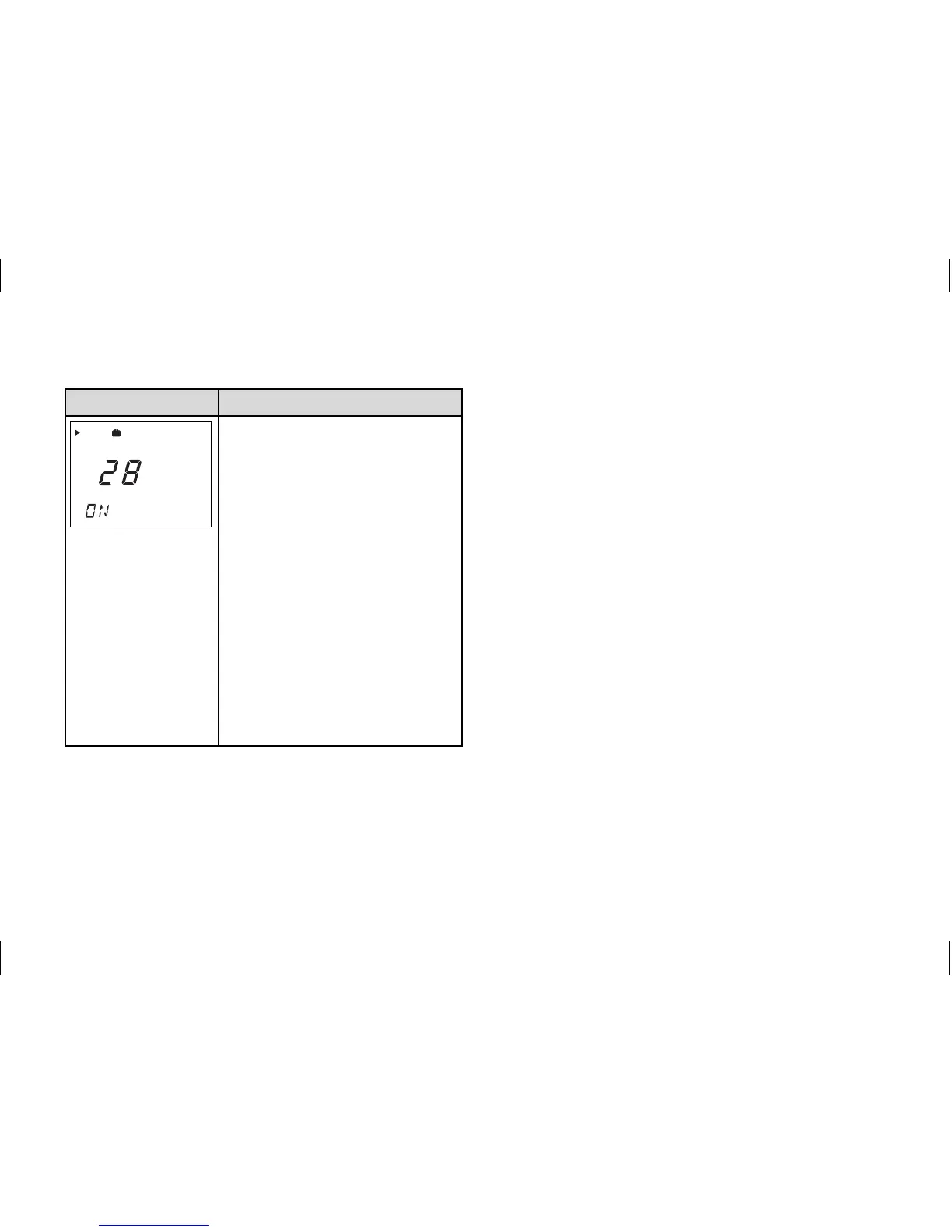
Holiday function
The holiday function deactivates
the controller, but not the frost
protection function. Press the
special function button three
times - the holiday function
symbol flashes in the display.
Turn the dial until the required
number of day's holiday
appears. After 10 seconds the
function is activated and the
mode is set to OFF for the
selected period (see 4.1).
If you want to deactivate the
function before, just press the
F button.
Table 4.4 Special functions
4.6 Info level
Press the info button to access the info
level. The info symbol appears in the
display as soon as you open the info
level. Each time you press the button,
different information is displayed:
- The name of the room temperature
thermostat (VRT 340f )
- The quick veto room temperature
(if active)
- The required room temperature
(e.g. TEMP 20.0 °C)
- The current set-back temperature
(e.g. ECO 15.0 °C)
4 Operation



 To Next Page