10 System installation instructions 0020292325_01
3.8 Configuring the settings on the system control
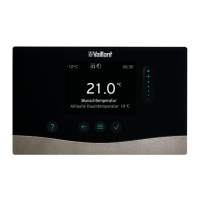
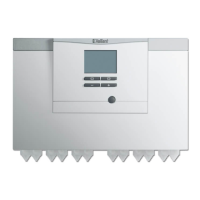
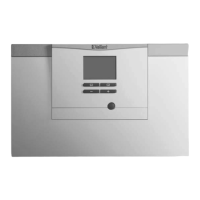
Explanation of the operating and display functions: → sensoCOMFORT operating and installation instructions, from
section 2.10 onwards
Overview of the setting options in the installer level: → sensoCOMFORT operating and installation instructions, section 2.11.4
Menu path/entry Comment
− The system control starts the installation assistant in the query Language −
17 Language ► Set the required language.
Condition: Installation assistant (query Language) not started
1. Use the rotary knob to activate the system control.
2. Press both selection buttons at the same time for at least 10 seconds
(Reset to default setting? appears).
3. Set Everything → Yes.
18 Date
► Set the current date.
19 Time
► Set the current time.
20 Have the installation assistants for all sys-
tem components finished? Press OK to con-
firm
► OK
− A search for all active eBUS connections is started −
− The installation assistant automatically configures the system to the Components found. −
► Confirm each of the following configurations using OK:
21 Components found Control: System control
Heat pump 1: Outdoor unit
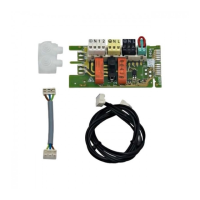
Add. module heat pump: Heat pump control module
22 System diagram 8: Heat pump without system separation
23 Heating circuits and zones 1 direct HC: 1 non-regulated heating circuit
− The required system settings have been implemented. −
− The unit starts up −
24 Inst.assist. finished. Continue with: ► System configuration
25 → Fault status ► Check the system for faults.
Condition: Fault present
► Troubleshooting: → multiMATIC installation instructions, appendix D.1
− All of the faults that are shown have been eliminated. The heating installation is adapted. −
26 Menu → Installer level → System configura-
tion
► Configure the system in accordance with the end user's requirements.
System ----
27 OT constant heating Recommendation: -5 °C
28 Adaptive heat. curve Condition: Control installed in the living room
► Yes
29 Automatic cooling Condition: Product with cooling mode
► Yes
30 Heat. bivalence point
► Setting in consultation with the end user
31 DHW bivalence point
► Setting in consultation with the end user
32 Energy supplier ► HP&BH off: Energy supply company lockout function for the heat pump and
back-up heater enabled
33 Noise reduction operation → Condition: Time programmes for noise reduction mode planned
► Set the desired time programmes.
► Ensure that the compressor output in noise reduction mode is reduced. Set-
ting in the indoor unit's control Compr. noise reduct..
HEATING1 ----
34 Max limit outs.temp. Recommendation: 16 °C
35 Heating curve ► 0.2–0.5: Underfloor heating
► 0.6–1.0: Radiator heating
36 Min. cool. fl. tgt temp. Condition: Underfloor heating
► Activate the dew point monitoring.


 To Next Page
 Loading...