ValueHD Corporation
19
6. Recalling the Preset
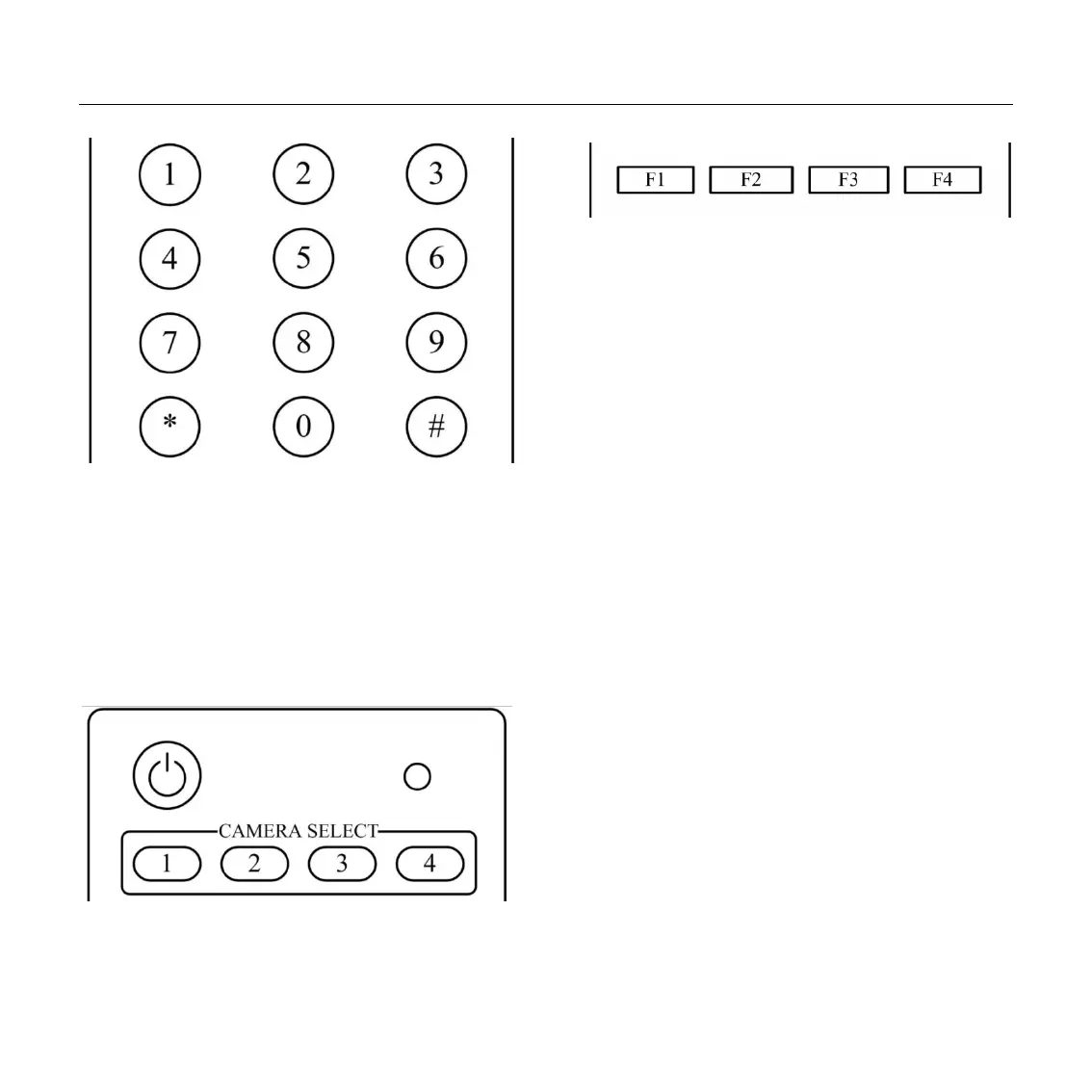
Press any of the numeric buttons 0-9 directly to
recall stored preset positions and settings.
Note:
No action is executed if a relative preset
position is not stored.
7. Camera Selection
Press the button corresponding to the camera
you want to operate.
8. Camera IR Address Set
[*]+[#]+[F1]: Address1
[*]+[#]+[F2]: Address2
[*]+[#]+[F3]: Address3
[*]+[#]+[F4]: Address4
9. Shortcut Set
[*]+[#]+[1]: OSD menu default English
[*]+[#]+[3]: OSD menu default Chinese
[*]+[#]+[4]: Default IP address
[*]+[#]+[5]: Save OSD
[*]+[#]+[6]: Quickly recover the default
[*]+[#]+[8]: Look the camera version
[*]+[#]+[9]: Quickly set up inversion


 To Next Page