ValueHD Corporation
29
Internet connection(Only the
network models)
1 Operating Environment
Operating System: Windows 2000/2003/XP/
vista/7/8
Network Protocol: TCP/IP
Client PC: P4/128MRAM/40GHD/ support
scaled graphics card, support DirectX8.0 or more
advanced version.
2 Equipment Installation
1) Connect internet camera to your internet or to
your PC directly via internet cable.
2) Turn on DC12V power.
3) The orange light of internet port lit on, green light
flashing, and the physical connection finished.
3 Internet Connection
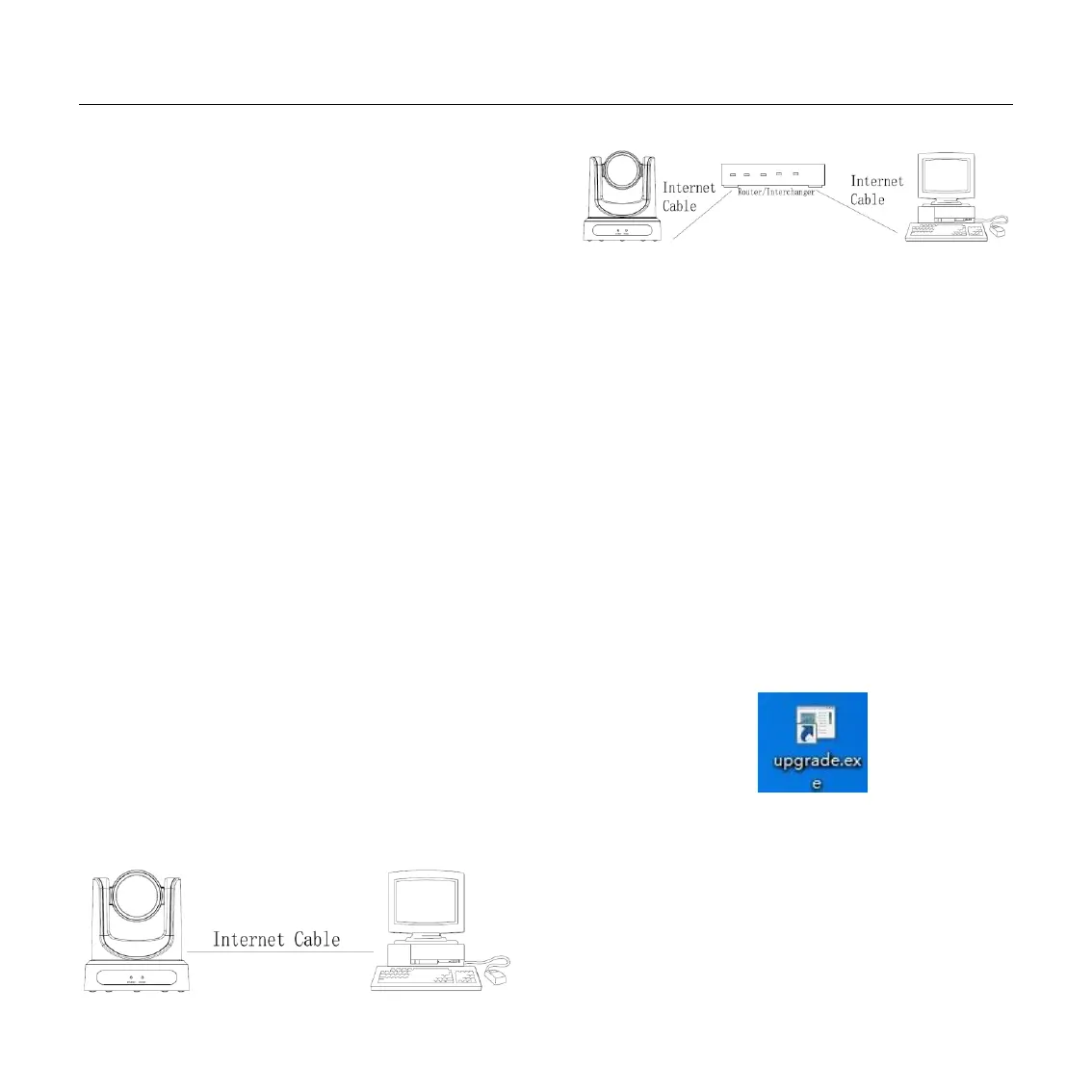
Connection ways between internet camera and
computer, as picture 1.1 and picture 1.2 shown:
Picture 1.1 connect by internet cable
Picture 1.2 Connect by router /interchanger
4 IP camera visited/ controlled by
LAN
4.1 Setup IP address
IP camera default IP address"192.168.100.88",
Unknow camera IP, view as below:
Method 1: press * and # and 4 on remote
controller one by one, the camera IP address will be
shown on screen.
Method 2: connect camera to PC with ethernet
cable, use “upgrade_En.exe” to search for IP address
Change IP address,2 methods as below:
Method 1: On web control page, find
“Network”--->Change IP---->Click “Apply”---->
Restart camera


 To Next Page