ValueHD Corporation
26
4. IMAGE
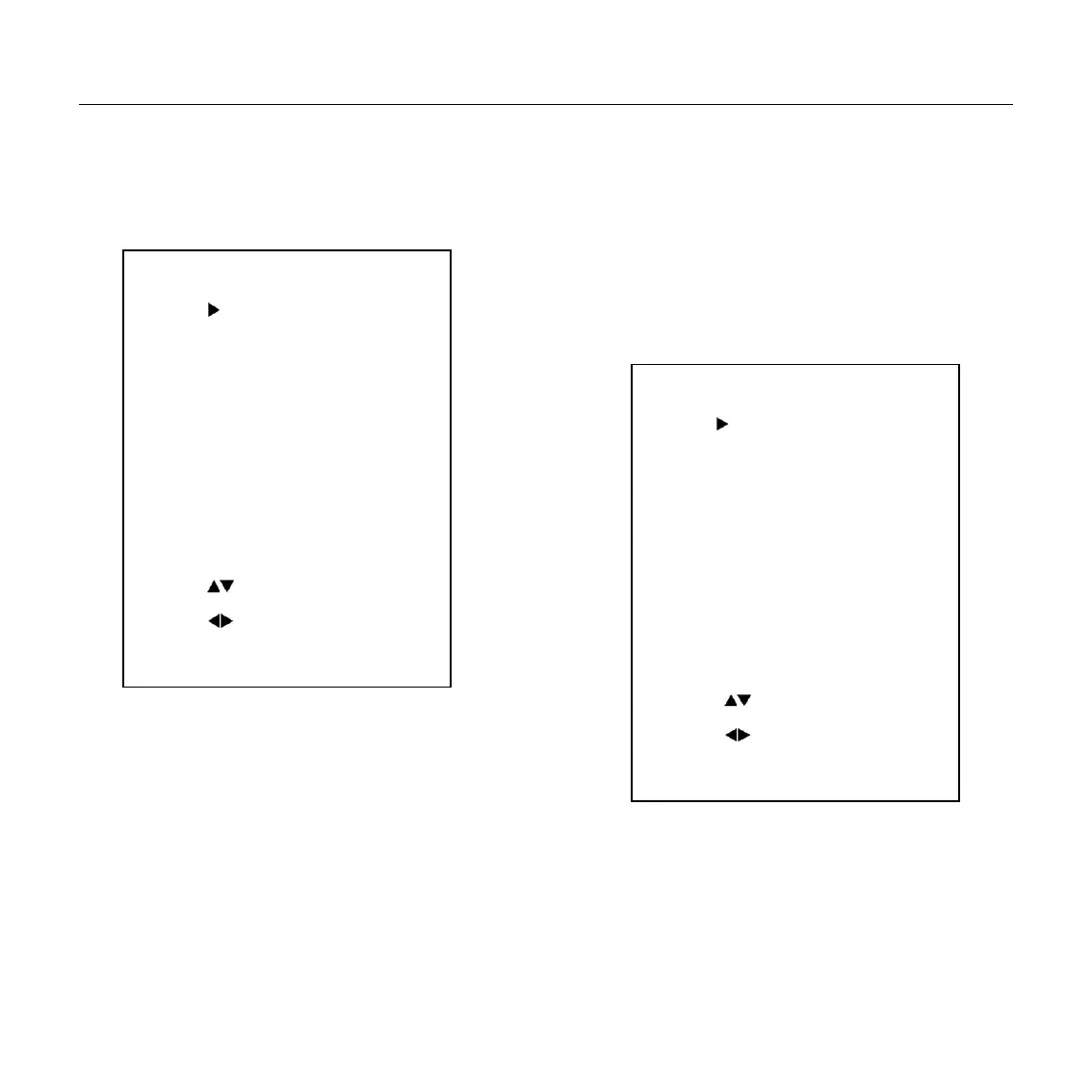
Move the cursor to the Image item in the main
menu and press [home] button, IMAGE menu
appears, as shown in the following figure.
Luminance: Brightness adjustment. Optional
items: 0 ~ 14
Contrast: Contrast adjustment. Optional items:
0 ~ 14
Sharpness: Sharpness adjustment. Optional
items: Auto, 0 ~ 15
Flip-H: Image flipped horizontally. Optional
items: On, Off.
Flip-V: Image Flip Vertical. Optional items:
On, Off
B&W-Mode: Image color. Optional items: On,
Off
Gamma: Optional items: Default, 0.45, 0.5,
0.56, 0.63
5. P/T/Z
SpeedByZoom: The depth of field scale switch,
Optional items: On, Off
AF-Zone: Interested in focusing area, Optional
items: Top, Center, Bottom
AF-Sense: Automatic focusing sensitivity
P/T/Z
SpeedByZoom On
AF-Zone Center
AF-Sense Low
L/R Set STD
Select Item
Change Value
[Menu] Back
IMAGE
Luminance 6
Contrast 6
Sharpness 1
Flip-H Off
Flip-V Off
B&W-Mode Off
Gamma Default
Select Item
Change Value
[Menu] Back


 To Next Page