Removing Gear Hub Cover
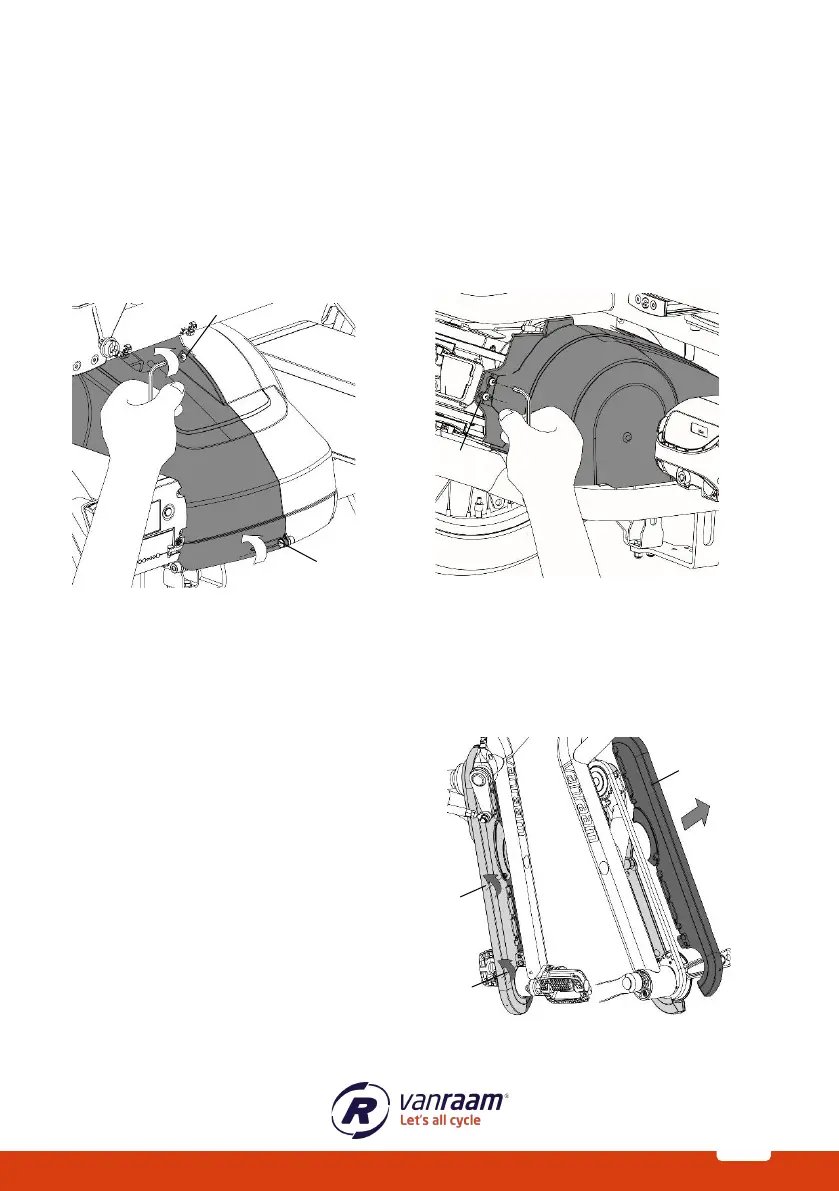
To remove the hub cover, first the left side of the middle cover needs to be removed.
Follow these steps to remove the hub cover:
1. Loosen the screws [A and B].
2. Then loosen the screws [C and D].
3. The chain guard is now loose and can be removed.
Removing Crank Cover
To access the crank chain covers, only the top of the chain guard needs to be removed. The
bottom remains attached to the frame.
Follow these steps to remove the top:
1. Loosen screws [A and B] at the
bottom of the crank chain guard.
2. Now the top of the crank chain
guard [C] can be lifted off.



 To Next Page