www.vanco1.com
800-626-6445
5
PANEL DESCRIPTIONS
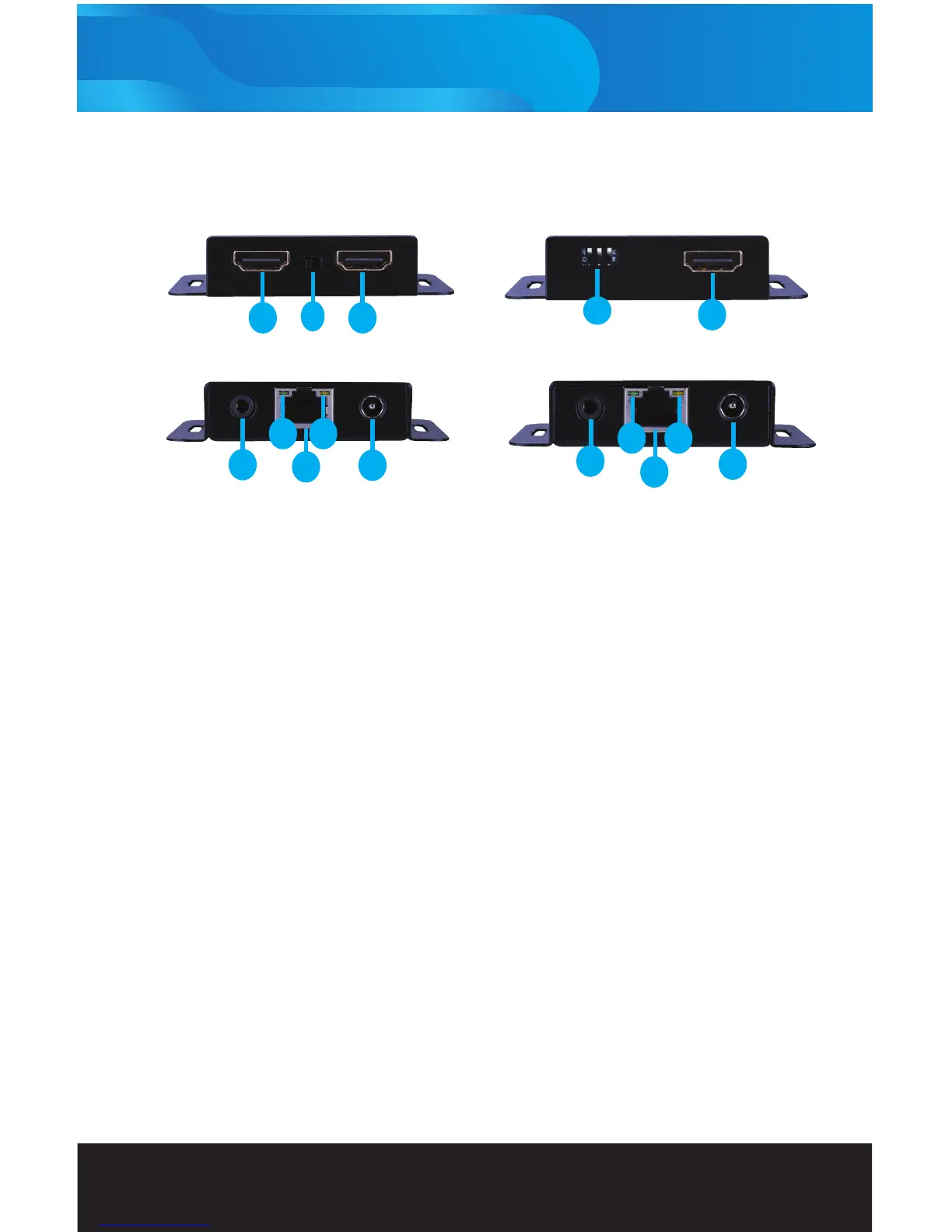
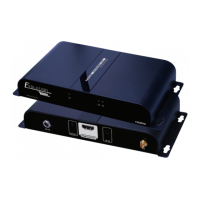
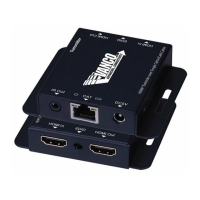
1. HDMI In: This is where you connet the HDMI output port of your source
2. EDID: The HDMIEX50 can copy EDID information from the display at the receiver (left postion) or the HDMI-
Loopout (right position)
3. HDMI Out: Use this port to connect to another HDMI input or display
4. IR Out: Connect the IR emitter cable inluded in the package for IR signal to be transmitted to the source
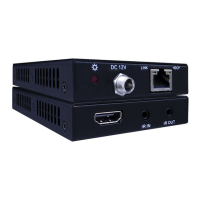
5. Power LED: Illuminates when the device is connected to a power supply
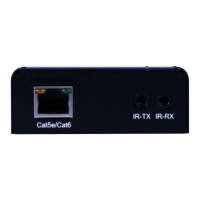
6. CAT: Connect a well terminated Cat5e/6 cable to go to the CAT input of the receiver
7. Link LED: Illuminates when the device is connected to a HDMI source
8. DC 5V: 5v Power Supply Connection to AC outlet
9. EQ Switcher: Adjusts EQ based on length of CAT cable run
10. HDMI Out: Connects to the HDMI port of the display/sink
11. IR In: Using the included IR Receiver, connect to send IR signals back to be transmitted at the transmitter end.
12. Power LED: Illuminates when the device is connected to a power supply
13. CAT: Connect a well terminated Cat5e/6 from the CAT output of the transmitter
14. Lock LED: Illuminates when the HDMI signal from the transmitter is stable
15. DC 5V: 5v Power Supply Connection to AC outlet
Transmitting Unit Receiving Unit
1
2
3
4
5
6
8
9
10
12
11
13
14
15
7


 To Next Page