www.vanco1.com
800-626-6445
6
CONNECT AND OPERATE
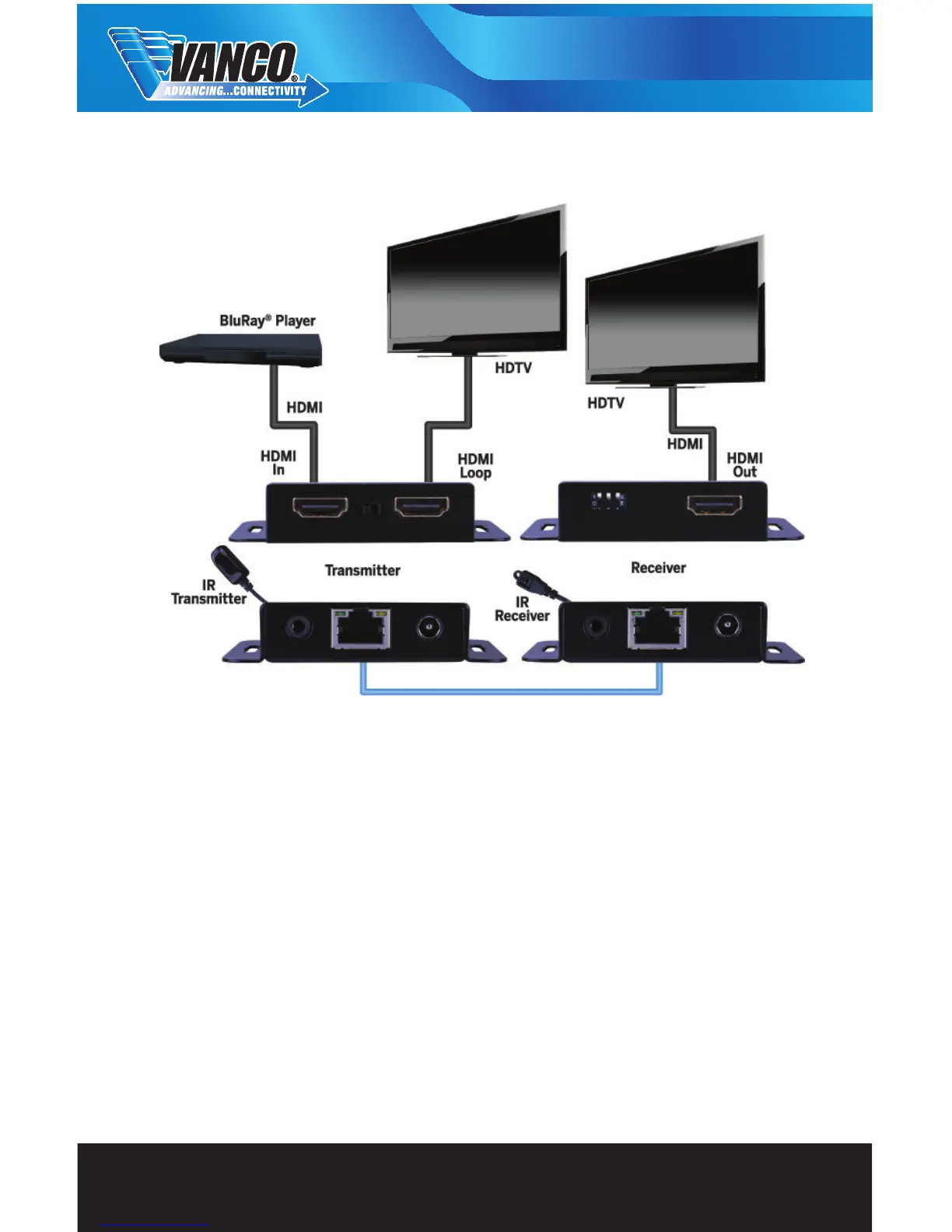
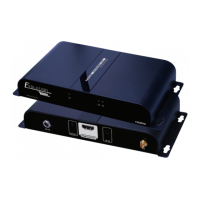
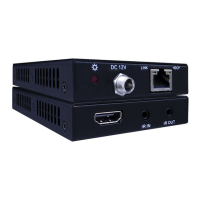
1. Connect a source such as a Blu-Ray Player, game console, A/V Receiver, Cable or Satellite Receiver, etc.
to the HDMI input on the Transmitting unit.
2. Connect a display such as an HDTV or HD Projector to the HDMI output on the Receiving unit.
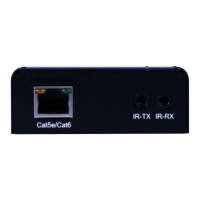
3. Connect a single Category 5e/6/7 to the UTP output of the Transmitting unit, and the other end to the UTP
input of the Receiving unit.
4. For power, plug in the provided 5v power supplies to both the transmitter and receiver.
5. Power on each device in the same sequence


 To Next Page