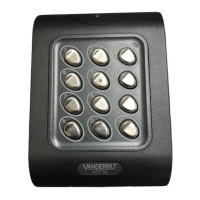
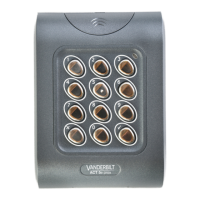
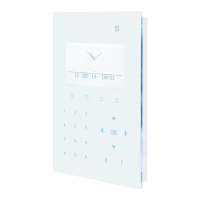
30 Second Programming Guide
(for typical system)
1. Enter Programming Mode.
Press X button followed by the programming code (9999).
The LED will ash Amber.
2. Change User 1 code.
Press 0, then 1 followed by the new user 1 code (four digits).
3. Change Programming Code.
Press 0, then ☑ followed by the new programming code (four digits).
4. Exit Programming Mode.
Press the X button. The LED will be Red.
The keypad is now ready for normal use.
Note: The keypad may be returned to its factory default condition at any time by entering the
programming mode and pressing the ☑ key three times.
Incorrect Code Lockout
When three invalid codes have been entered in a row. The keypad will enter lockout mode for
20 seconds. During this time, the red indicator will ash and all user codes will be inactive.
ACCESS CONTROL



 To Previous Page