12
Tip:
For Window 7 or higher system, press the “Window Logo + P” key combination to access
the below four display modes.
• PC screen only option displays contents on computer screen only.
• Duplicate option display the same contents on both computer screen and
projected scree.
• Extend option splits the display between the computer screen and the projected
screen.
• Second screen only option display contents only on the projected screen.
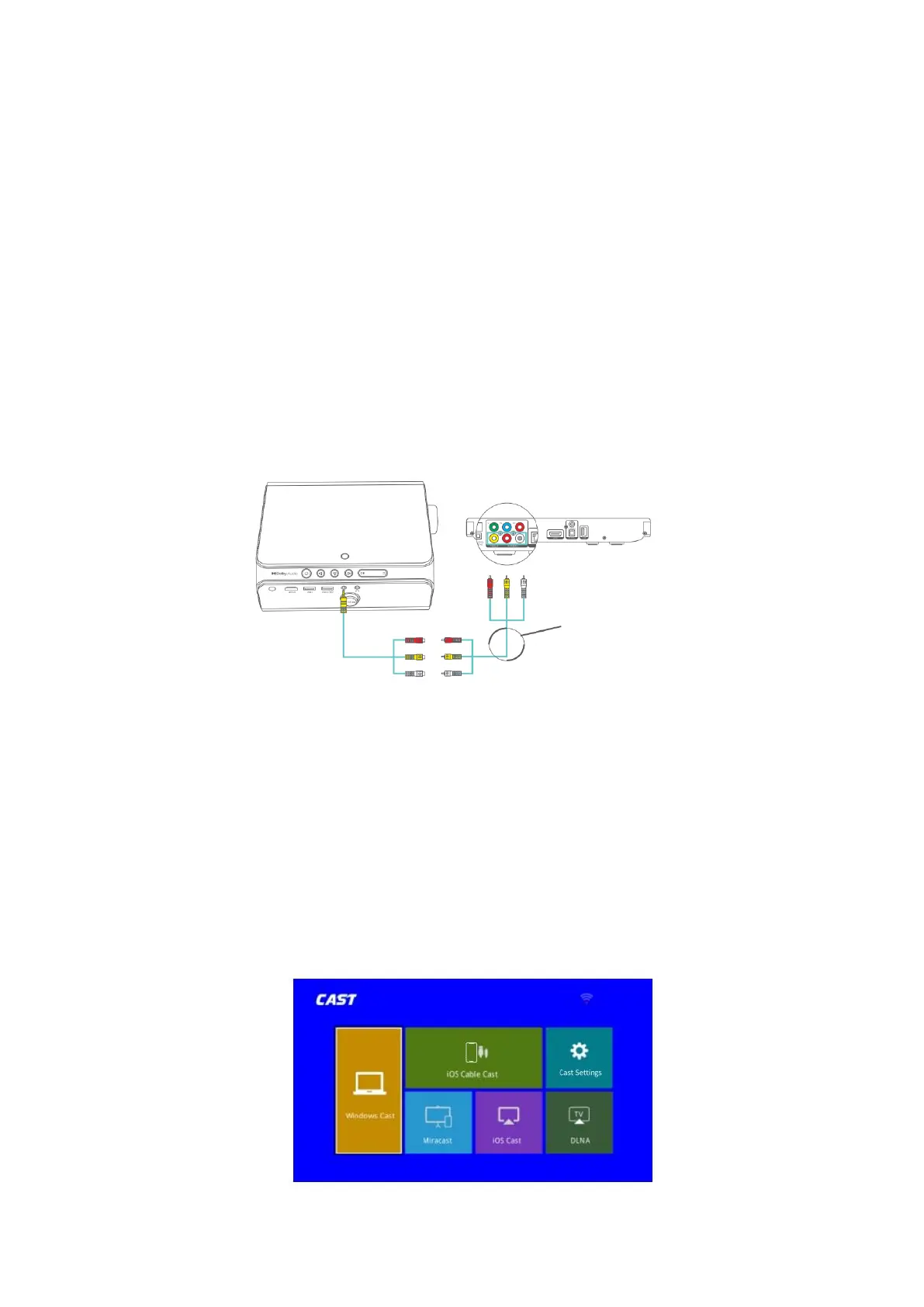
AV Connection
Step 1: Turn on the projector and connect your device to the AV port of the projector
with an AV cable (not included)
Step 2: Go to Homepage > Input Source, select AV as the input source, then the contents
of your device will be mirrored to the screen/wall.
SCREEN MIRRORING
For iOS System
Screen Mirroring via Router´s WIFi
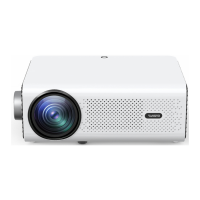
• Go to Homepage > Input Source, select MULTISCEEN as the input source to
enter the CAST interface.













 To Next Page