22
8. Enabling Apple Find My
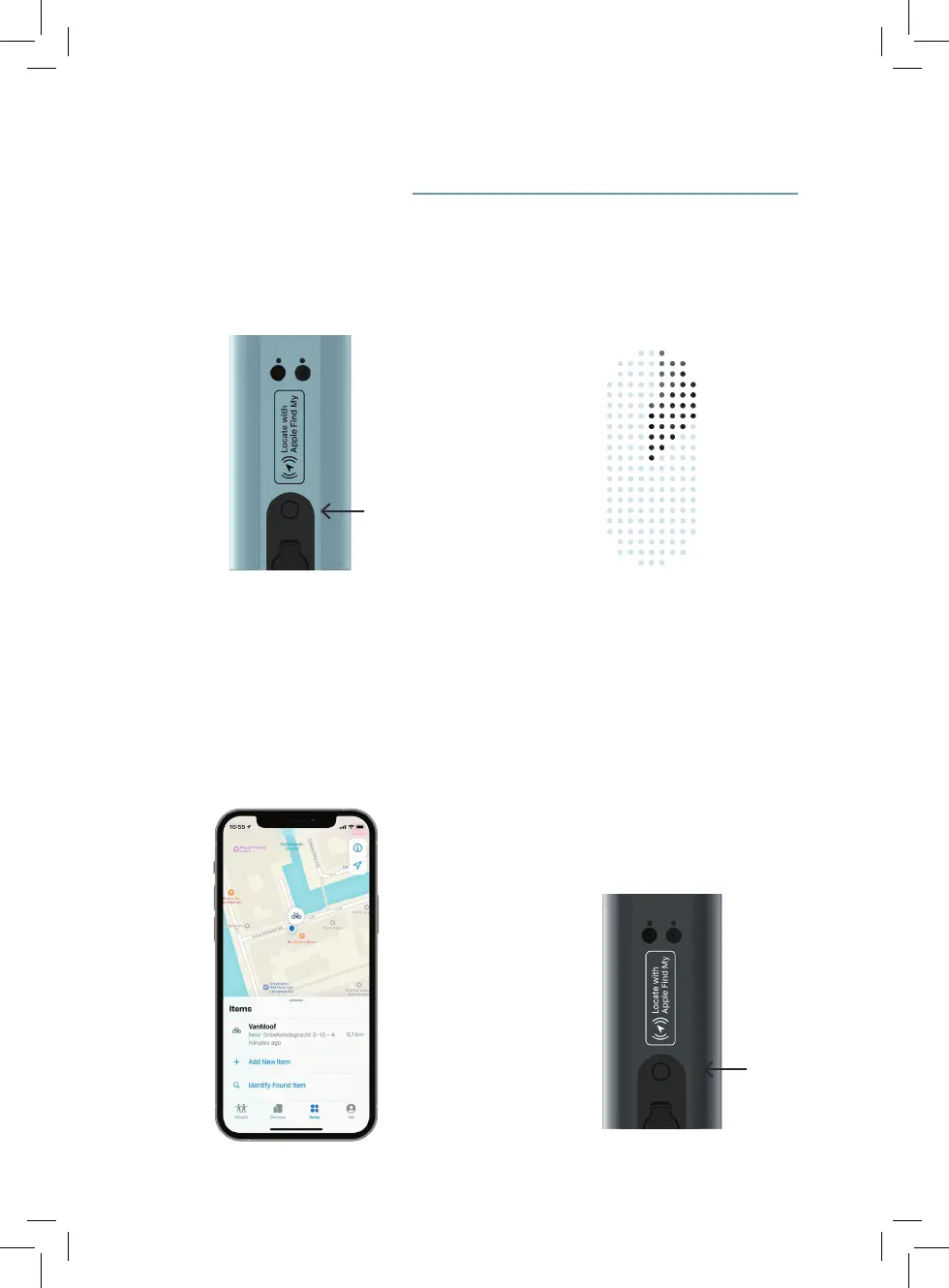
Power button
Power button
8.1 Make sure your bike is unlocked
and running the latest rmware. Then
double press the power button.
8.3 Using the Apple Find My app, add your
VanMoof to the Find My network.
8.4 Any time you want to enable or disable
Find My, rst make sure the bike is
unlocked and then double press the
power button. To completly disable
Apple Find My press the power button
5 times in a row or remove it from your
items on the Find My app.
8.2 You’ll hear a twinkling sound, and you’ll
see a scanning animation on your
bike’s Matrix Display. This means your
bike is ready to pair.


 To Next Page