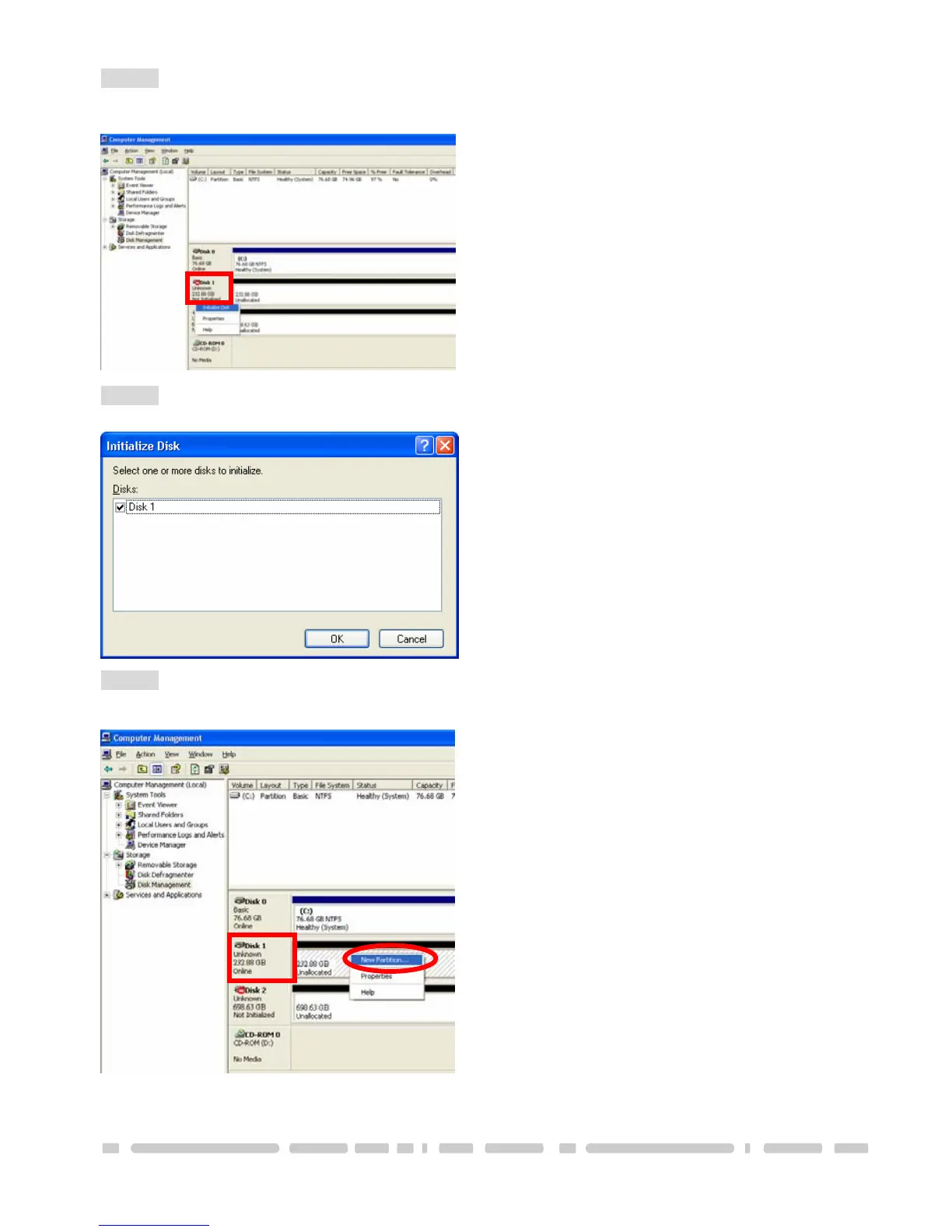
STEP3: Right-click the red-squared block and selects “Initialize Disk”.
Take JBOD Mode for example. (one 750GB HDD & one 250GB hard drives)
13
STEP4: Press “OK” button to initialize hard drive.
STEP5: The hard drive will show “Online”.
Right-click the “Unallocated” block and selects “New Partition”.
Creating a New Partition / Formatting The Hard Drive



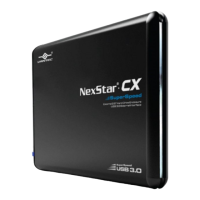

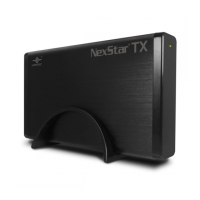



 To Next Page