Prompt Tone: Turn on or off the operation prompts, such as
Time Formatting Prompt Tone, Video Locked Prompt Tone,
Abnormal Video Recording Stopped Prompt Tone, Touch
Tone and ON&Off Tone. Default is ON.
Auto LCD Off: 1Min/3Min/5Min/ OFF optional. Default is OFF. If
it is set to Off, it will keep the screen always on.
LCD Brightness: Manual/Auto LCD brightness adjustable
Reversing Setting: Set the Reverse Reverse Assist Lines
and Reverse preview Settings
Time Lapse: Select the video frames of time lapse. IFPS/3F-
PS/ 5FPS/l OFPS/OFF optional.
GPS Info: Set the GPS on or off, set the speed unit km/h or
mp/h, and check the GPS signal strength information.
Stamp: Enable or disable the watermark stamp of the video
and photos. The watermark stamp includes VANTRUE label,
date and time label, speed label.
Default Settings: Restore default settings
System Info: Check the Model Number/Firmware Version/
6. Functions
6.1 Turn ON/OFF the camera
Once connected to the car charger, the camera will auto
power on after you start your car, it will auto off after you turn
off the car engine even if it is recording. Please long press the
Power Button to turn off the camera
Note: Please charge the dash cam with included car charger
on your car, don't charge it with other car chargers.
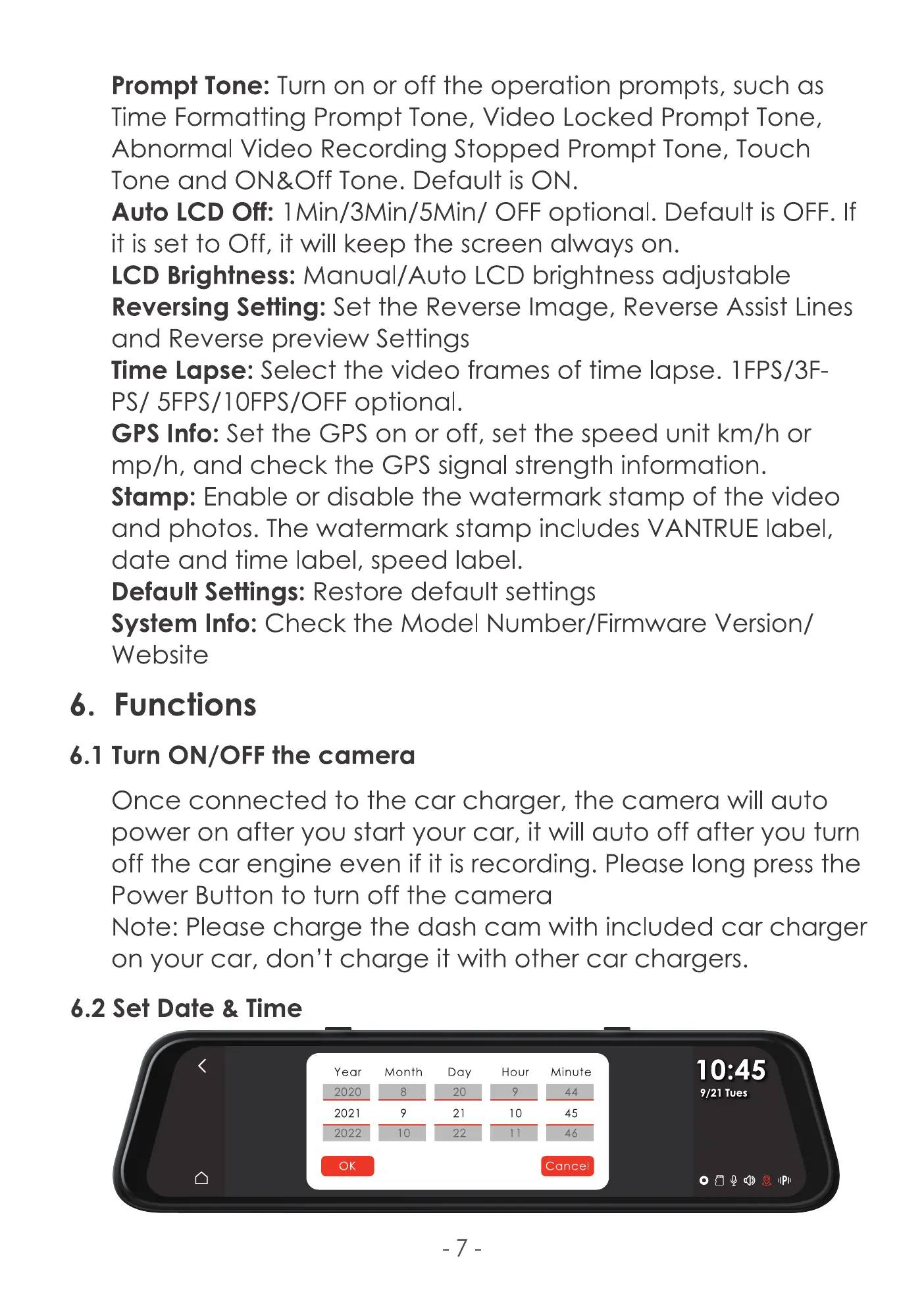
6.2 Set Date & Time
Year
2021
0K
Month
Day
21
Hour
10
Minute
45
Cancel
10:45
9/21 Tues



 To Next Page