6.9
Rear Camera Flip (1800)
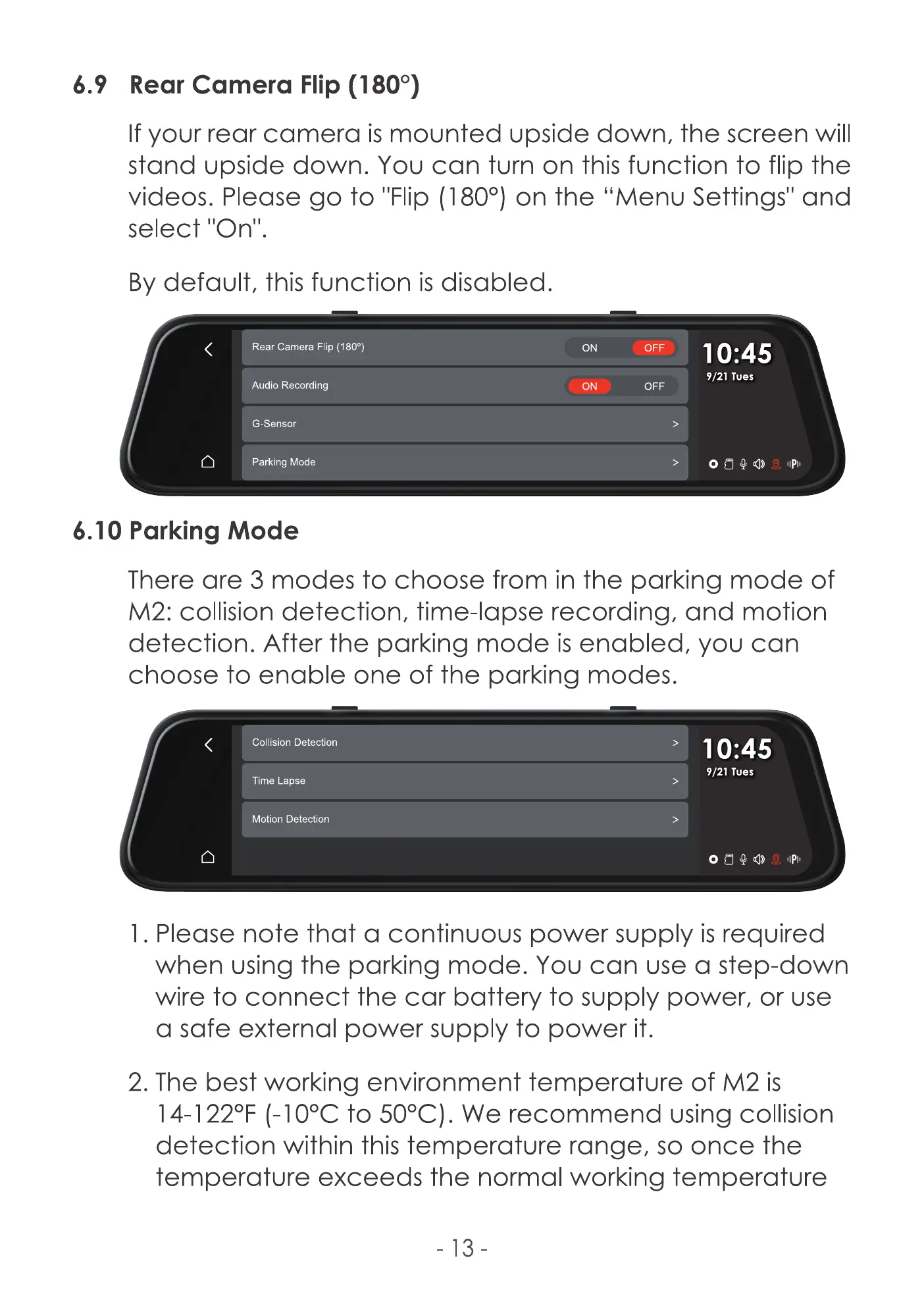
If your rear camera is mounted upside down, the screen will
stand upside down. You can turn on this function to flip the
videos. Please go to I'FIip (1800) on the "Menu Settings" and
select
By default, this function is disabled.
Rear Camera Flip (1800)
Audio Recording
G-Sensor
Parking Mode
6.10 Parking Mode
ON
ON
OFF
OFF
>
10:45
9/21 Tues
IIPII
There are 3 modes to choose from in the parking mode of
M2: collision detection, time-lapse recording, and motion
detection. After the parking mode is enabled, you can
choose to enable one of the parking modes.
Collision Detection
Time Lapse
Motion Detection
10:45
9/21 Tues
I . Please note that a continuous power supply is required
when using the parking mode. You can use a step-down
wire to connect the car battery to supply power, or use
a safe external power supply to power it.
2. The best working environment temperature of M2 is
14-1 220F (-1OOCto 500C). We recommend using collision
detection within this temperature range, so once the
temperature exceeds the normal working temperature
-13



 To Next Page