range, it will automatically shut down. If the temperature
is high, please turn off the camera when parking.
6.10.1 Triggered by Collision Detection
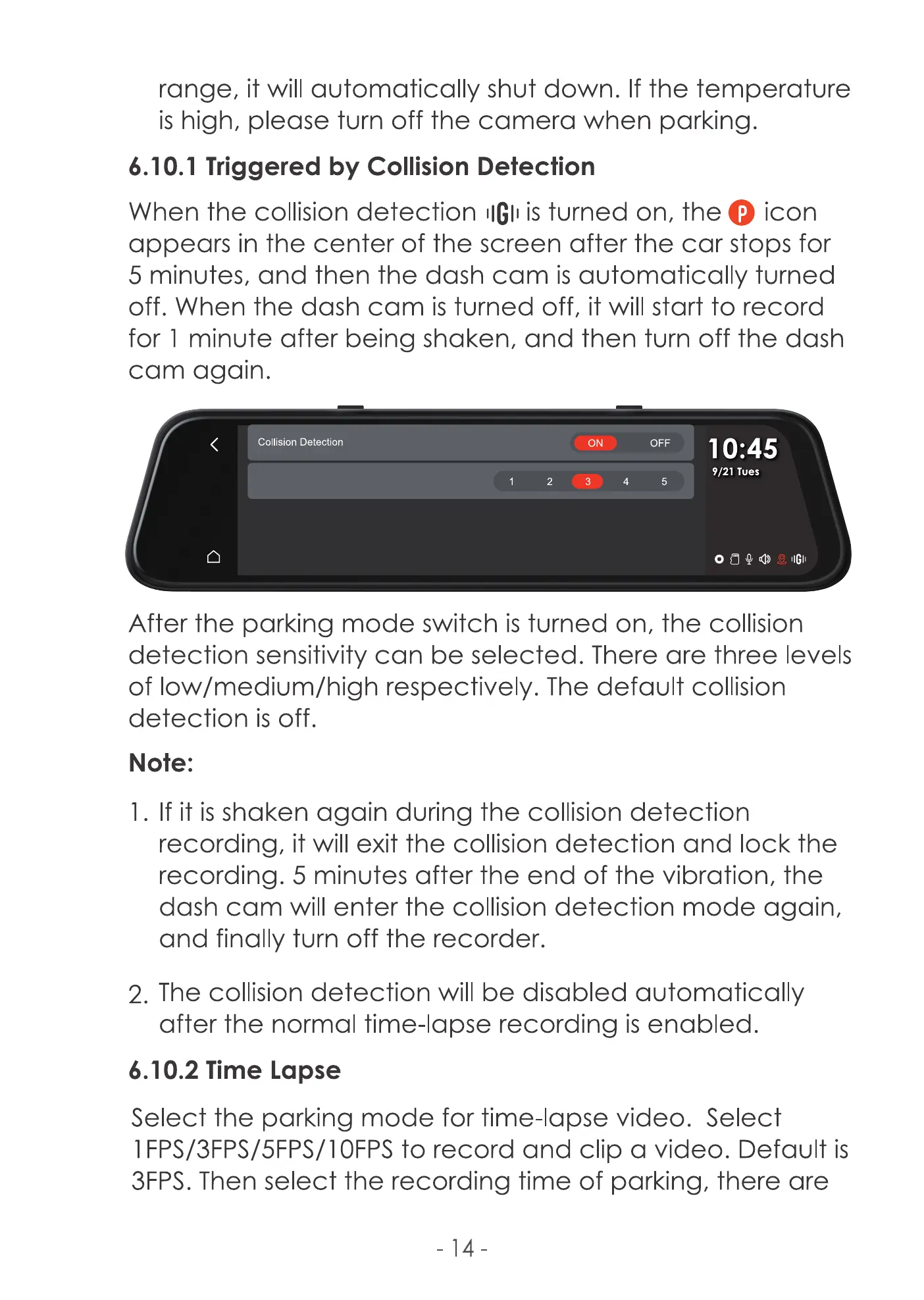
When the collision detection IIGIIis turned on, the O icon
appears in the center of the screen after the car stops for
5 minutes, and then the dash cam is automatically turned
off. When the dash cam is turned off, it will start to record
for 1 minute after being shaken, and then turn off the dash
cam again.
Collision Detection
ON OFF
10:45
9/21 Tues
IIGII
After the parking mode switch is turned on, the collision
detection sensitivity can be selected. There are three levels
of low/medium/high respectively. The default collision
detection is off.
Note:
If it is shaken again during the collision detection
recording, it will exit the collision detection and lock the
recording. 5 minutes after the end of the vibration, the
dash cam will enter the collision detection mode again,
and finally turn off the recorder.
2. The collision detection will be disabled automatically
after the normal time-lapse recording is enabled.
6.10.2 Time Lapse
Select the parking mode for time-lapse video. Select
I FPS/3FPS/5FPS/l OFPSto record and dip a video. Default is
3FPS. Then select the recording time of parking, there are
-14



 To Next Page