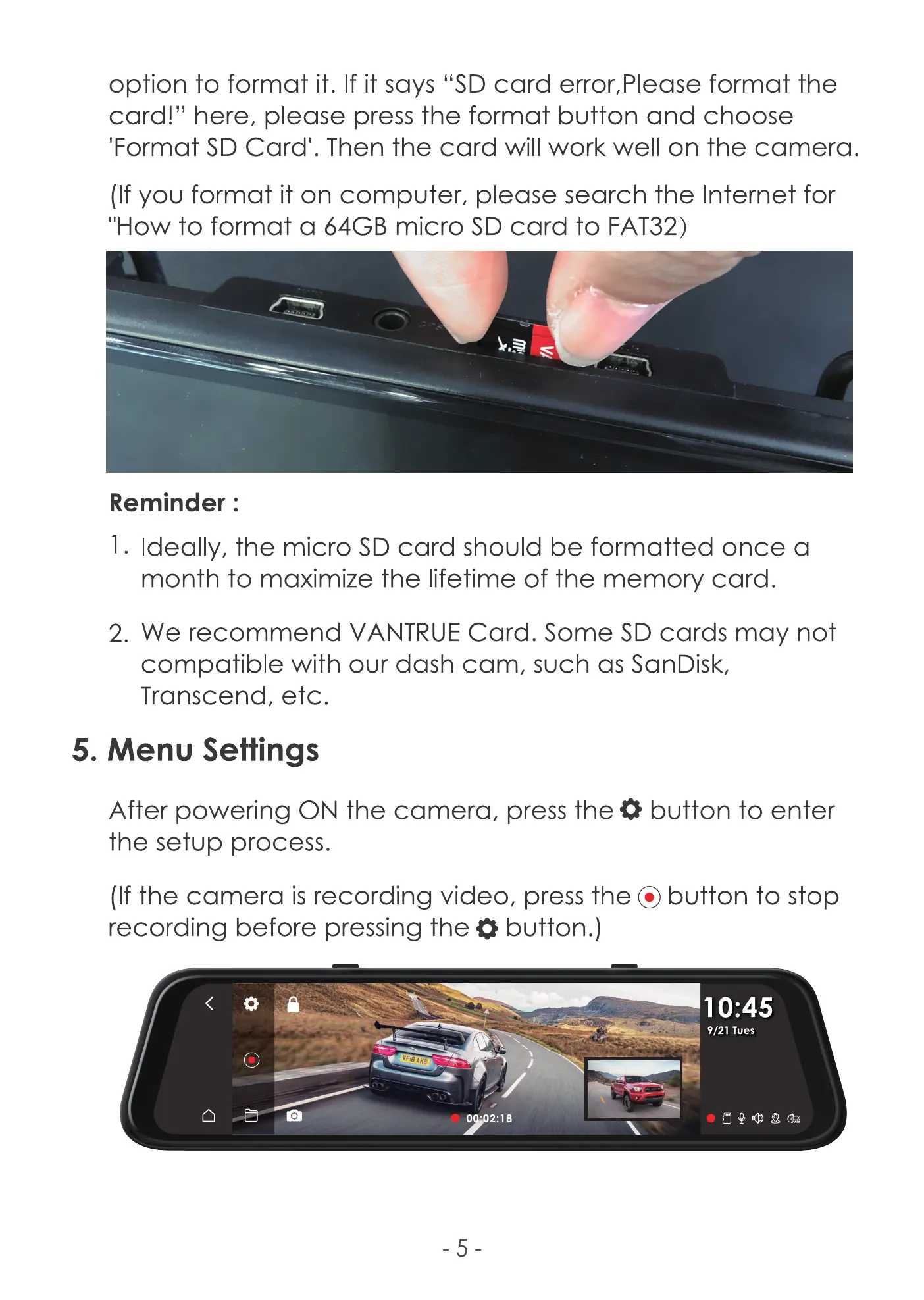
option to format it. If it says "SD card error,PIease format the
card!" here, please press the format button and choose
'Format SD Card'. Then the card will work well on the camera.
(If you format it on computer, please search the Internet for
"How to format a 64GB micro SD card to FAT32)
Reminder :
I. Ideally, the micro SD card should be formatted once a
month to maximize the lifetime of the memory card.
2. We recommend VANTRUE Card. Some SD cards may not
compatible with our dash cam, such as SanDisk,
Transcend, etc.
5. Menu Settings
After powering ON the camera, press the button to enter
the setup process.
(If the camera is recording video, press the @ button to stop
recording before pressing the button.)
: 45
9/21 Tues
o
-5
2:18



 To Next Page