- 33 -
-Deleting Files
Go to "Files", choose a video on the dash cam, press the button in the le
browsing inteace to pop up the delete Menu.
OK
20230601_140633_0005_T_C.MP4
20230601_140633_0006_T_C.MP4
20230601_140633_0007_T_C.MP4
20230601_140633_0008_T_C.MP4
Event Video
2/5
OK
Event Video
Delete This File?
Delete All Files?
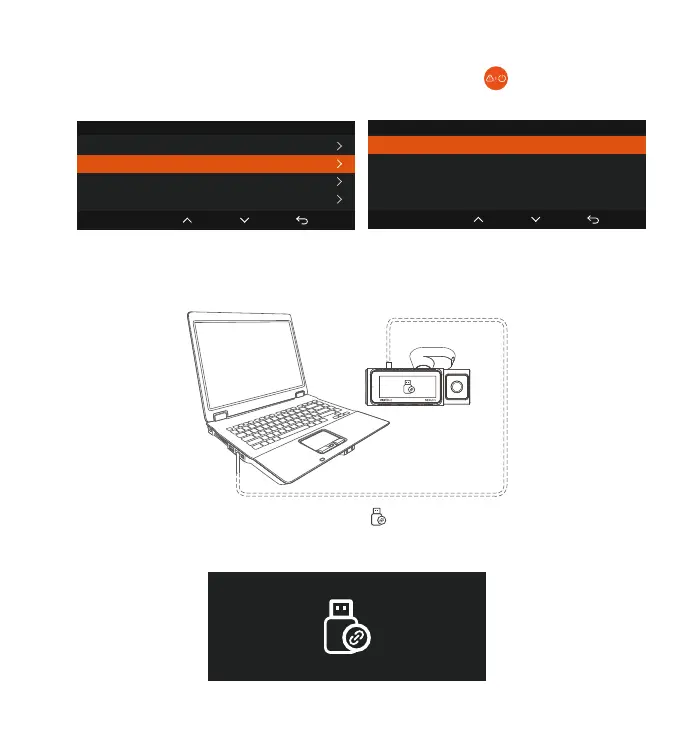
Connect the included TYPE-C USB data cable to the camera and the
computer.
After the connection is successful, the icon will appear on the display of
the camera to transfer data, and then you can view the video les in the
computer folder.
b. Viewing and Deleting les a Computer
1.
2.



 To Next Page