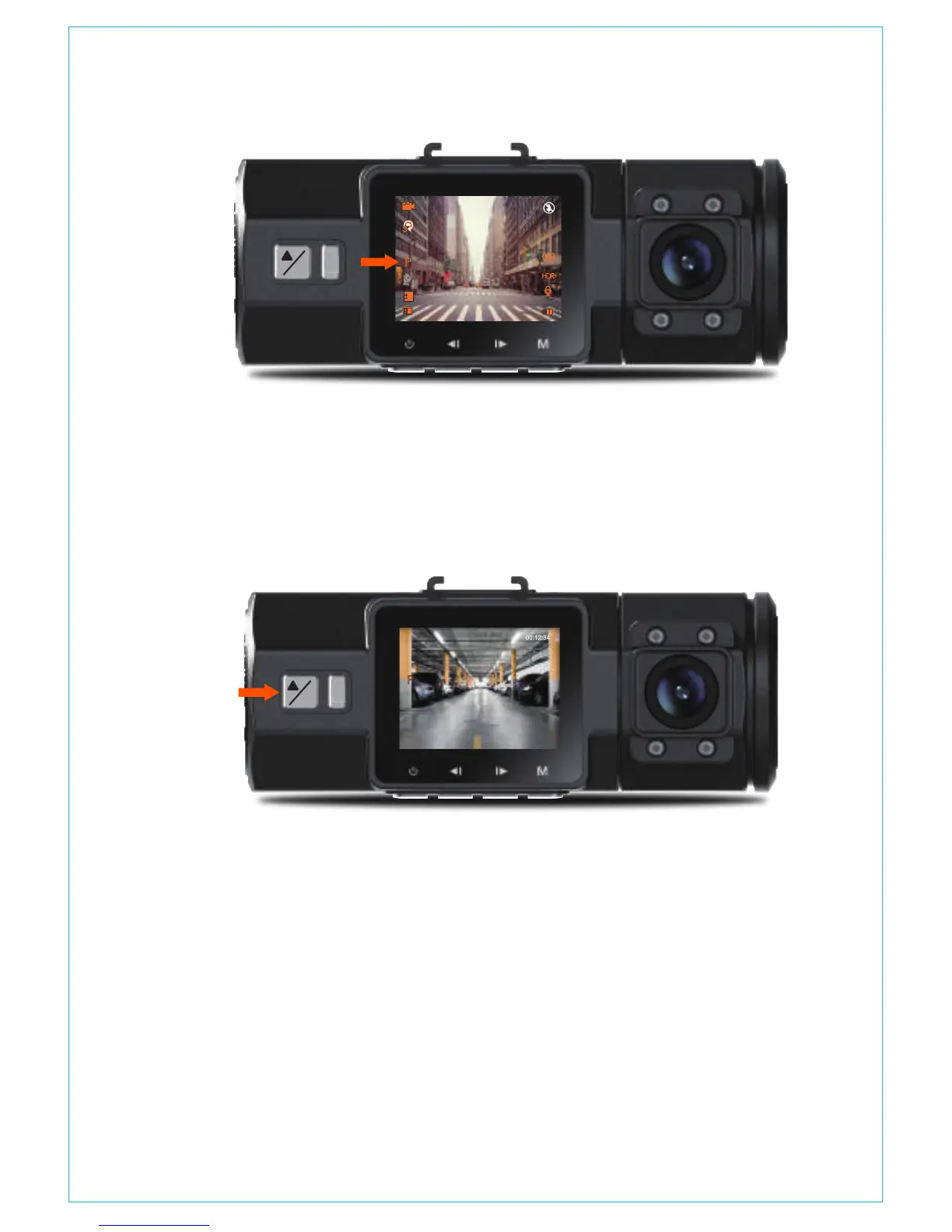
motion detection sensor.
In Parking Mode, once the camera detects movement at the front,
it will start auto-recording; it will stop recording after 10 seconds of
inactivity.
To manually activate Parking Mode, press and hold the Parking
Mode button until the P icon appears on the screen.
The camera will exit Parking Mode if it detects it has been moved.
NOTE: To ensure the camera is able to function in Parking Mode,
please keep it powered with a mobile power bank or hardwire it
directly to the car battery. We do not recommend running the
camera continuously for more than 10 hours.
If TIME LAPSE is selected, the camera will take static photos at the
set time interval – either 1, 5 ,10, 30 or 60 seconds – to create a
video montage. For example, if you set Time Lapse 1sec, the camera
4.9 TIME LAPSE
!
P
OK
!
P
OK
0
01/01/2017
03:07:29
0:231080P+1080P
3
- 15 -



 To Next Page