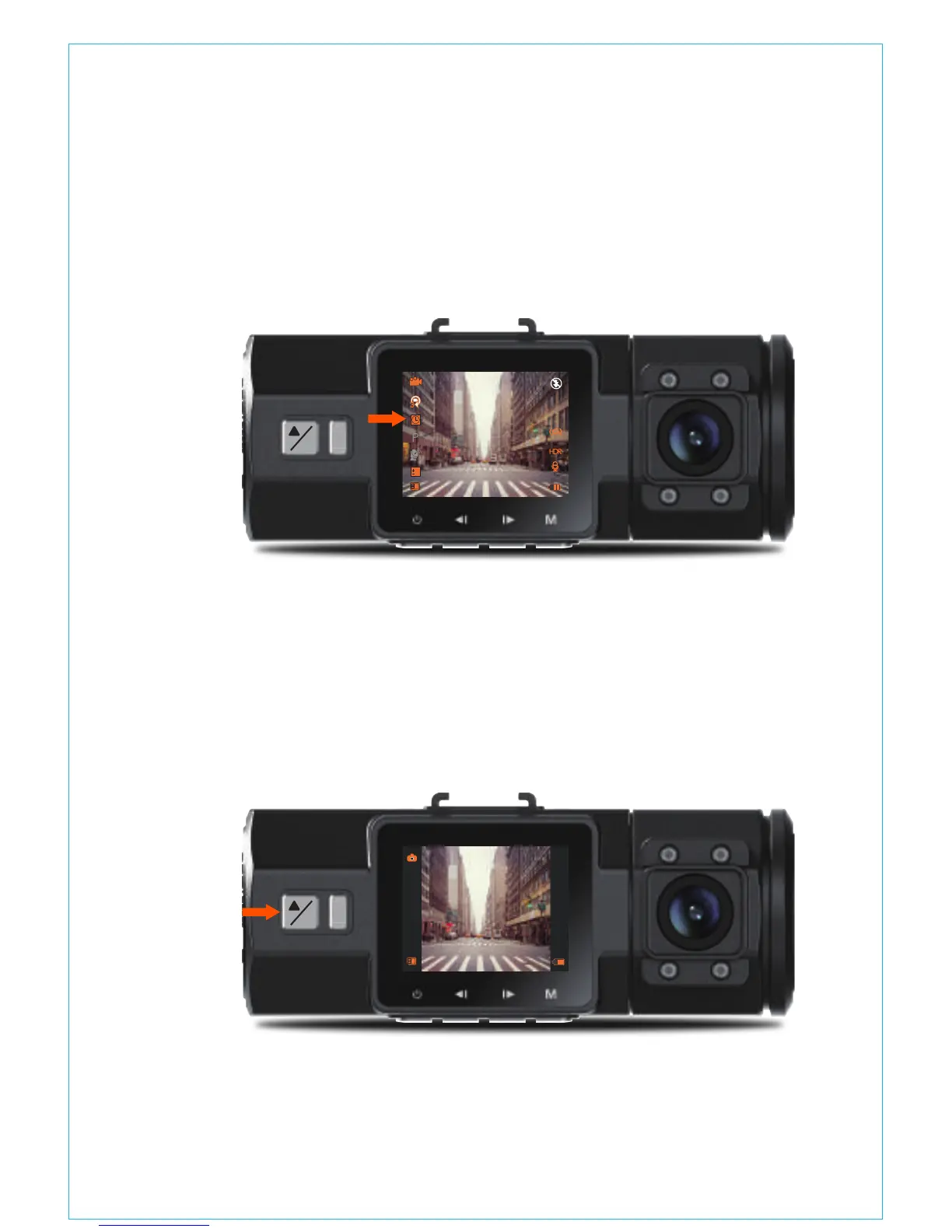
will take one photo every second, and then stitch the photos together
into a 1 fps video. With a maximum recording frame rate of 30fps,
recording 8 hours of video with Time Lapse 1Sec will generate a time
lapse video lasting just 16 minutes (=8 x 60 x 60/30/60). This Eco Mode
is recommended for storage cards with smaller capacities.
[Normal Recording Time = Time Lapse Recording Time (Sec) x
Recording Frame Rate FPS x Time Lapse Option]
The camera will auto get out of time lapse recording mode next
time when the camera is turned off. And when the camera is turned
on again, it will record in normal mode.
-When the camera is recording video, pressing the Emergency/
Camera button will capture a snapshot.
4.10 Taking a Snapshot
1. Install the External GPS Mount onto the camera instead of the
original mount.
2. Plug the Mini USB Connector into the GPS Mount to power it.
4.11 Connecting External GPS Receiver (Optional Accessory)
!
P
OK
0
01/01/2017
03:07:29
0:231080P+1080P
3
!
P
OK
0:23
- 16 -



 To Next Page