Page 26
ECS 5M
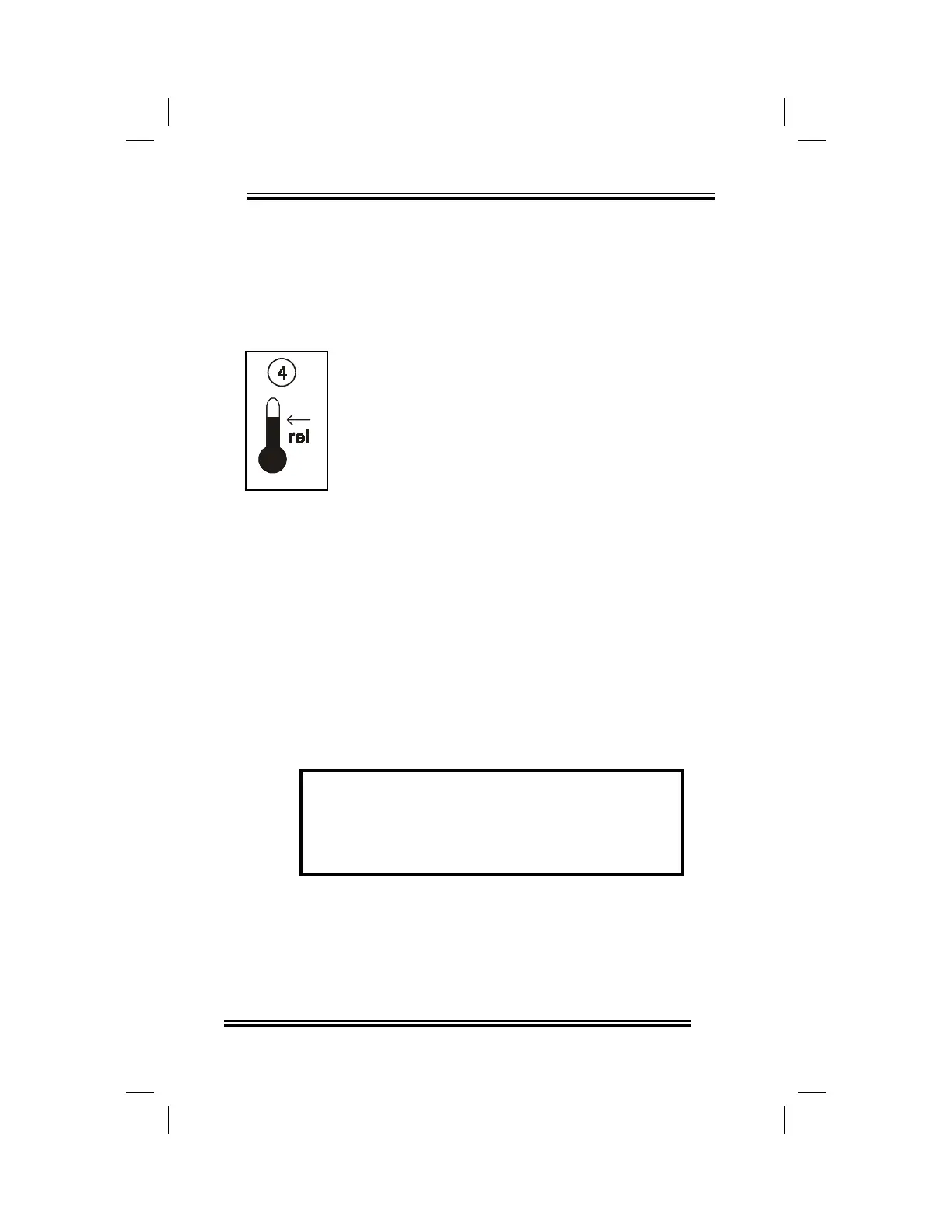
FAN 2 RELATIVE SET POINT
The Fan 2 relative set point establishes the
temperature above the main set point at which
Fan 2 begins to operate at its minimum speed.
The value is a temperature difference from
the main set point.
The Fan 2 relative set point is adjusted in 0.5
degree increments from a minimum setting of
0.0°F (0.0°C) to a maximum setting of 18.0°F
(10.0°C).
Adjusting the relative set point of Fan 2:
• rotate the Selector dial to position (4),
•
rotate the Adjustor dial counterclockwise
to decrease the relative set point,
clockwise to increase it.
The Fan 2 relative set point is displayed on the
ECS.
Example: A main set point of 70°F along
with a Fan 2 relative set point of 5°F is
selected. When the temperature of the
room reaches 75°F, Fan 2 begins to operate
at minimum speed.


 To Next Page