Page 40
ECS 5M
DRIP COOL DUTY CYCLE
As long as the actual temperature is below the
main set point, the Drip Cool unit will not
operate. When the ambient temperature rises
above the stage 4 relative set point configured
by primary function (7), the drip cool units
begins to operate in a duty cycle mode. The
duty cycle sets the percentage of time the Drip
Cool unit is ON versus the percentage of time
the unit is OFF. The ON time is entered as a
percentage of a
12 minutes
period. If a fan is
used, set this value at 100%.
Adjusting the duty cycle setting:
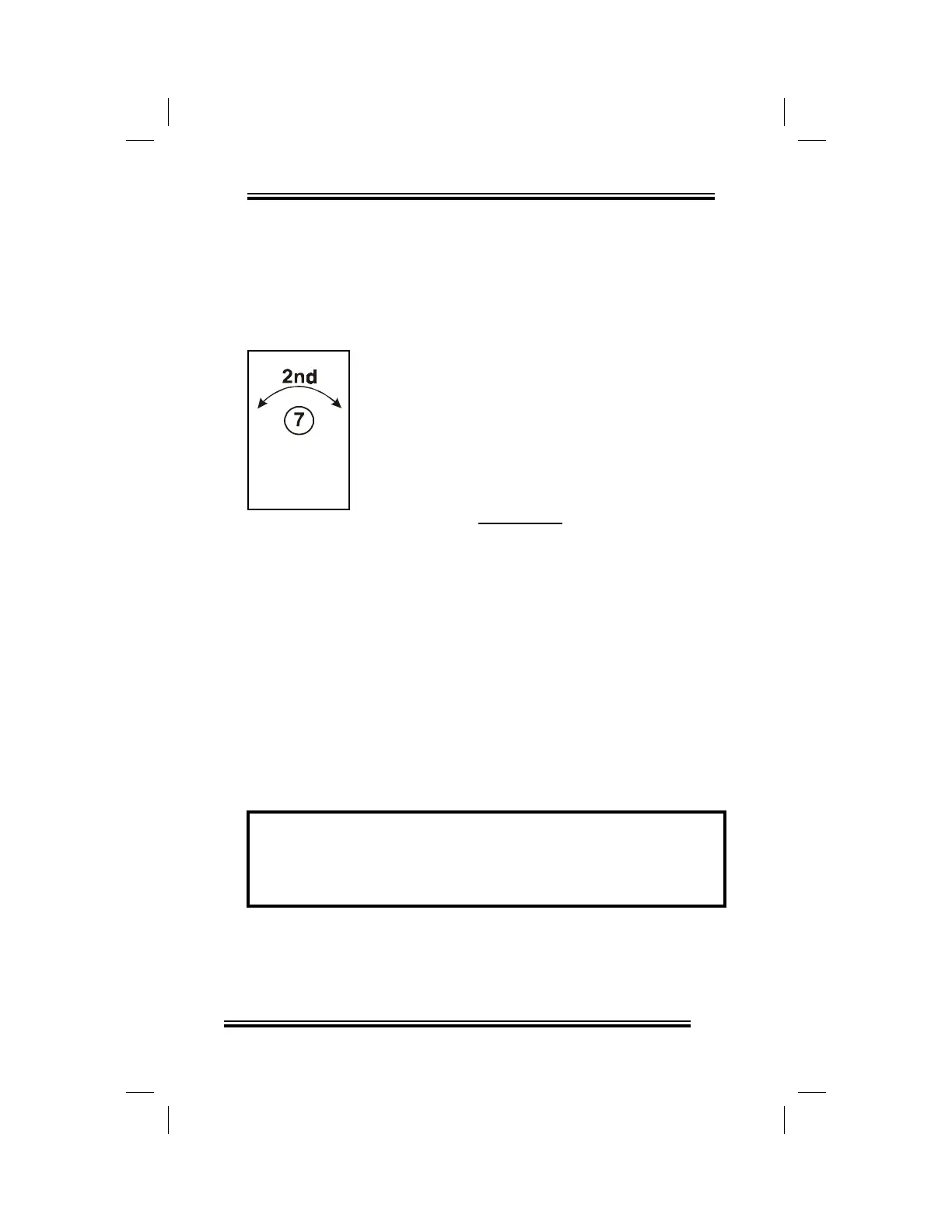
• rotate the Selector dial to position (12),
•
rapidly rotate the Adjustor dial back and
forth to enter secondary function mode,
• rotate the Selector dial to position (7),
• rotate the Adjustor dial counterclockwise to
decrease the duty cycle setting, clockwise
to increase it.
The duty cycle setting is displayed on the
ECS.
Timer
Example: The duty cycle is set to 25%. When the
ambient room temperature rises above the relative set
point the Drip Cool units operates for 3 minutes, and
turns OFF for 9 minutes.


 To Next Page