13
To add or manage Bluetooth devices, tap “More”
then “Settings” then “Bluetooth Devices.”
Ensure device is on, in pairing mode, and
within range.
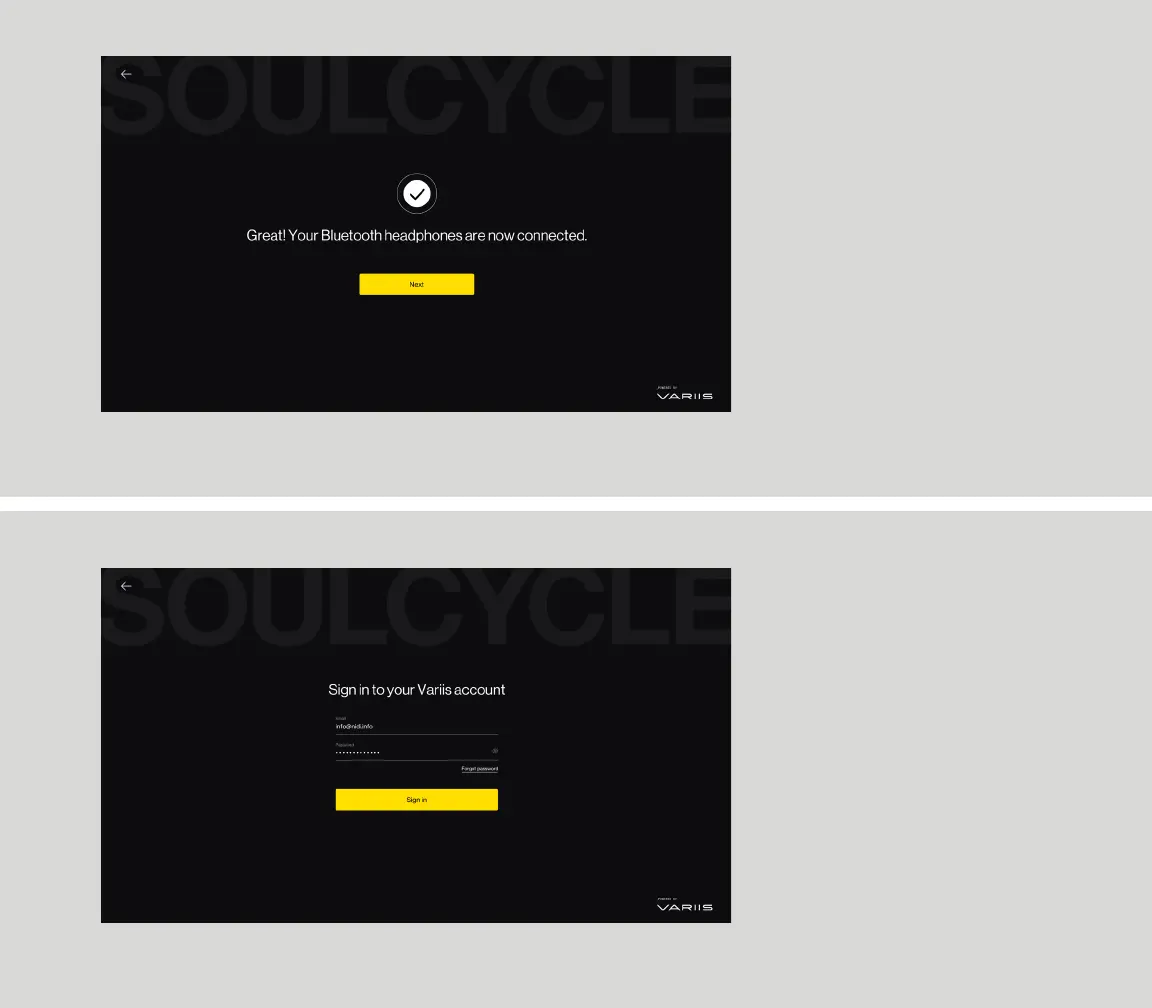
Select your device from the list of Bluetooth
options, and await on-screen confirmation that it
has connected.
If you don’t see your device, select “Refresh list.”
CONNECTING
BLUETOOTH DEVICES
ACCOUNT SIGN IN
Sign in to Variis and follow onscreen directions.
If you have a SoulCycle account, you may link it to
your Variis account.


 To Next Page