6
Temperature Display
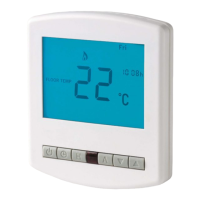
This thermostat can be setup to use an air sensor, floor sensor
or both. On the display it will clearly show which sensor is
being displayed by showing either “Room Temp” or “Floor
Temp” before the temperature.
Note: Air Sensor only MUST NOT be used to control
underfloor heating. Floor Sensor or Both should be used.
When the thermostat is set to use both sensors, the room
temperature will normally be shown. To view the floor
temperature, press and hold the A key until the Floor
Temperature is shown.
Setting The Clock
To set the clock, follow the steps below.
• With the thermostat turned on, press the Clock button twice
• You are now able to set the minutes using the Up/Down keys
• Press H to accept
• You are now able to set the hours using the Up/Down keys
• Press H to accept
• You are now able to set the day of the week using the Up/Down keys
• Press A to store and exit


 To Next Page