15
A system without CAN communication to the Host needs two CAN termination resistors of 120 Ohm
each. One CAN termination resistor has to be connected to the M12 connector of the first module and
one CAN termination resistor has to be connected to the M12 connector of the last module. In this way
the resistors are placed at the physical ends of the CAN bus.
Systems with CAN communication to the Host only need to have one CAN termination resistor of 120
Ohm on the last module which is connected. In this case the Host needs its own termination resistor.
Please make sure that the system is terminated at both physical ends of the CAN Bus!
d. Charger
We recommend VARTA approved chargers which are already programmed with compatible firmware
and tested. The charger datasheets can be provided on request. (for more information on charging
see chapter 10).
Easy Blade 24 V + Easy Block 24 V
Easy Blade 48 V + Easy Block 48 V
6.5 Push Button
Push the button to wake up and to shut-down the module. For more than one battery in parallel the
button only needs to be pushed on one module. (see 7.4)
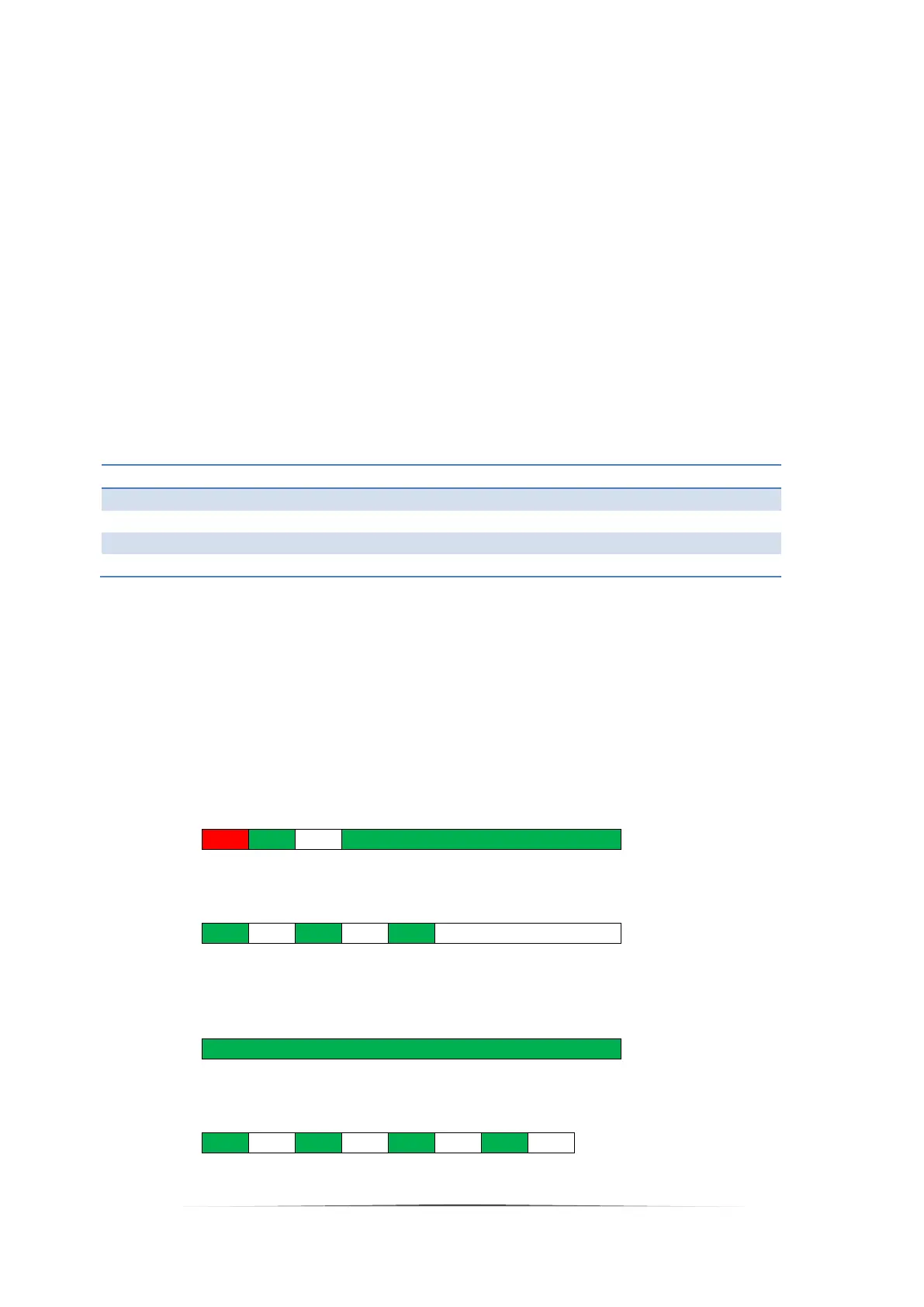
6.6 LED indications
The LED is able to show three different colors steady or blinking.
a. Switch from Deep Sleep to Active Mode
b. Switch from Active Mode to Deep Sleep
Note: As long as voltage is applied on the power terminals, the battery will continue the sequence
c. Active Mode and DSG FET or CHG FET is closed
d. Active Mode and DSG FET and CHG FET opened


 To Next Page