21
7.3.8 System Setting
7.3.8.1 Battery Delay Time Setting
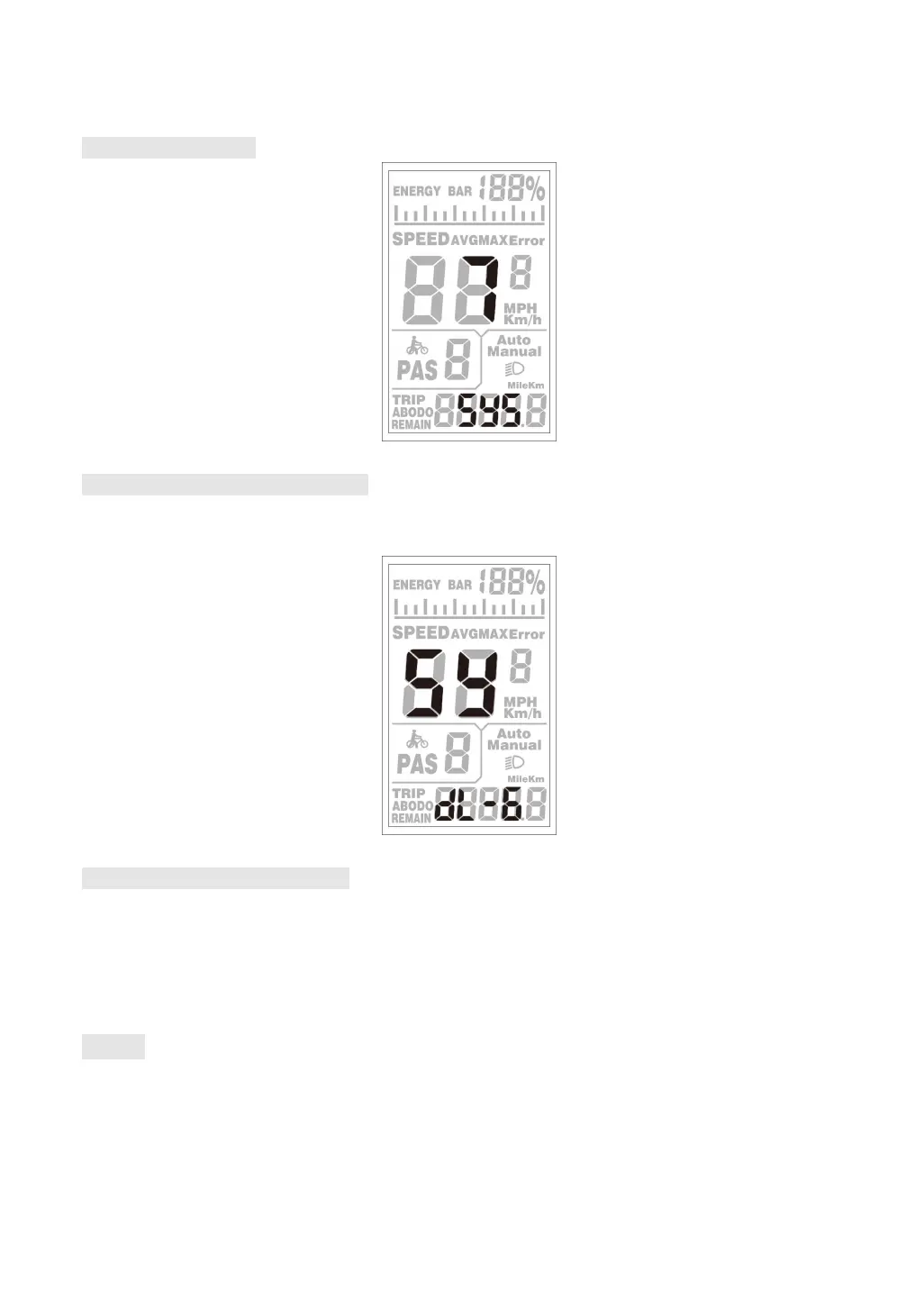
DL represents the battery delay time. The battery delay time 3/6/12s can be selected by UP/DOWN.
Press MODE to confirm and enter the maximum speed limit setting interface.
Battery delay time setting
7.3.8.2 Max Speed Limit Setting
MAX SPEED indicates the maximum speed limit. The value can be set by UP/DOWN, and the setting
range is 25-40 Km/h. Press MODE to confirm, and enter the push walk assist enable setting interface.
The factory default is 40Km/h.
7.3.8.3 Button Walk Assist Enable Setting
PUS indicates the button walk assist function enable setting. Switch Y/N by UP/DOWN. Y means
enable, that is when hold DOWN, the walk assist function realizes; N means disable, that is, there is
no walk assist function. Shortly press MODE to confirm, and enter the walk assist speed setting. The
factory default value is Y.


 To Next Page