6
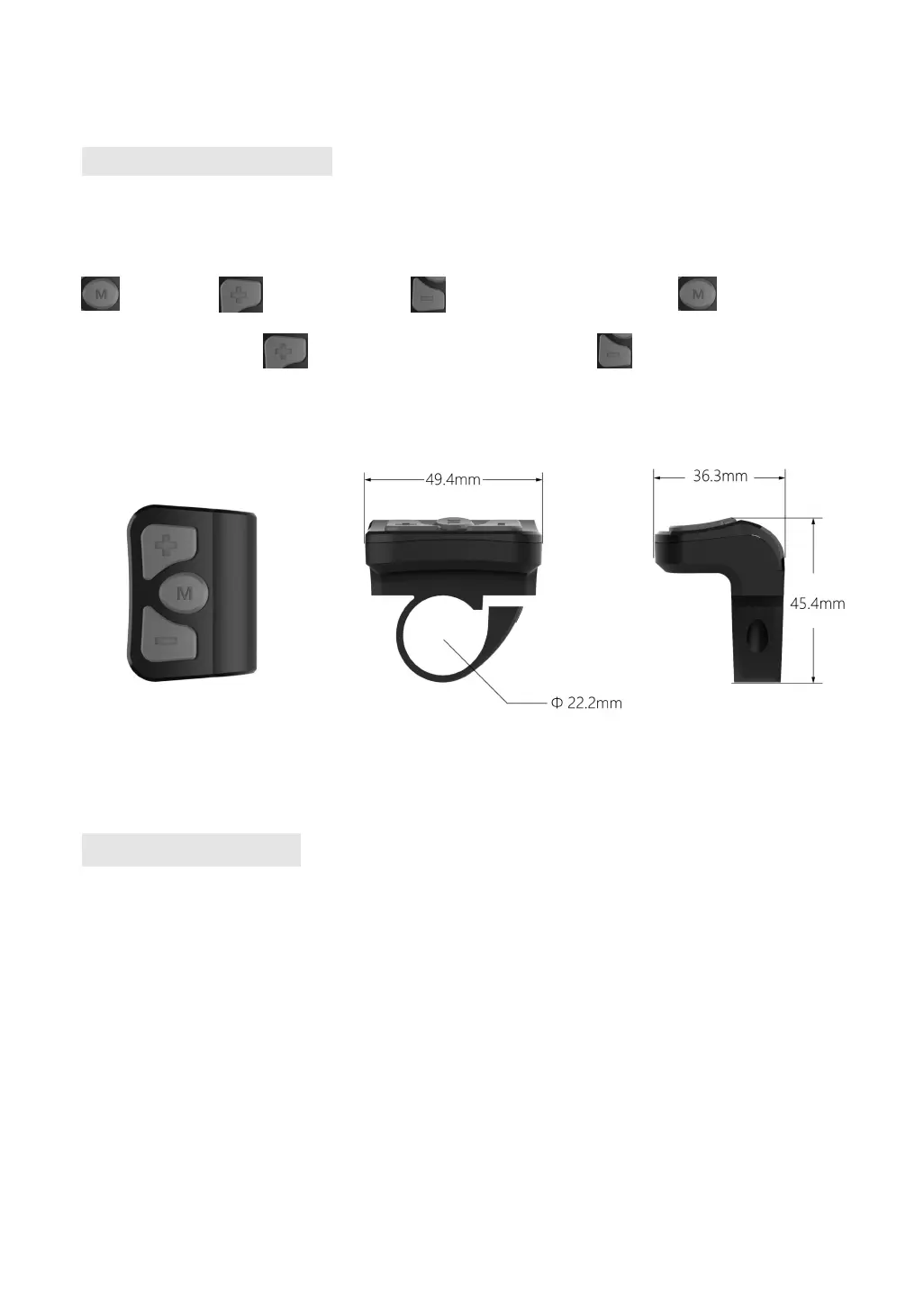
2.3 Button defination
The main body of the button is made of PC material, and the button part is made of soft silicone
material, all in black. There are three buttons on the K5304 display. Including power on/mode button
, plus button and minus button . In the following description, button is replace
by the text 【MODE】. button is replaced by the text【UP】. button is replaced by the text
【DOWN】
3.User reminder
Pay attention to safety during use. Do not plug and unplug the display when it is powered on.
Avoid bumping the display as much as possible.
The film used for the display is a waterproof film. Please do not tear it off to avoid affecting the
waterproof performance of the display.
Please do not change the background parameter setting of the display at will, otherwise the
normal riding cannot be guaranteed.
When the display cannot be used normally, it shall be sent for repair as soon as possible.


 To Next Page