HOW TO REPLACE THE BATTERY OF YOUR DIGIPASS
®
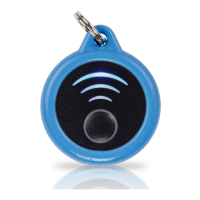
SECURECLICK?
DIGIPASS
®
SECURECLICK MANUAL
10
1. Remove accessories (ex. Key Ring) 2. Insert a small standard screwdriver
into the slot on the side of the device and
gently twist to remove the back cover
3. With the screwdriver, carefully push the
old battery out of the device
4. With the old battery removed, insert
a new CR2012 battery with the “+” side
aligned with the “+” on the back.


 To Next Page