TranslaCall
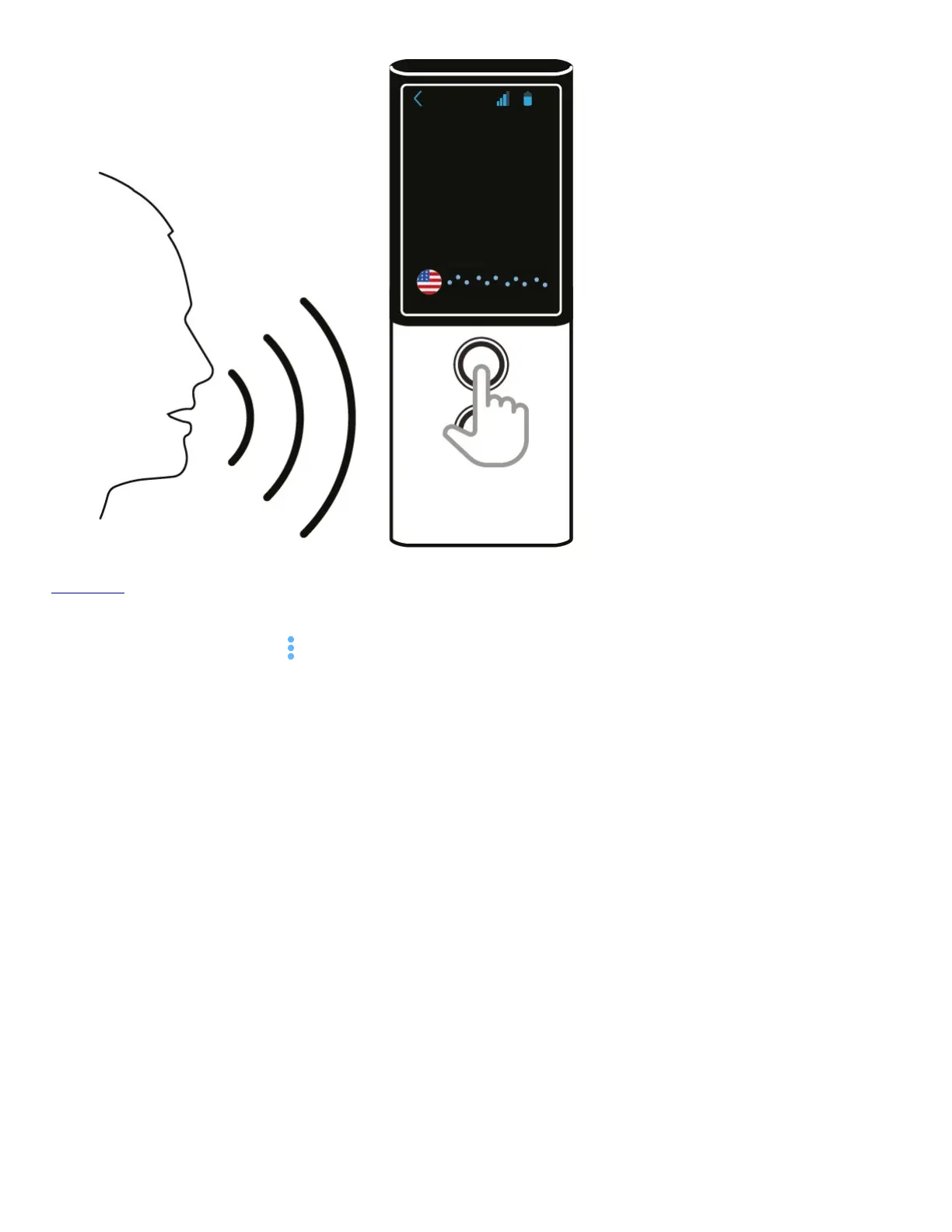
TranslaCall is used to translate phone calls.
Tap “TranslaCall” from the application menu to launch the application.
Set your language then set the language of the person at the other end of the phone and press OK.
In order to set your language tap the flag. The list of available languages is displayed.
Swipe up or down to find the language you need.
Tap the name of the language to activate it.
Follow the same steps in order to select the language of the person on the other end of the phone.


 To Next Page