5. Installing the X-ray Unit: Wall Mount Type
68 Green X / X18 (Model: PHT-75CHS) Installation Manual
To install a wall-mount X-ray unit:
1. Install a wall bracket according to 4.3 Installing the Wall and Column
Brackets.
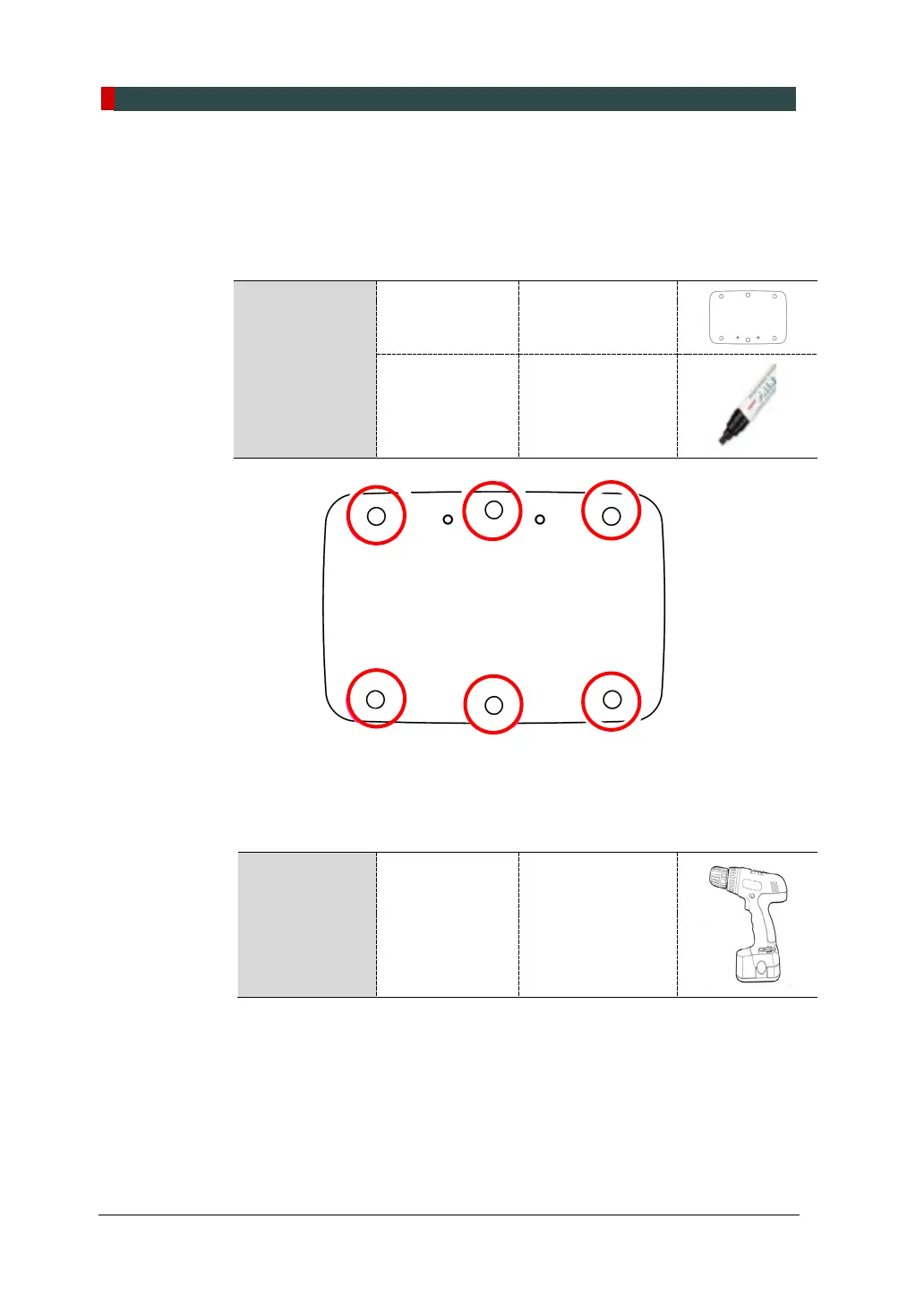
2. Draw six drilling marks on the floor along the plate holes.
Parts and
Accessory
Alignment Plate (Part No. 4)
Marker N/A
3. Drill holes following the mark made in step 2. Each hole must be 10.5 mm x
30 mm (0.41” x 1.18”) in size.
Required Tool Hammer Drill L = 200 mm (7.9”)



 To Next Page