5. Installing the X-ray Unit: Wall Mount Type
76 Green X / X18 (Model: PHT-75CHS) Installation Manual
5.7 Attaching the X-ray Unit to the Wall
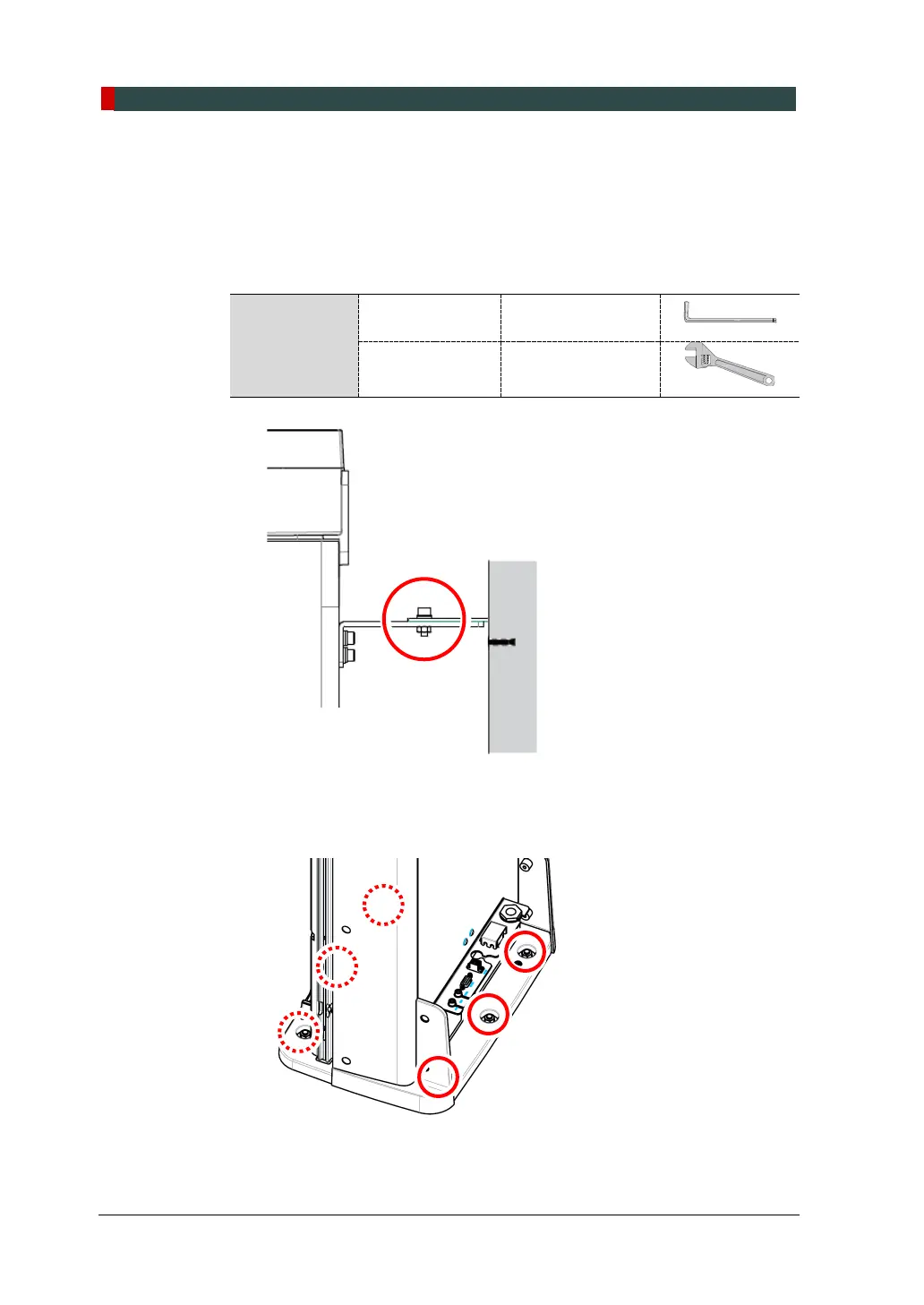
To attach the X-ray unit to the wall:
1. Attach the X-ray unit to the wall by connecting the wall and column brackets.
Ensure to tighten the bolts until they no longer move.
Required Tool
Allen Wrench 6 mm / 0.24”
Monkey Wrench N/A
2. Fix the column on the floor by tightening bolts and nuts.



 To Next Page