28/29
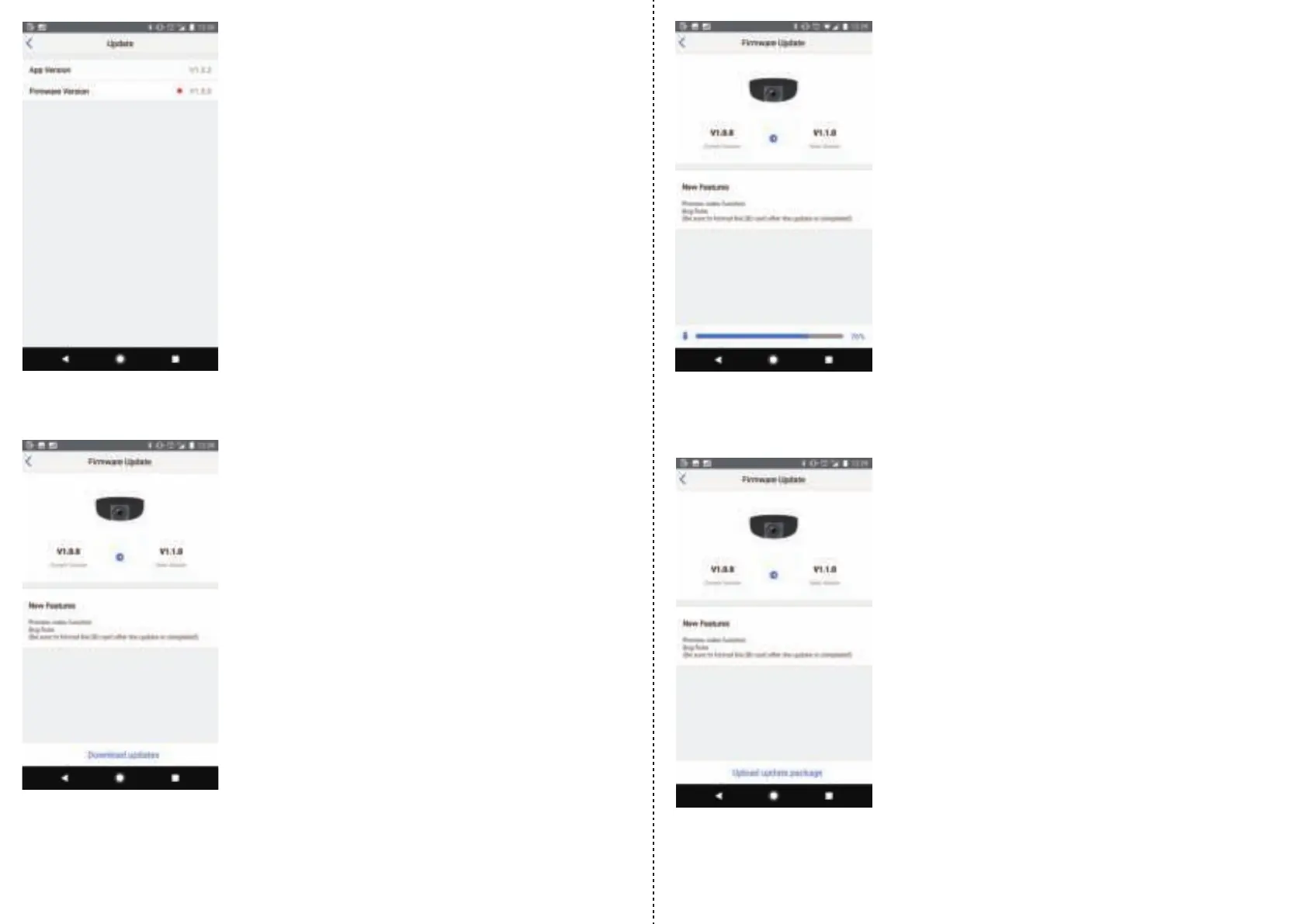
If an update is available, a red dot will appear.
Switch back to the VAVA Dash App and download the firmware package.
With the app running in background, go back to the Wi-Fi settings for your mobile device.
Reconnect to your home Wi-Fi network. If your device doesn’t allow you to do this, toggle the
Wi-Fi off and then on again to connect to your home Wi-Fi network.
Tap on update, or on the firmware version if you had to go through app settings, to bring up
the download page.
Download progress
Once connected to the dash cam, switch back to the VAVA Dash app and select “Upload Package”.
Upload option after completing download
After the download is complete, go back into Wi-Fi settings of your mobile device
(while keeping the VAVA Dash App running in the background) and connect to the dash cam
via Wi-Fi.


 To Next Page
 Loading...