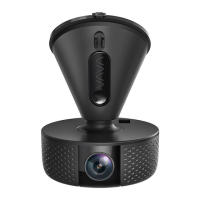
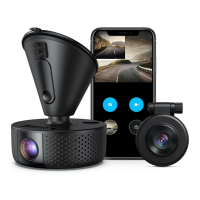
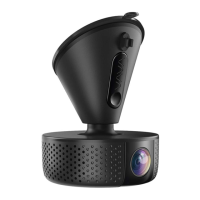
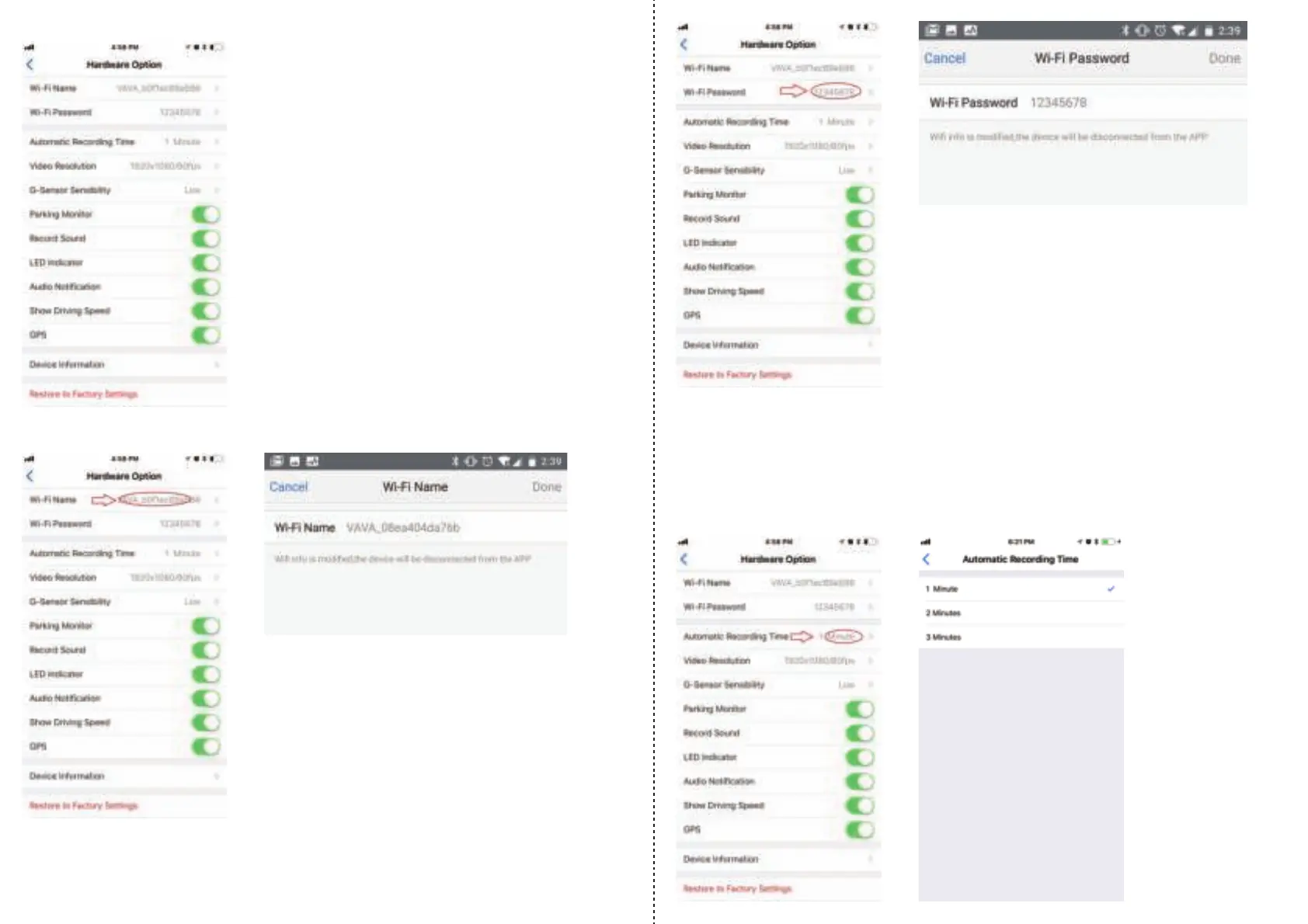
This will bring you to the hardware settings page for the VAVA Dash Cam.
To change the Wi-Fi name of the dash cam, tap on the listed name to edit the current
Wi-Fi name.
· Please note that you will be disconnected from the app and the dash cam’s network,
and will need to reconnect after changing the Wi-Fi name.
· The current Wi-Fi password will also be shown in the hardware settings menu.
Tap on the current password setting to edit your dash cam’s Wi-Fi password.
· Please note that changing the password will also disconnect you from the app and the
dash cam’s Wi-Fi network.
· We suggest writing down your new password if you create a complex password.
You will now connect to your dash cam using the new password.
Recording loop can also be adjusted through these settings. You can select between 1 min,
2 min, and 3 min for the automatic loop recording. When the SD card is 70% full, the dash
cam will start loop recording automatically.
2-2. Automatic Recording Time
02/03


 To Next Page
 Loading...