“True Wireless”True Wireless;
“True Wireless”True Wireless
Note:True Wireless Connection can be used in 2 VAVA
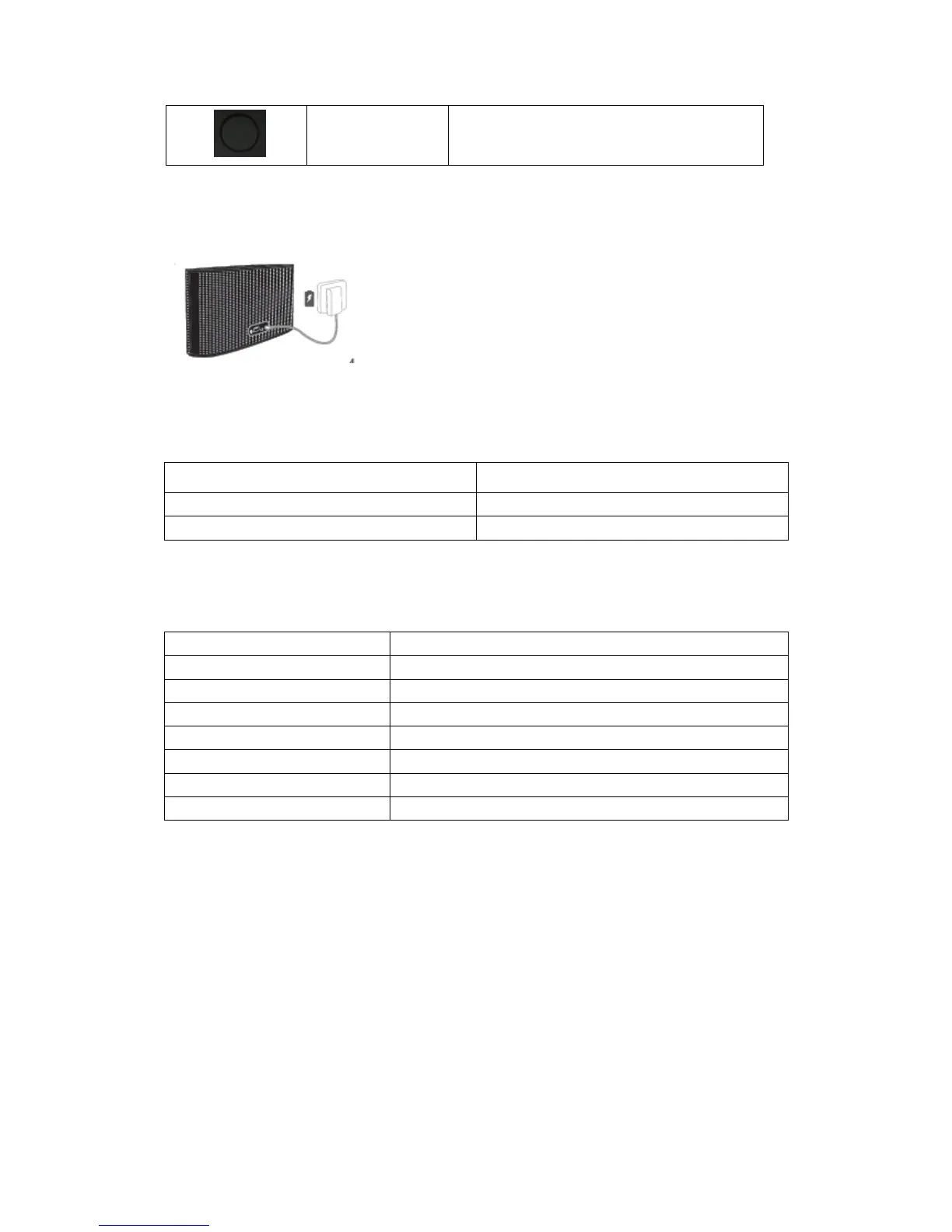
How to Charge
Via power adapter and the 18V DC charging port
LEDS
Note: When the battery level is low, the VAVA will start beeping.
LED Indicators
Bluetooth Indicator Solid
Successfully Paired in Bluetooth and TWS
Bluetooth Indicator Flashing
In Pairing mode of True Wireless
True Wireless Indicator Flashing
Successfully Paired in TWS(Master)
True Wireless Indicator Solid
Successfully Paired in TWS(Slave)
Charging Smartphones
You can charge your mobile phone by connecting it to the VAVA using the USB cable supplied
with your phone. Press the power button to start charging.



 To Next Page