Bluetooth Pairing
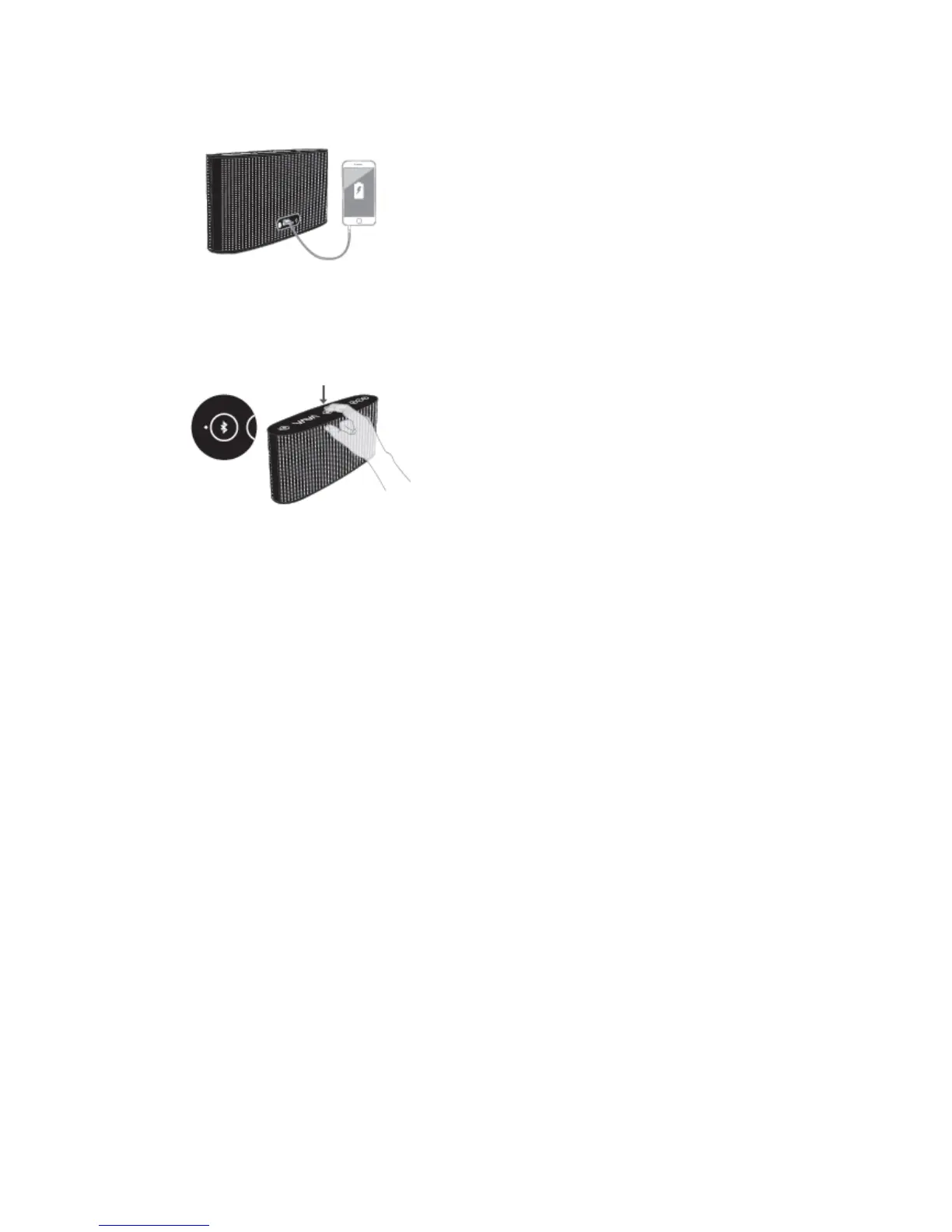
To pair with any Bluetooth device:
1. Power on the speaker by pressing and holding the power button for 2 seconds.
2. Wait for the Bluetooth indicator to start flashing.
3. Turn on the Bluetooth function from your device and search for nearby connections.
For iPhone: Settings > General > Bluetooth > On
For Android: Settings > Bluetooth > On > Scan for devices
4. Select VAVA from the search results and tap to connect.
5. The Bluetooth indicator will become white to indicate a successful connection.
6. If a pass code is required, please use “0000”.
True Wireless Connection
1、 Press True Wireless Button of 2 VAVA ;
2、 Wait for the True Wireless Indicator start flashing;
3、 There will be a voice promoted when connect successfully, and the True Wireless Indicator
will change;
4、 When the true wireless connects successfully, the Master device(True Wireless Indicator
Flashing) is Left channel, the Slave device(True Wireless Indicator Solid) is Right Channel
Note:
When the True Wireless connects successfully, you can only connect to the device via the
Master.
You need to connect the device again when the True Wireless connects successfully.



 To Next Page