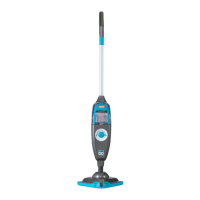
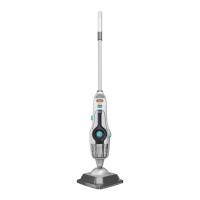
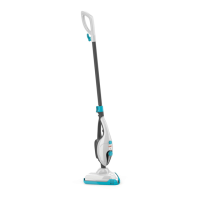
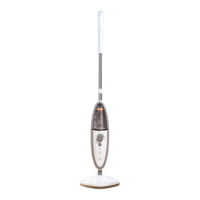
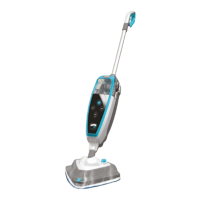
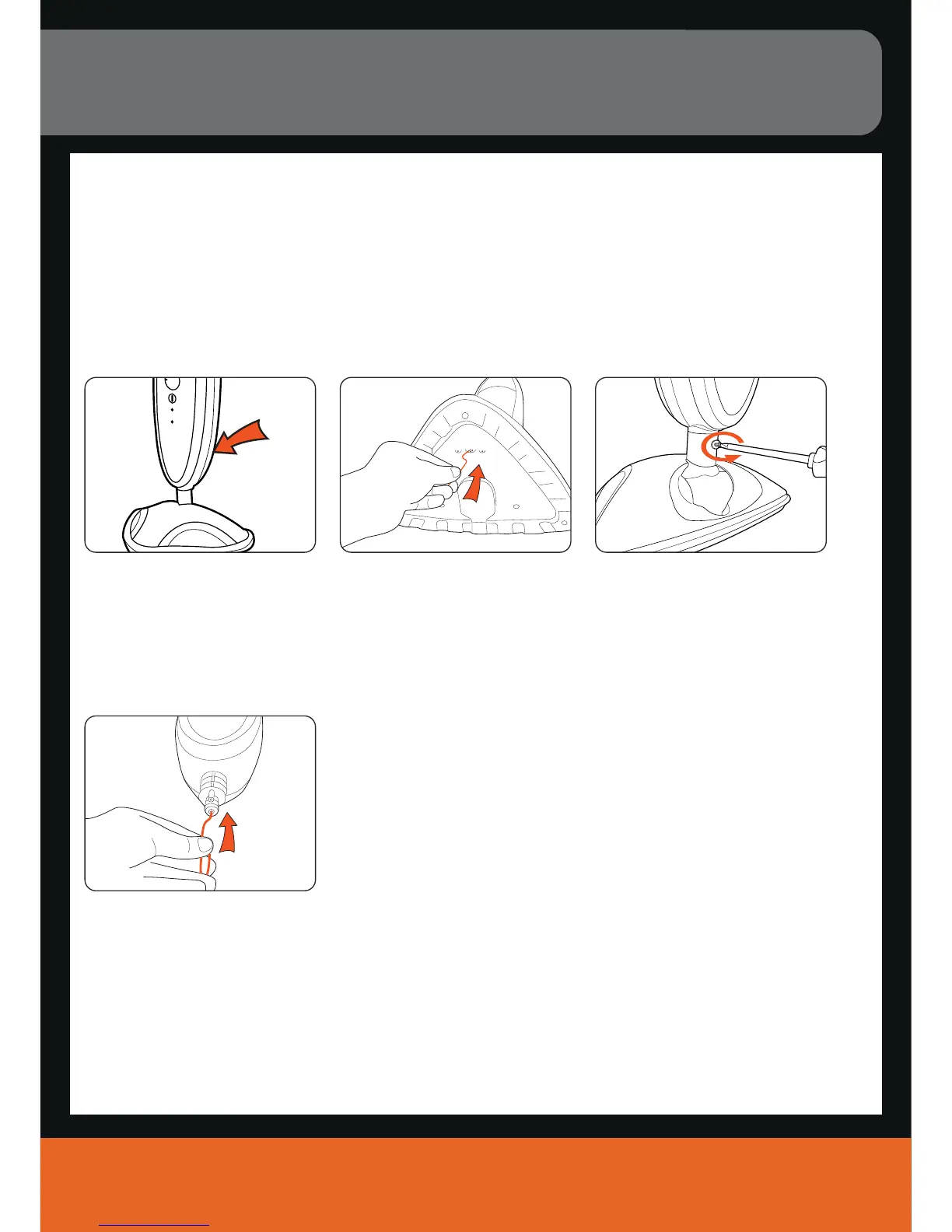
Steam exhaust vent. Remove microfibre pad and
inspect unit base for blockages.
If a blockage can be seen use a
small thin object such as a
paper-clip to try to free blockage.
Maintenance (Keep your Vax as good as new)
vax.co.uk
9
Clearing blockages
IMPORTANT: Turn unit off. Allow unit to fully cool down before performing maintenance or troubleshooting checks.
There is a small opening at the bottom of the trim that goes around the outside of the back of the unit.
This opening is a steam exhaust vent should the primary path become blocked. If steam starts to escape
from this vent you should:
If steam path is still blocked,
remove screw on floorhead
neck.
After floor head is removed,
using a thin object such as a
paper-clip (in the area shown),
attempt to remove the blockage.

 To Next Page
 Loading...