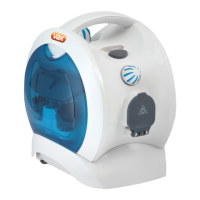
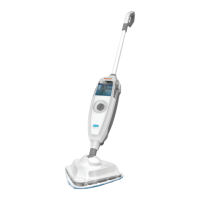
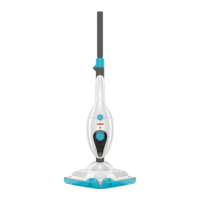
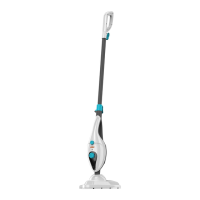
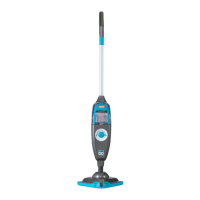
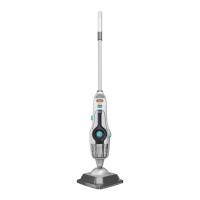
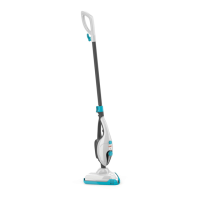
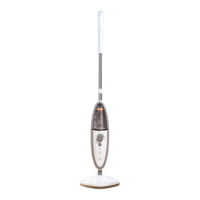
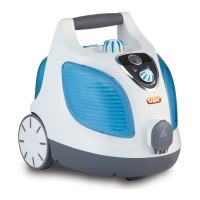
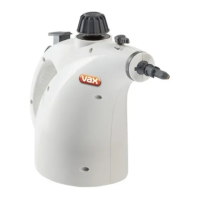
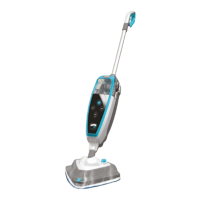
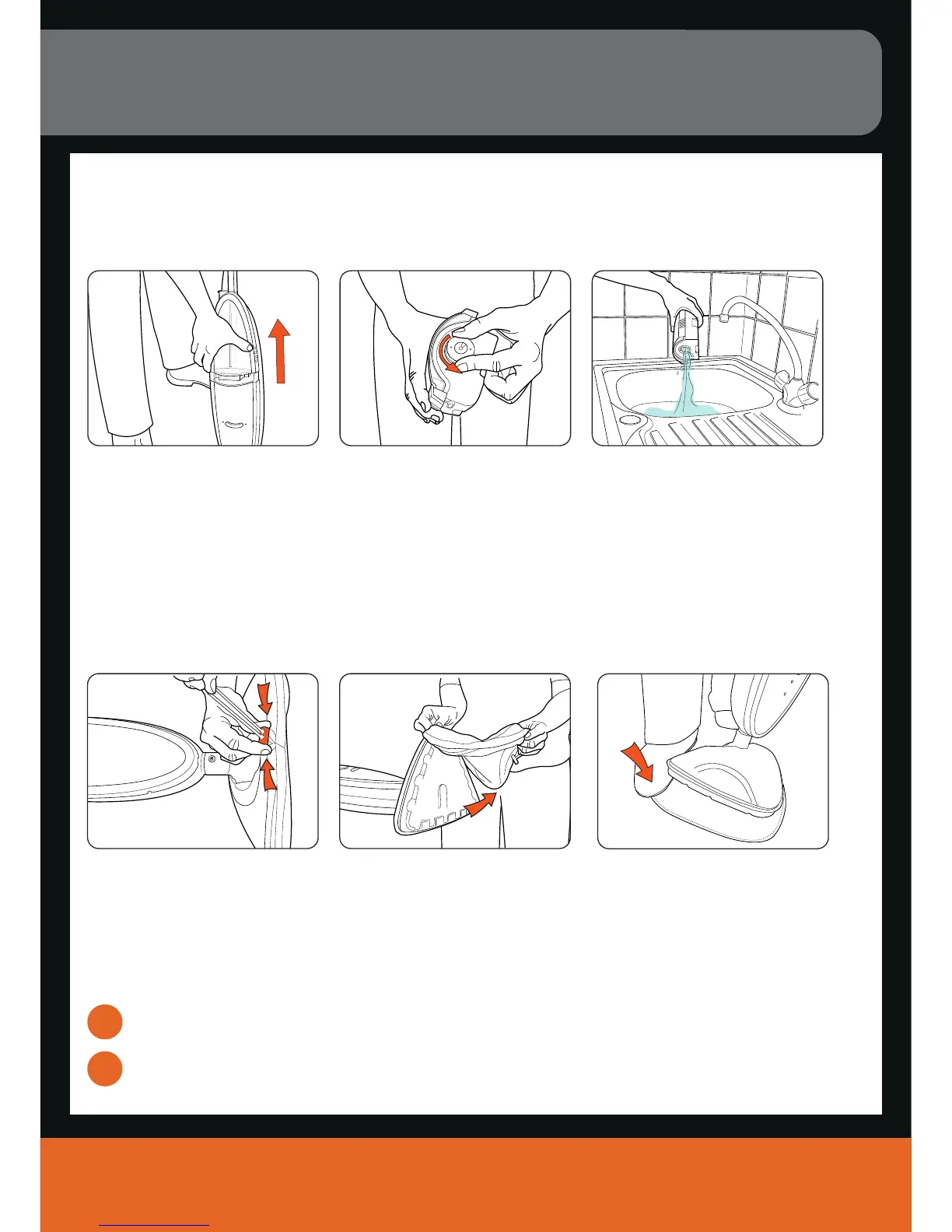
Empty the water tank
IMPORTANT: Allow the unit to fully cool down before performing any maintenance or troubleshooting checks.
Removing the cleaning pad
IMPORTANT: Allow the unit to fully cool down before performing any maintenance or troubleshooting checks.
Machine washable at warm temperature (max 40
o
c). Always use a mild detergent.
Allow to fully dry before use.
1
2
Maintenance (Keep your Vax as good as new)
Empty any excess water over the
sink, replace water cap and return
to the unit.
Remove the clean water tank. Twist the cap slightly
anti-clockwise to remove.
Cleaning the microfibre cleaning pad
IMPORTANT: Never use bleach or fabric softener when washing the microfibre cleaning pad.
vax.co.uk
7
Hold corner of pad down with foot
and peel unit away
Undo drawstring.
Remove microfibre cleaning pad.
Velcro microfibre cleaning pad
(dependant on model)
Microfibre cleaning pad
(dependant on model)


 To Next Page
 Loading...