EasyManua.ls Logo

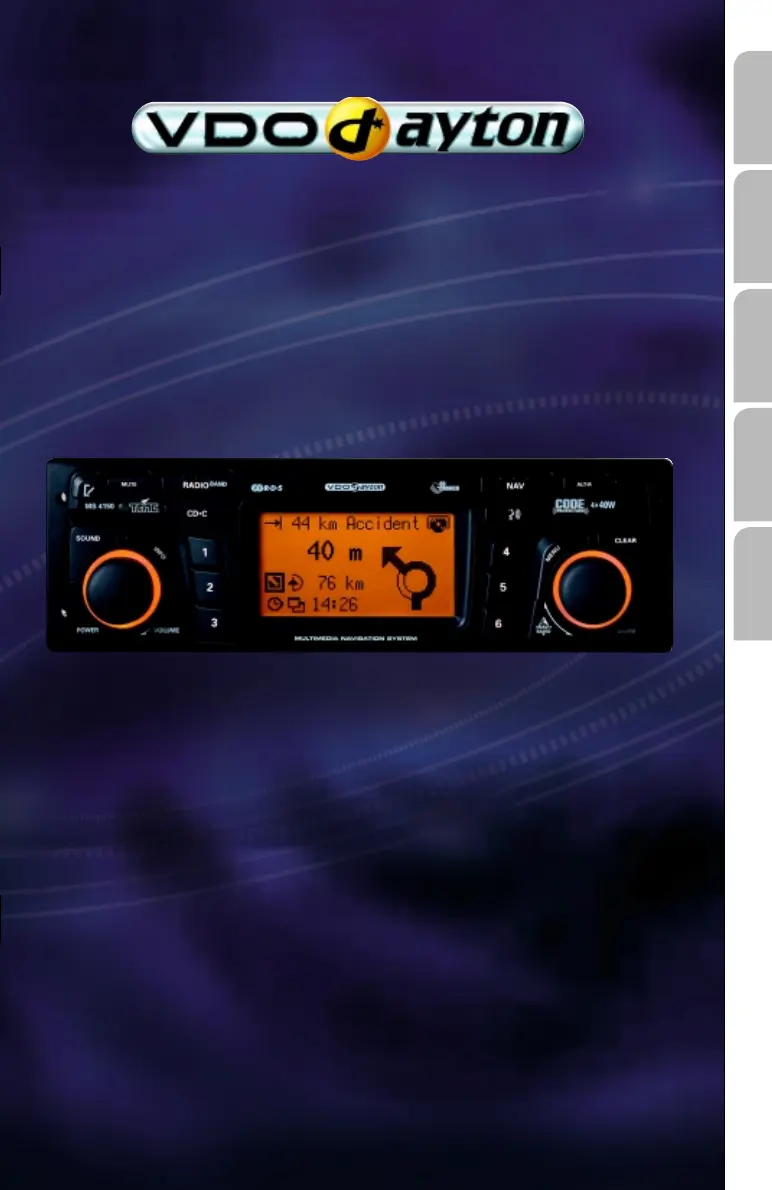
VDO MS 4150 RS - User Manual

VDO MS 4150 RS
69 pages
Print Icon
To Next Page IconTo Next Page
Loading...
MS 4150 RS
Owner’s manual and mounting instruction
Mode d’emploi et manuel d’installation
Bedienungs- und Einbauanleitung
Gebruiksaanwijzing en inbouwhandleiding
Istruzioni d’uso e d’installazione
www.vdodayton.com
English
Français
Deutsch
Nederlands
Italiano

Other manuals for VDO MS 4150 RS

Questions and Answers

  • M
    Michael BaileySep 14, 2025
    What does it mean if the egg timer appears and the CD cannot be ejected from my VDO Car Receiver?
    • L
      Larry PrattSep 14, 2025
      Disconnect the power supply from the unit for at least one minute, then reconnect it. If this doesn't work, return the unit to the Service department.
  • E
    Emily VegaAug 25, 2025
    What does it mean when my VDO MS 4150 RS Car Receiver displays 'Please insert correct CD'?
    • S
      Steven OconnorAug 25, 2025
      Check that you have inserted a map CD which contains C-IQ data. Map CDs without C-IQ will not be accepted by the system.
  • C
    Christopher SmithAug 26, 2025
    What does it mean when my VDO MS 4150 RS displays 'Please insert map CD'?
    • S
      Sheila MclaughlinAug 26, 2025
      The map CD is required for some functions in navigation mode and for route planning. Insert the C-IQ map CD into the radio CD drive with the label facing upwards.
  • J
    Jeffery HicksAug 26, 2025
    What to do if my VDO MS 4150 RS Car Receiver displays 'Temperature too high' and lowers the volume?
    • M
      Mrs. Tiffany GoodwinAug 27, 2025
      The unit has an integrated safety circuit that prevents the temperature inside from exceeding a certain value. Allow the VDO Car Receiver to cool down by setting a lower volume and wait until the 'Temperature too high' message disappears from the display.
  • H
    harmonjoyceSep 14, 2025
    Why is my VDO MS 4150 RS not detecting my telephone?
    • D
      Daniel LynchSep 15, 2025
      Call up the initialisation menu, select “Telephone ON” and select “12 V” for Nokia hands-free units.
  • C
    Cassandra DeleonSep 23, 2025
    Why does the displayed position of my VDO Car Receiver not correspond to the actual vehicle position?
    • A
      Ashley RiceSep 23, 2025
      This may be due to bad GPS reception for an extended period, possibly due to poor reception conditions. If necessary, wait a few minutes.
  • C
    Christina SavageSep 7, 2025
    Why is there distorted sound or skipping during CD play on my VDO MS 4150 RS Car Receiver?
    • T
      Taylor McguireSep 7, 2025
      The CD may be damaged or soiled.
  • A
    acarterSep 8, 2025
    Why is guidance not accurate on my VDO MS 4150 RS?
    • B
      Bethany RodriguezSep 8, 2025
      An inaccuracy of approximately 30 m is within the tolerance limits. Please contact your authorized dealer if greater inaccuracies frequently occur.
  • A
    avilajoshuaSep 23, 2025
    Why does my VDO MS 4150 RS Car Receiver display 'Please insert correct CD'?
    • G
      Grant ThompsonSep 23, 2025
      Check that you have inserted a map CD which contains C-IQ data. Map CDs without C-IQ will not be accepted by the system.
  • R
    rcarlsonAug 31, 2025
    What to do if my VDO MS 4150 RS Car Receiver is not functioning or is not suitable for VW/Audi vehicles?
    • H
      howardgonzalezAug 31, 2025
      The power supply connector pin assignment for VW and Audi is not the same. Use the VDO Dayton MA1910 adapter for the connection.

Summary

Installation Instructions

Safety Precautions for Installation

Key safety guidelines and precautions to observe before and during installation.

Vehicle Connection Methods

Details on connecting the unit to vehicles with standard ISO connectors and those without.

GPS Antenna and Bracket Mounting

Guidance on installing the GPS antenna and mounting the radio bracket.

Initial Operation and System Setup

Steps for first-time operation, including settings and checks.

General Information and Safety

Crucial Safety Warnings

Essential safety advice for using the navigation radio, emphasizing driver responsibility.

System Operation and Settings

Navigation System

Main Control Interface

Overview of the primary navigation screen and its available functions.

Guidance Screen and Features

Explanation of the visual cues and information presented during active navigation.

Traffic Information and Dynamic Guidance

Utilizing TMC data for real-time traffic updates and dynamic route adjustments.

Troubleshooting Guide

General System Issues

Common problems with the radio, display, and power, with potential solutions.

Radio and Audio Issues

Troubleshooting reception, station display, and sound problems.

Navigation System Problems

Addressing issues with map display, calculation time, GPS reception, and guidance accuracy.

VDO MS 4150 RS Specifications

General IconGeneral
BrandVDO
ModelMS 4150 RS
CategoryCar Receiver
LanguageEnglish

Related product manuals