

 To Next Page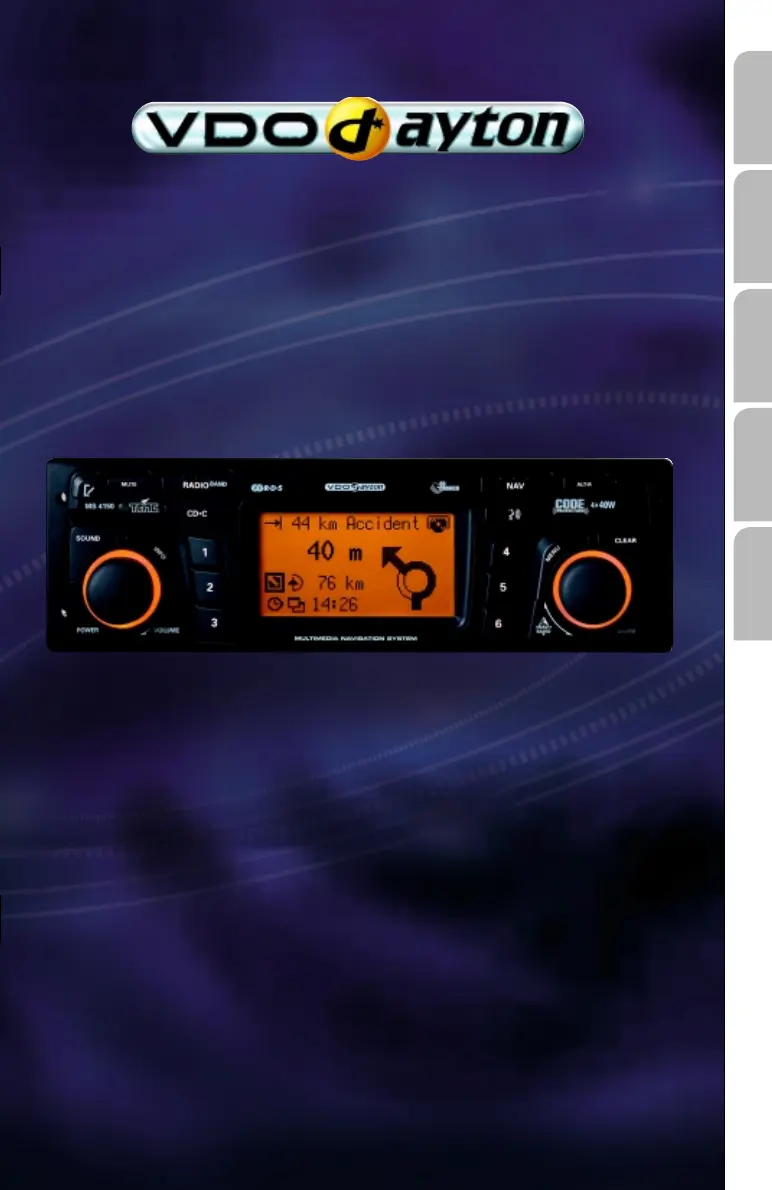

A
Andre ColemanSep 2, 2025
What to do if my VDO Car Receiver navigation radio is not functioning and there is no display?
- DDouglas ThomasSep 2, 2025
Check the fuse (unit and vehicle) and the connections (refer to the installation instructions).

What to do if my VDO Car Receiver navigation radio is not functioning and there is no display?
Check the fuse (unit and vehicle) and the connections (refer to the installation instructions).
What does it mean if the egg timer appears and the CD cannot be ejected from my VDO Car Receiver?
Disconnect the power supply from the unit for at least one minute, then reconnect it. If this doesn't work, return the unit to the Service department.
What to do if my VDO MS 4150 RS Car Receiver is not functioning or is not suitable for VW/Audi vehicles?
The power supply connector pin assignment for VW and Audi is not the same. Use the VDO Dayton MA1910 adapter for the connection.
Why is 'Stand-by' the only option selectable from the main menu of my VDO Car Receiver?
Wait for several seconds until the navigation computer is operational. The options will be displayed in normal font.
Why is my VDO MS 4150 RS system reacting slowly or taking a long time for calculation?
You are in a very densely digitised area, and the system requires more time to read large data quantities.
Why does the displayed position of my VDO Car Receiver not correspond to the actual vehicle position?
This may be due to bad GPS reception for an extended period, possibly due to poor reception conditions. If necessary, wait a few minutes.
Why is the estimated time of arrival incorrect on my VDO MS 4150 RS Car Receiver guidance screen?
Check the time zone in the “INITIALISATION - CLOCK SETTINGS” menu, especially if the GPS clock is set.
Why does my VDO MS 4150 RS system switch off the sound during driving or display 'PHONE IN/MUTE'?
This issue occurs when the speedometer signal is connected to the wrong pin of the power supply connector. Refer to the installation instructions for the correct pin setting in ISO chamber A.
What to do if my VDO MS 4150 RS Car Receiver displays 'Temperature too high' and lowers the volume?
The unit has an integrated safety circuit that prevents the temperature inside from exceeding a certain value. Allow the VDO Car Receiver to cool down by setting a lower volume and wait until the 'Temperature too high' message disappears from the display.
What does it mean when my VDO MS 4150 RS displays 'Please insert map CD'?
The map CD is required for some functions in navigation mode and for route planning. Insert the C-IQ map CD into the radio CD drive with the label facing upwards.
Key safety guidelines and precautions to observe before and during installation.
Details on connecting the unit to vehicles with standard ISO connectors and those without.
Guidance on installing the GPS antenna and mounting the radio bracket.
Steps for first-time operation, including settings and checks.
Essential safety advice for using the navigation radio, emphasizing driver responsibility.
Overview of the primary navigation screen and its available functions.
Explanation of the visual cues and information presented during active navigation.
Utilizing TMC data for real-time traffic updates and dynamic route adjustments.
Common problems with the radio, display, and power, with potential solutions.
Troubleshooting reception, station display, and sound problems.
Addressing issues with map display, calculation time, GPS reception, and guidance accuracy.
 General
| Brand | VDO |
|---|---|
| Model | MS 4150 RS |
| Category | Car Receiver |
| Language | English |











