EasyManua.ls Logo

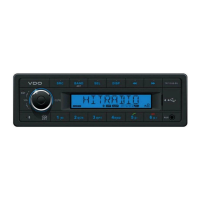
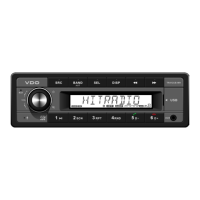
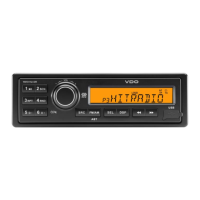
VDO TR 7311U-OR - User Manual

VDO TR 7311U-OR
10 pages
Print Icon
To Next Page IconTo Next Page
Loading...
www.vdo.com
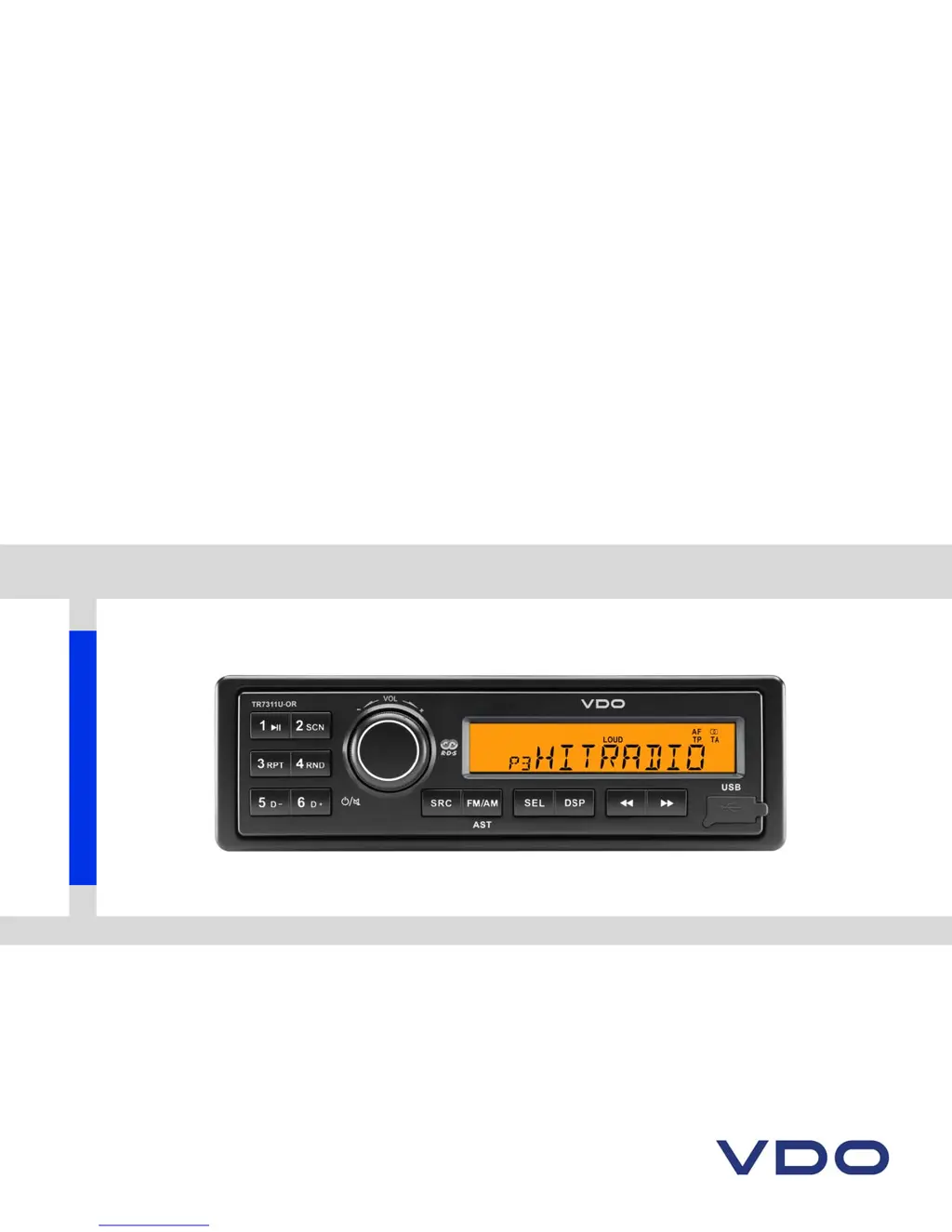
TR7311U-OR RDS / MP3-USB
TUNER (12 Volt)
OWNER'S MANUAL

Other manuals for VDO TR 7311U-OR

Questions and Answers

  • T
    tinariosJul 30, 2025
    What to do if my VDO Car Receiver has no sound?
    • A
      Andrew ReynoldsJul 30, 2025
      If your VDO Car Receiver has no sound, check if the volume is set to the minimum or if the mute function is activated. Adjust the volume or switch the mute function off to restore the sound.
  • F
    forddawnAug 4, 2025
    Why VDO Car Receiver unable to receive stations?
    • J
      Jesse RoblesAug 4, 2025
      If your VDO Car Receiver is unable to receive stations, the antenna might not be connected properly. Make sure to connect the antenna correctly.
  • J
    James DavidsonAug 9, 2025
    Why VDO TR 7311U-OR Car Receiver has poor quality reception of radio station?
    • D
      David GreenAug 9, 2025
      Poor radio station reception on your VDO Car Receiver could be due to the antenna not being fully extended or being broken. Fully extend the antenna, and if it's broken, replace it with a new one.
  • P
    Pamela WhiteAug 13, 2025
    Why VDO Car Receiver won't switch on?
    • A
      Ann PerryAug 14, 2025
      Your VDO Car Receiver might not switch on because the car ignition isn't on. Ensure your car key is turned in the ignition. Also, check the cable connection to make sure it's properly connected. Finally, a burnt fuse could be the culprit; replace it with a new fuse of the same capacity.
  • V
    vincentmurrayAug 25, 2025
    What to do if VDO TR 7311U-OR Car Receiver USB device cannot be read?
    • V
      vobrienAug 25, 2025
      If your VDO Car Receiver can't read the USB device, it might be due to the file system format. Verify that the file system is in FAT or FAT32 format, as NTFS is not supported.
  • A
    Anna TaylorSep 10, 2025
    Why VDO Car Receiver preset stations are lost?
    • K
      Kelly HallSep 12, 2025
      If your VDO Car Receiver is losing preset stations, the battery cable might not be properly connected. Ensure that the permanent live on the unit is connected to the permanent live on the vehicle.

Summary

Safety Information

Precautions

Important safety measures for installation and operation, including electrical system and fuse usage.

Caution

Warning against opening the unit or attempting self-repair; advises consulting a technician.

Before Operation

Guidelines for safe operation, including volume levels and performing complex operations.

Panel Controls

Troubleshooting

General Unit Issues

Solutions for problems like the unit not powering on or having no sound.

Radio Tuner Problems

Troubleshooting steps for poor reception, lost presets, and station reception issues.

USB Mode Issues

Solutions for problems inserting USB devices or the unit not reading them.

Electrical Connections

VDO TR 7311U-OR Specifications

General IconGeneral
TypeCar Receiver
ModelTR 7311U-OR
Resolution800 x 480 pixels
TouchscreenYes
USB PortYes
BluetoothYes
GPS NavigationNo
Supported Audio FormatsMP3, WMA
Rear View Camera InputYes
Steering Wheel ControlYes
Power Output4 x 50W
Aux InputYes
Radio TunerFM/AM
Supported Video FormatsAVI, MP4

Related product manuals