EasyManua.ls Logo

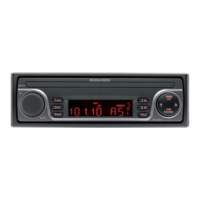
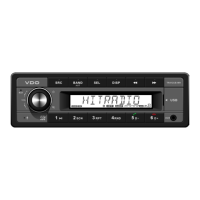
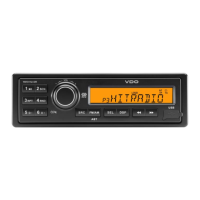
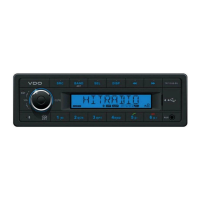
VDO TR712UB-BU - User Manual

VDO TR712UB-BU
20 pages
Print Icon
To Next Page IconTo Next Page
Loading...
www.vdo.com
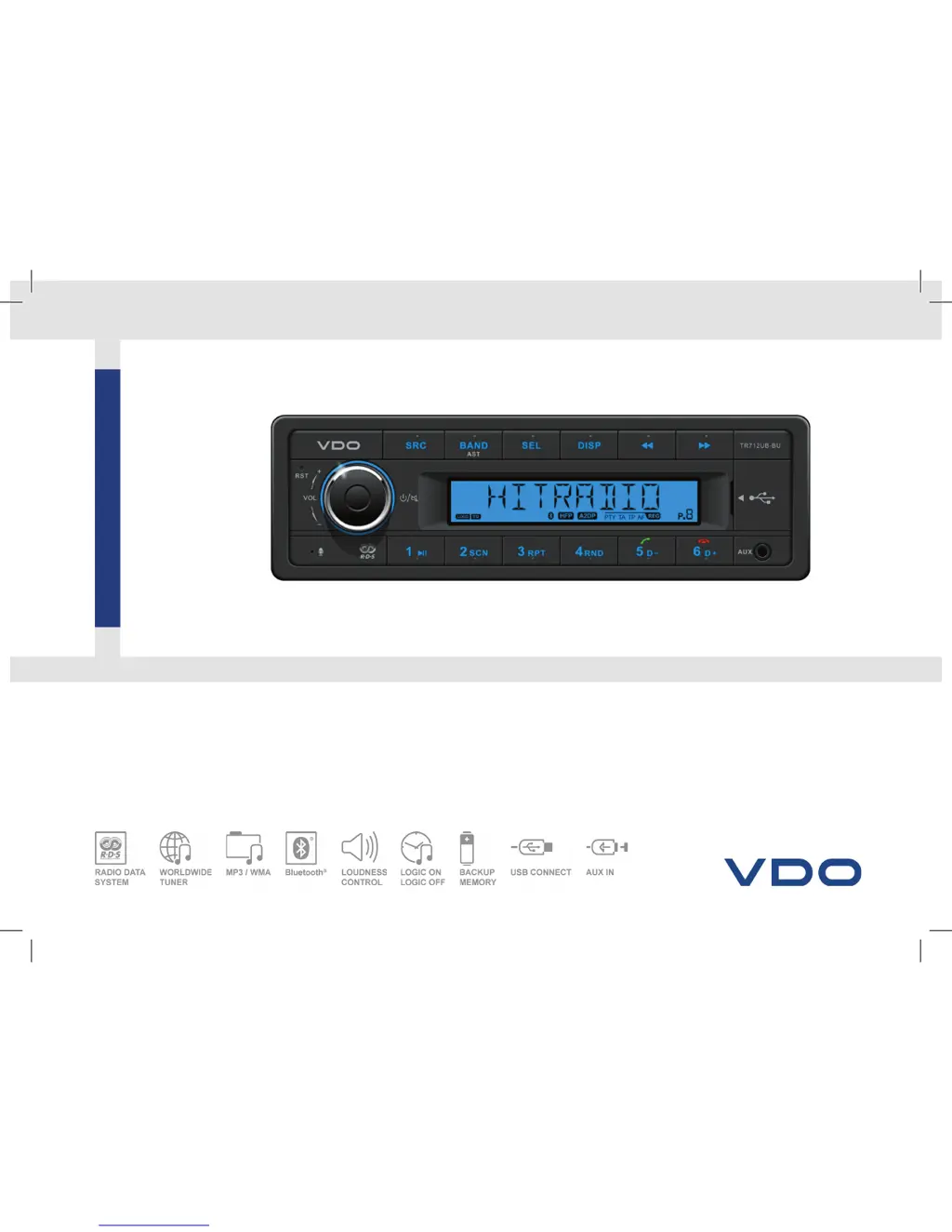
TR712UB-BU
RADIO / USB MP3 / WMA / Bluetooth
®
12V
OWNER’S MANUAL
VDO_TR712UB-BU_EN.indd 1 29/04/15 12:16

Questions and Answers

  • T
    Timothy GarzaAug 13, 2025
    What to do if my VDO TR712UB-BU Car Receiver has no sound?
    • R
      Ronald HallAug 13, 2025
      If your VDO Car Receiver has no sound, it might be because the volume is set at minimum or the mute function is on. Check the volume and switch the mute function off.
  • Q
    qkingAug 17, 2025
    Why is my VDO TR712UB-BU Car Receiver radio station reception poor?
    • M
      Mark SmithAug 17, 2025
      Poor quality reception of a radio station on your VDO Car Receiver may be caused by the antenna not being fully extended or broken. Fully extend the antenna, and if it is broken, replace it with a new one.
  • V
    Vincent WalshAug 20, 2025
    What to do if VDO TR712UB-BU is unable to receive stations?
    • C
      Christopher HicksAug 20, 2025
      If your VDO Car Receiver is unable to receive stations, the antenna is likely not connected properly. Connect the antenna properly.
  • T
    Tamara SuttonAug 25, 2025
    Why VDO TR712UB-BU won't switch on?
    • B
      brookelewisAug 25, 2025
      Your VDO Car Receiver might not be switching on due to several reasons: the car ignition might not be on, so turn your car key in the ignition; the cable might not be properly connected, so check the cable connection; or the fuse might be burnt, so replace the fuse with a new one of the same capacity.
  • J
    Jose JohnsonAug 28, 2025
    What to do if VDO TR712UB-BU Car Receiver unit or screen does not work normally?
    • R
      Regina MillerAug 28, 2025
      If the VDO Car Receiver unit or screen does not work normally, it may be because the unit system is unstable. Press the RESET button.
  • A
    Amanda CantrellSep 1, 2025
    Why VDO Car Receiver preset stations are lost?
    • L
      lauren31Sep 1, 2025
      If preset stations are lost on your VDO Car Receiver, the battery cable might not be properly connected. Connect the permanent live on the unit to the permanent live on the vehicle.
  • S
    Scott Carter Jr.Sep 4, 2025
    What to do if I am unable to insert USB device into VDO TR712UB-BU?
    • B
      brenda07Sep 4, 2025
      If you are unable to insert a USB device into your VDO Car Receiver, the USB device has likely been inserted the wrong way round. Insert it the other way around.
  • N
    Nathaniel ClarkSep 8, 2025
    Why VDO TR712UB-BU cannot read USB device?
    • F
      fporterSep 8, 2025
      If your VDO Car Receiver cannot read the USB device, the NTFS format is not supported. Check that the file system is in FAT or FAT32 format.

Summary

Safety Information

PRECAUTIONS

Important safety measures to follow before operating the unit.

BEFORE OPERATION

Guidelines for safe operation and usage.

Specifications

GENERAL

Technical details like power, output, weight, and dimensions.

FREQUENCY TABLE

Radio frequency ranges and channel spacing for different regions.

Panel Controls

Button Tips

System Setting Item List

Bluetooth Functions

Pairing

Steps to connect a smartphone via Bluetooth.

BT mode selecting

How to switch to and use Bluetooth modes.

Dialing

Instructions for making phone calls using the device.

Voice switch

How to switch audio between phone and device during calls.

HANG UP;ON

How to answer and end calls.

A2 DP mode

Controls for music playback via Bluetooth.

USB Function Summarization

Loading;Take out USB equipment

How to insert and remove USB devices.

USB functions (flash memory type)

Supported USB formats, capacities, and file types.

FCC STATEMENT

Electrical Connections

Troubleshooting

VDO TR712UB-BU Specifications

General IconGeneral
Display TypeTFT
BluetoothYes
USB Ports1
Audio Formats SupportedMP3, WMA
Power Output4 x 50W
Maximum output power200W
Front panel inputsUSB, AUX
EqualizerYes
ColorBlack
Display Size7 inch
Resolution800 x 480
TouchscreenYes
AUX InputYes
GPS NavigationNo
Rear View Camera InputYes
Radio TunerFM/AM
Media playbackUSB

Related product manuals