15. Setting DVI EDID
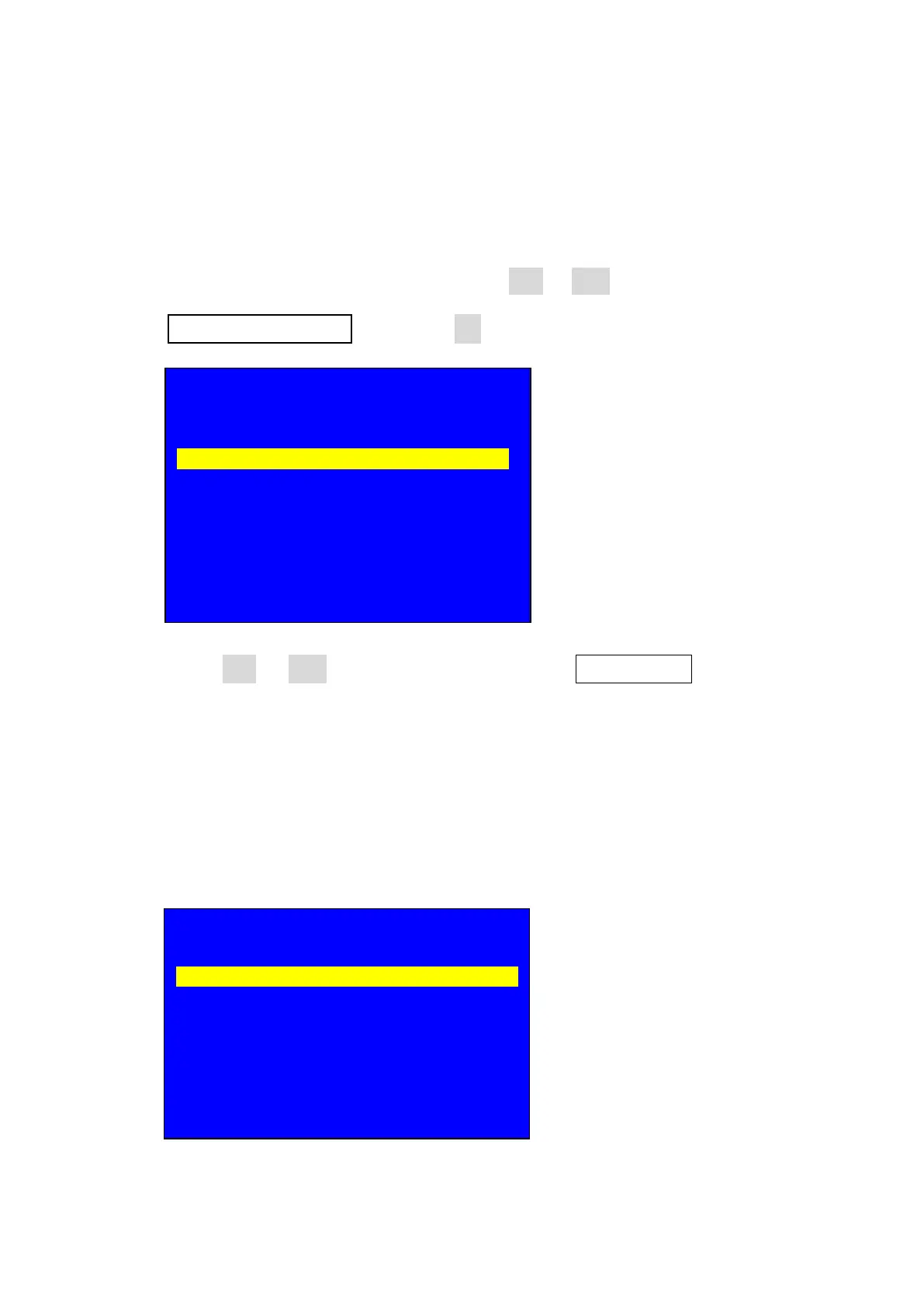
15.1. After entering user setup menu, press Brt- or Brt+ key to select setup option
2. Input Video Signal then press OK to enter input video signal setup;
15.2. press Brt- or Brt+ key to select setup option 2.1 DVI EDID, select the EDID
resolution you need( you also can custom the resolution, after setting the
DVI EDID resolution when PC graphic card open extended mode then
connect the cable to LVP615’s DVI input port, PC will output the DVI EDID
resolution, custom the resolution please refer custom output resolution );
Setup
--------------------------------------------------------------------
1. Output Image >>
2. Input Video Signal >>
3. Text Overlay >>
4. Color & Brightness, etc. >>
5. Audio >>
6. Communication >>
7. 语言主/ Language >>
8. Advanced >>
2. Input Video Signal
--------------------------------------------------------------------
2.1 DVI EDID 1920 X 896_60
2.2 V1 / V2 Backup Off
2.3 VGA1 / VGA2 Backup Off
2.4 HDMI / DVI Backup Off
2.5 V2 or YPbPr V2
2.6 Switch Mode One Key Sw.



 To Next Page