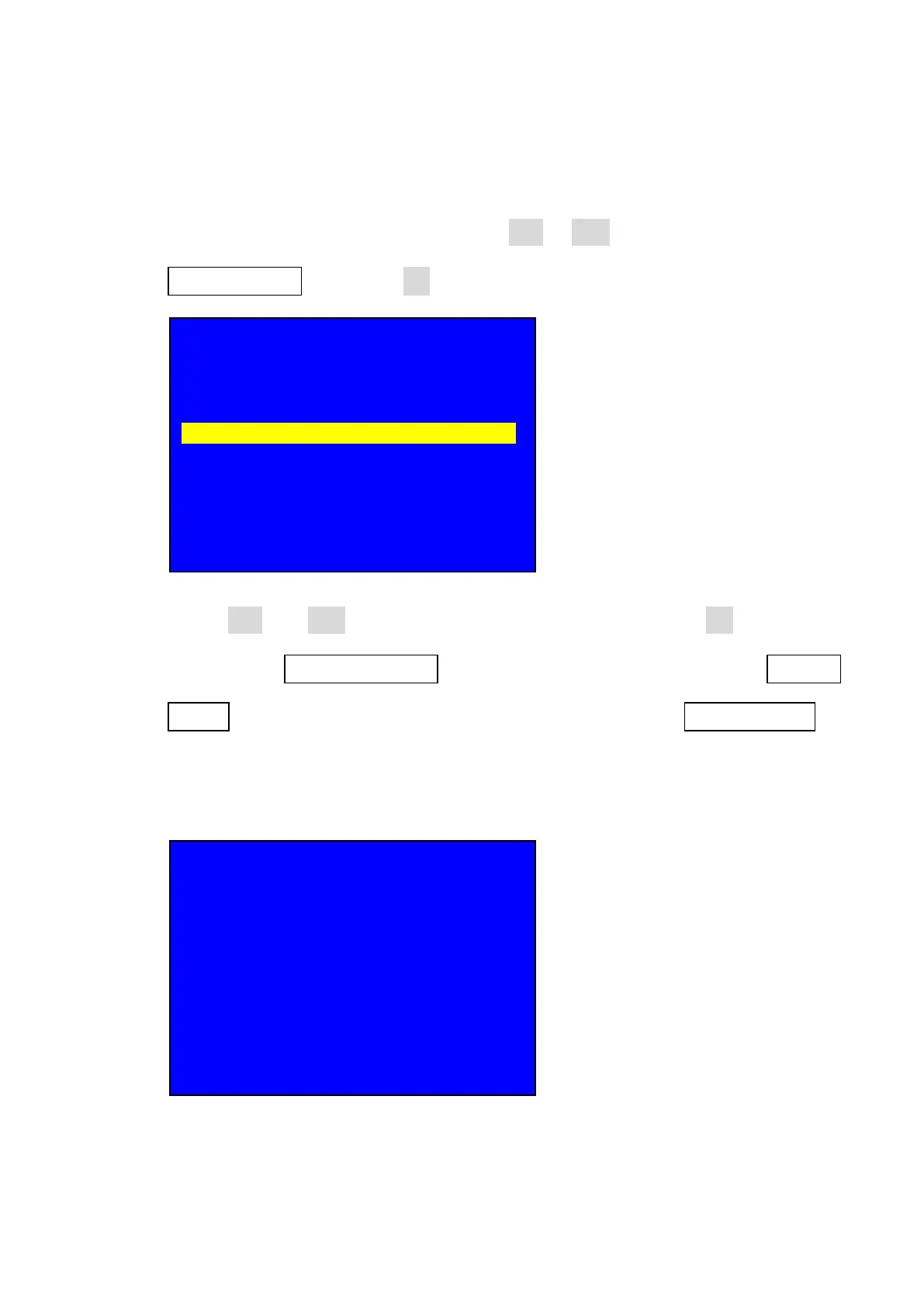
19. Setting HD text
19.1. After entering user setup menu, press Brt- or Brt+ key to select setup option
3. Text Overlay then press OK to enter text overlay setup;
19.2. press Brt- or Brt+ key to select setup option, rotate OK to change
parameters, 3.1 Text Overlay to open or Off HD text function, 3.2 Text
source to select the text source from which input port, 3.3 Text Mode to
select HD text Mode ( < threshold and >threshold) normally we use <
threshold mode );
19.3. There are two Text modes >Threshold and <Threshold, normally the Text
Setup
--------------------------------------------------------------------
1. Output Image >>
2. Input Video Signal >>
3. Text Overlay >>
4. Color & Brightness, etc. >>
5. Audio >>
6. Communication >>
7. 语言主/ Language >>
8. Advanced >>
3. Text Overlay
--------------------------------------------------------------------
3.1 Text Overlay Off
3.2 Text Source ?
3.3 Text Mode < Threshold
3.4 Threshold R 8
3.5 Threshold G 4
3.6 Threshold B 8



 To Next Page