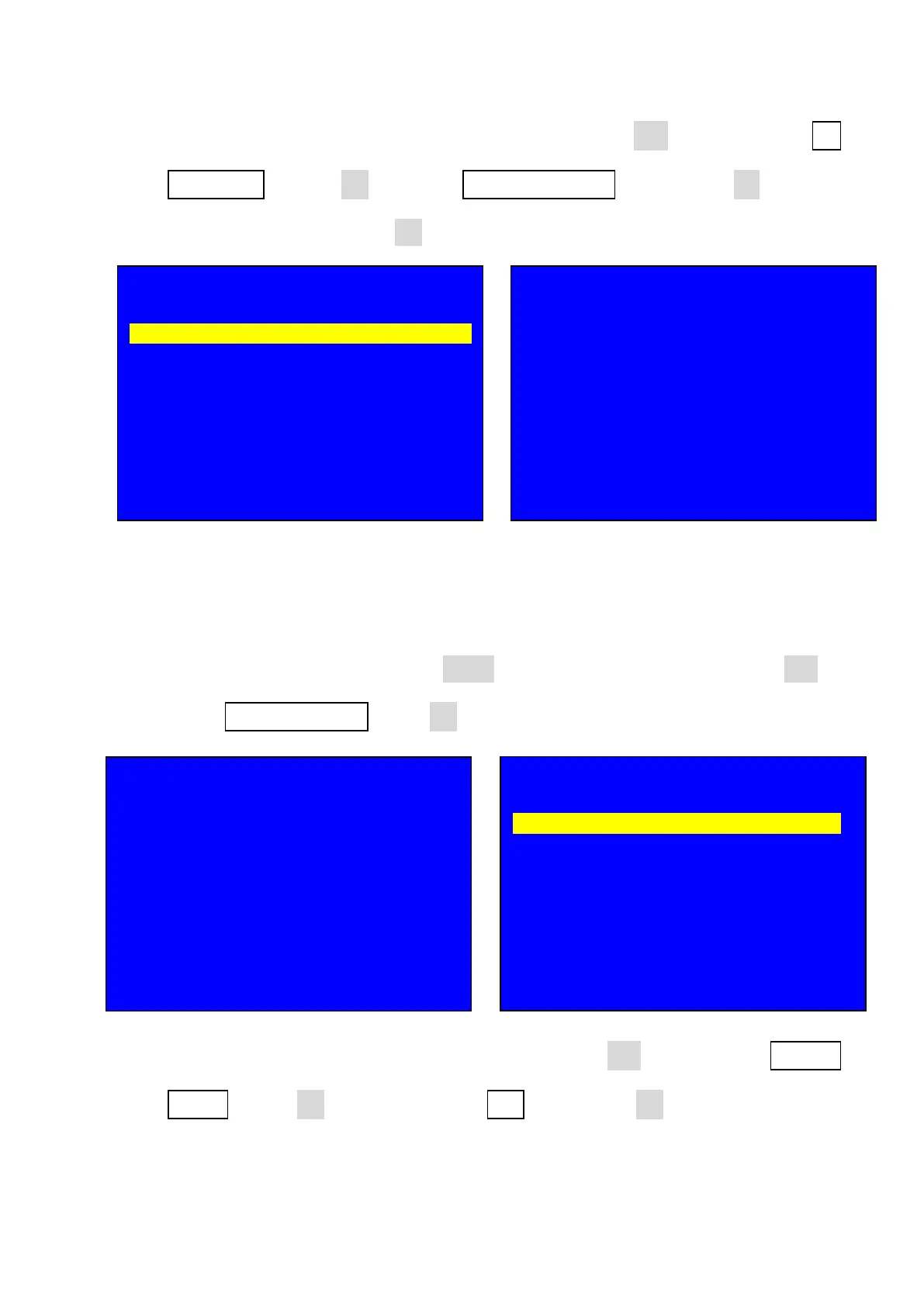
25.2. After entering output image setup menu, press Brt- key to select 1.2
Resolution, rotate OK to select 2048 x 1152_60, then press OK to enter
confirmation menu press OK to confirm;
Setting output parameter
25.3. After opening processor press Setup key to enter setup menu, press Brt- to
select 1.Output Image, press OK to enter output image setup;
25.4. After entering output image setup menu, press Brt- key to select 1.3 Out
Height, rotate OK to change it to be 512 , then press OK to confirm;
7. Output Image
--------------------------------------------------------------------
1.2 Resolution 2048 x 1152_60 ?
1.2 Out Width 1920
1.3 Out Height 1080
1.4 Out H_Start 0
1.5 Out V_Start 0
1.6 Test Pattern Off
Tips
--------------------------------------------------------------------
Data will reset
Press < OK > to reset
Press < OK > to reset
Input: HDMI
In Status: 1080p
--------------------------------------------------------------------
Output Size: 1920 x 1080
Output Start: ( 0, 0 )
--------------------------------------------------------------------
Switch Mode: One Key SW.
Switch Time: 0 Sec
Setup
--------------------------------------------------------------------
1. Output Image >>
2. Input Video Signal >>
3. Text Overlay >>
4. Color & Brightness, etc. >>
5. Audio >>
6. Communication >>
7. 语言主/ Language >>
8. Advanced >>



 To Next Page